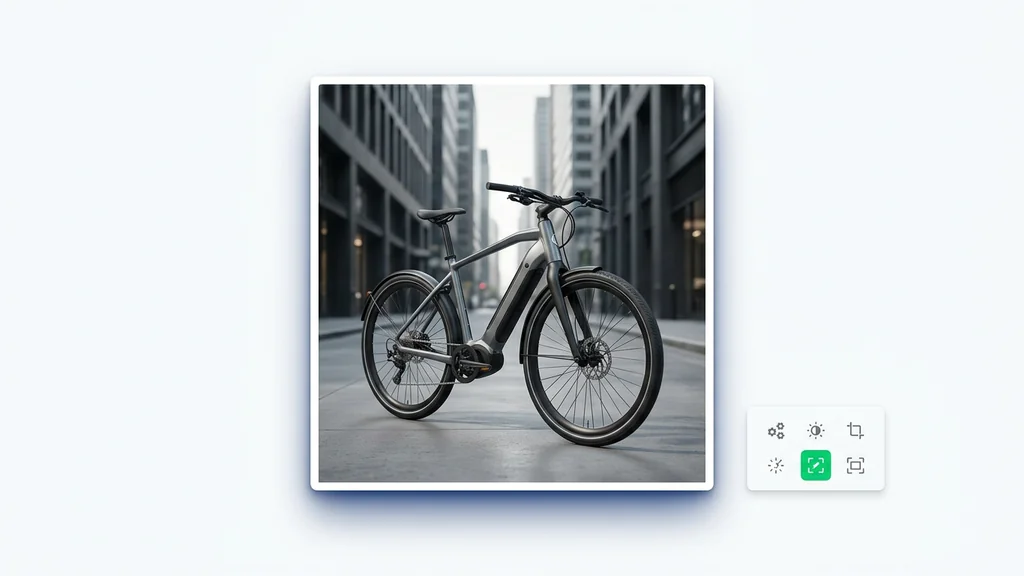
مولد صور بالذكاء الاصطناعي
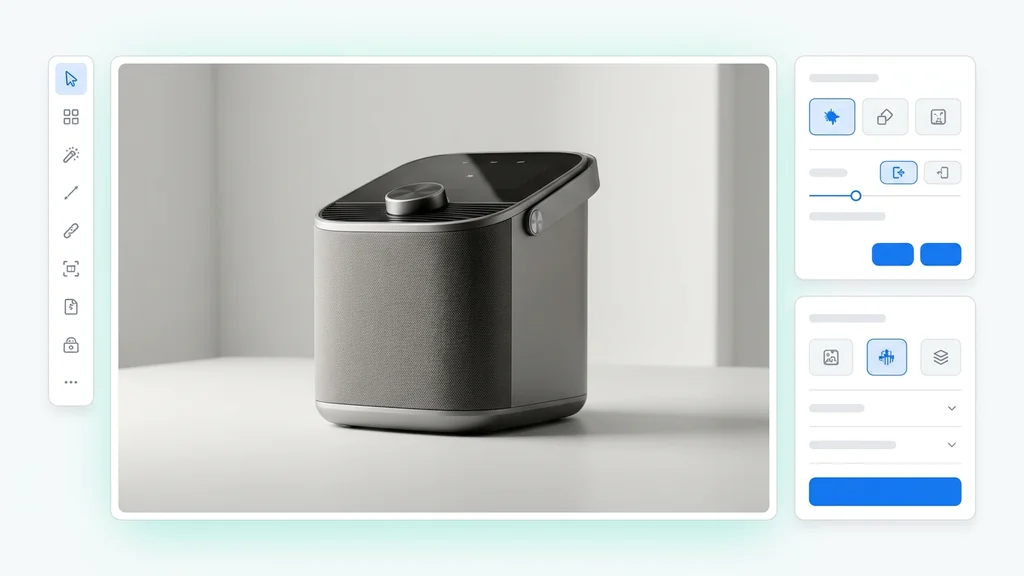
وجّه المشهد بطريقتك. أنشئ صورًا مرئية بزوايا وعمق وأسلوب مقصود
حمّل صورتك وأخبرنا بما تتخيل
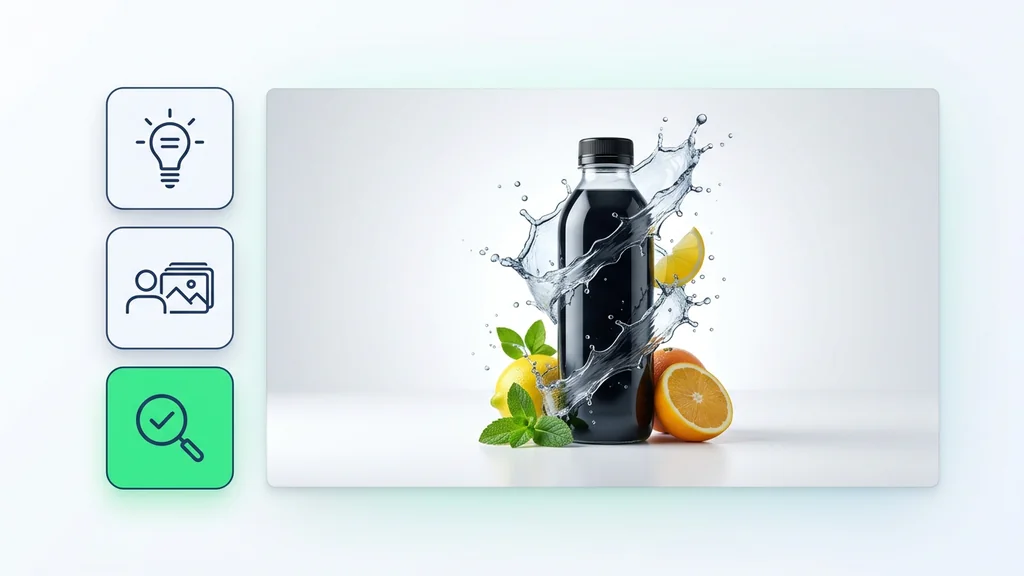
الجمع بين الاثنين يعطي أفضل النتائج
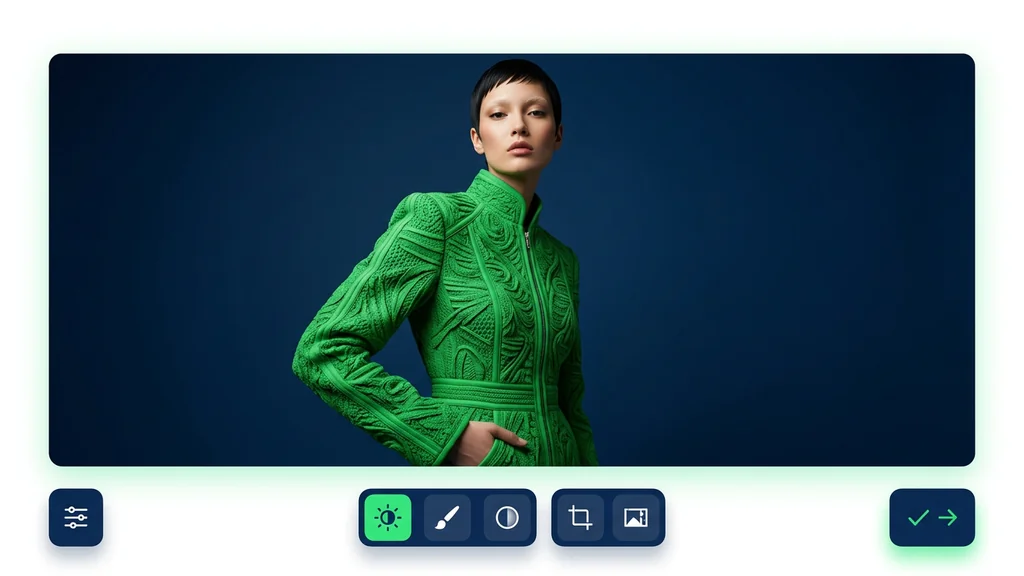
استمتع بصورتك التي أحياها الذكاء الاصطناعي
Seedream 4.0 AI Image Generator
Seedream 4.0 is ByteDance Seed's image model, and the official materials describe it as one system for both image generation and image editing. That is the most important thing to understand before you use it. Seedream is not only a text-to-image model for fast concept art. It is also meant for reference-based work, multi-image layouts, prompt-driven edits, and more structured visuals.
On Cleep, the most practical way to use Seedream is for jobs where you need control, not just style: product ads, brand kits, labeled graphics, comparison visuals, campaign variations, and image edits where the original composition still matters. This guide stays focused on that user problem. It is written to help you decide when to use Seedream, how to prompt it, and what to check before you export.
Use Seedream first when you need generation and editing in the same workflow, when references matter, or when the image needs text, structure, or multiple related assets.
Official pages consistently highlight generation plus editing, multi-image workflows, reference consistency, text rendering, adaptive aspect ratios, and output up to 4K. See the official Seedream 4.0 page, the launch post, and the Dreamina Seedream page.
What Seedream 4.0 does best
Seedream becomes interesting as soon as the job gets more specific than "make me a pretty image." The official Seed and Dreamina examples keep pointing to the same strengths: generation plus editing, multi-image composition, layout-aware visuals, readable text, and outputs that hold together across a set rather than only as one lucky frame.
That makes it especially useful for commercial and presentation work. If you need a brand system, a product family, a visual comparison, a poster with labels, or a polished asset you expect to revise, Seedream is a much better fit than a page that only promises quick AI art.
Generation and editing in one place
Good fit when you want a strong first pass and then a few precise edits instead of switching tools immediately.
Several related outputs
Useful for product families, campaign sets, packaging systems, and any series that should feel visually connected.
Reference-driven work
Worth testing when a subject, style, or layout anchor has to survive across variations and revisions.
Structured visuals
More relevant than a generic art model when the final image needs headings, labels, comparison columns, or presentation-ready layout.
Best use cases for Seedream
The official examples suggest that Seedream is at its best when the output needs structure or continuity. That includes product ads, brand kits, educational visuals, comparison layouts, and edited images where the original frame still matters. In those cases, a model that can generate and then revise is more useful than a model that only does first drafts.
It is also a good fit when you need several assets that should feel related. A campaign does not live or die on one hero image. Most teams need variations for paid social, landing pages, email headers, app store graphics, or slides. Seedream's multi-image and reference-based positioning makes it worth testing for that kind of work.
- Product ads and e-commerce visuals: useful when you need hero shots, packaging variations, or ad-ready scenes built around one product.
- Brand systems: strong candidate for visual kits where packaging, labels, merch, or campaign assets should feel connected.
- Posters and slides: better fit when the final image needs labels, headings, or a deliberate layout.
- Educational graphics: useful for diagrams, side-by-side comparisons, and explanation-first visuals.
- Edit-first workflows: good option when the job starts from an existing image and the goal is to revise, not to start over.
A simple workflow that gets better results
The biggest mistake on pages like this is treating the first generation as the final answer. Seedream is better used as a sequence: define the job, add the right inputs, generate a first pass, then edit with clear instructions. That is closer to how the official examples are framed, and it is also how you get more predictable outputs in real work.
If you approach the model this way, the prompt becomes less stressful. You do not need to force every detail into a single line. First get the scene, layout, or style moving in the right direction. Then use an edit prompt to tighten the result.
- Define the job: decide whether the image is for an ad, a diagram, a product page, a storyboard, or an edit of an existing asset.
- Control the inputs: add references, choose the orientation, and decide what absolutely must stay consistent.
- Generate the first pass: focus on subject, composition, and overall direction before worrying about every detail.
- Edit the result: use natural-language instructions to improve lighting, replace objects, add structure, or refine the mood.
- Check before export: confirm that the result matches the brief, the text is readable, and the crop works for the final channel.
Prompt formula that works better than a one-line prompt
For Seedream, a useful prompt is usually a short creative brief. Instead of stacking random style words, give the model six concrete things: what the image is for, what the main subject is, how the scene is composed, how it should feel, what text must be readable, and what format you need at the end.
This is especially important when the image has structure. A poster, comparison chart, product ad, or infographic needs clearer instructions than an open-ended art prompt.
Goal: premium skincare ad image.
Prompt: Create a premium skincare campaign image featuring a frosted glass serum bottle on pale stone, soft golden side lighting, subtle water droplets, clean negative space for headline copy, realistic reflections, editorial product photography, vertical format for paid social.
Goal: consistent brand kit from one logo.
Prompt: Using this logo as the anchor, generate a consistent outdoor sports brand kit with packaging, swing tags, cap graphics, wristbands, shopping bag, and lanyard. Main color is forest green, modern minimal style, clean materials, cohesive lighting, everything should feel like one brand family.
Goal: readable educational infographic.
Prompt: Create an educational infographic comparing solar, wind, and hydro power. Use a clean editorial layout with three labeled sections, readable headings, simple diagrams, arrows showing energy flow, balanced spacing, and a bright neutral background.
Goal: architectural comparison board.
Prompt: Build a side-by-side comparison showing a Gothic church on the left and a Baroque palace on the right, each with a short readable caption, clear difference in silhouette and ornamentation, balanced margins, presentation-ready layout.
Goal: storyboard-style sequence.
Prompt: Create six storyboard panels of a commuter unlocking a folding bike, entering a train, leaving the station, and arriving at work. Keep the same protagonist, clothing, and palette across all panels. Cinematic urban realism, continuous narrative feeling.
Editing prompts worth trying
Seedream becomes much more useful when you stop forcing every change into the first prompt. If the composition is already close, switch to a constrained editing instruction. The best edit prompts clearly separate what should change from what should stay fixed.
That matters because a vague edit prompt often causes drift. The model may improve one area while quietly changing the layout, product shape, or character identity. A good edit prompt protects the parts that already work.
| Editing goal | Prompt pattern | What to keep fixed |
|---|---|---|
| Relight a scene | Keep the room layout unchanged. Turn on the practical lights, keep the window view as blue hour, add warmer interior contrast, realistic result. | Perspective, furniture positions, and framing. |
| Replace the background | Keep the product unchanged. Replace the background with a soft neutral studio set, subtle shadow, premium commercial finish. | Product shape, label, and lighting direction. |
| Add readable structure | Turn this into a clean comparison poster with two labeled columns, visible headings, balanced margins, and clear separation between sections. | Main content and overall hierarchy. |
| Preserve identity but change context | Keep the same character identity and colors. Place the character as a collectible figurine on a desk with a matching gift box behind it, realistic studio light. | Face, palette, and recognizable design traits. |
When to use Seedream and when to compare another model
Not every page needs fake benchmark language. The most useful comparison is task-based. If your main need is reference consistency, structured visuals, prompt-driven edits, or a whole set of related assets, Seedream deserves to be one of the first models you test.
If the job is narrower, it helps to open one or two neighboring models in Cleep and compare with the same brief. That gives the user a real choice instead of one page pretending to solve every problem alone.
Start with Seedream
when you need several related assets, a cleaner layout, or a first version that you plan to refine with edit prompts.
Compare with Ideogram
when the job is heavily text-driven, poster-like, or centered on readable labeled layouts.
Compare with Imagen 4 Ultra
when the priority is high-resolution commercial polish and you want to pressure-test the same brief on another strong image model.
Compare with Kontext Pro
when the main job is controlled refinement of an existing image rather than building a fresh concept first.
Compare with Seedream 5
when you want to stay in the same model family but test a newer adjacent route for similar multi-image or campaign-style work.
Use the image model hub
when you are still exploring and want to place Seedream in the wider Cleep lineup before committing to one workflow.
What to check before you export
A polished image is not always a usable image. Before you export, check the result against the actual job. A product ad, a comparison slide, and a decorative mood image should not be judged by the same standard.
This is where many AI images fail in practice. They look impressive at first glance, but they drift away from the brief, lose reference fidelity, or hide small errors in text, crop, or structure.
- Does it match the brief? Pretty is not enough if the image solves the wrong problem.
- Is the text readable? If there are labels, headings, or formulas, check them closely.
- Did the model keep the reference? Review identity, product shape, palette, and layout anchors.
- Does the set feel consistent? If you made several images, they should feel like one family.
- Is the crop right for the destination? A landing page, ad slot, and presentation slide all need different framing.
What we verified for this guide
This page is based on primary materials, not on recycled affiliate claims. The core references are the official Seedream 4.0 page, the official launch post, the official Dreamina page, and the earlier Seedream 2.0 paper. I deliberately removed unsupported pricing claims, unverified platform-access claims, and fake first-hand statements. If we cannot support a claim, it should not be in the article.
Frequently Asked Questions About Seedream 4.0
What is Seedream 4.0?
Seedream 4.0 is ByteDance Seed's image model. Official materials present it as one system for both image generation and prompt-based image editing.
Who makes Seedream 4.0?
Seedream 4.0 is developed by the ByteDance Seed Team, and the official Seed website is the primary source for the model's capabilities and launch language.
Is Seedream only useful for first-pass generation?
No. One of its main selling points is that you can generate a first version and then refine it with language-based editing instead of switching to a separate tool immediately.
What kinds of jobs is Seedream best for?
It is especially useful for product ads, brand kits, comparison boards, educational visuals, reference-based variations, and other structured image workflows.
Why do people mention text rendering with Seedream?
Because the official materials specifically call out text rendering, labeled layouts, formulas, and chart-like visuals as areas where the model is strong.
Does Seedream support high-resolution output?
Yes. Official Seedream 4.0 materials mention adaptive aspect ratios and output up to 4K.
How should I compare Seedream with other image models on Cleep?
Compare by job, not by hype. If you need reference consistency, editing, structured visuals, or a set of related assets, Seedream is a good starting point. Then compare with Ideogram, Imagen 4 Ultra, Kontext Pro, or Seedream 5 depending on the task.
عرض ترويجي خاص
أنشئ صور وفيديوهات ذكية مذهلة باستخدام الأدوات الأساسية
فتح خطة الأساسية مقابل $1
التجديد التلقائي نشط عبر الإنترنت. سيكون العرض الترويجي متاحاً حتى تغير خطتك واستخدم ذكاؤنا الاصطناعي لإنشاء صور مذهلة. ينتهي العرض في 14 فبراير، وفتح فقط هذه الميزة تستحق الاهتمام خصم 90%
باختيارك عمرك والمتابعة فأنت توافق على شروط الاستخدام و سياسة الخصوصية
يرجى المراجعة قبل المتابعة