1Step 01
Upload Your Portrait
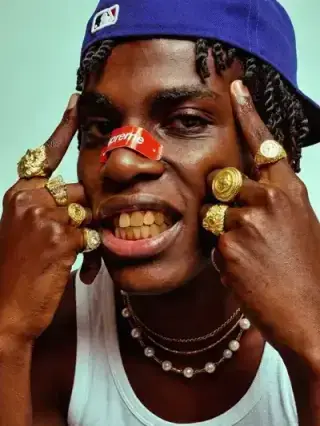
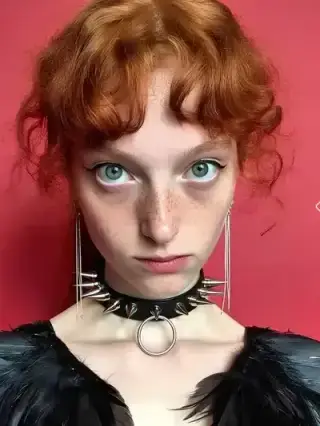
Choose a portrait you want to retouch. The AI detects skin, blemishes, and texture while protecting natural features.
Upload imagePNG · JPG

Smooth imperfections, brighten skin tones, and remove blemishes effortlessly for flawless portrait photos.
Your Photo
Upload your photo
Upload a portrait, smooth skin and remove blemishes, and export a flawless image — all inside Cleep.ai.
Choose a portrait you want to retouch. The AI detects skin, blemishes, and texture while protecting natural features.
Select the aspect ratio that fits where you'll use the image — square for posts, vertical for stories, or wide for banners.
Blemishes are removed and skin is smoothed in seconds, keeping a natural look. Download your portrait, ready to share.
The AI skin retouching tool in Cleep AI starts with a single portrait upload (JPG, PNG, or WebP). After processing, it outputs a retouched image that reduces visible blemishes and smooths uneven areas while aiming to keep facial detail intact. For teams working on a multi-photo set, an optional reference face can help keep the look consistent from frame to frame. When the preview matches expectations, the result can be downloaded as a finished image for delivery.

For headshots, the output helps reduce temporary blemishes and shine so the subject still looks like themselves in a professional setting. For eCommerce lifestyle photos, it can standardize skin appearance across models so a campaign looks cohesive. For creators and social teams, it supports faster iteration on portraits while keeping details like pores and fine lines from being over-smoothed. For agencies, it provides a repeatable step that can be applied across large batches of portraits with consistent expectations.

A reliable review step is to toggle between before/after and zoom in on high-detail areas like cheeks, forehead, and under-eye regions to confirm texture remains believable. The retouched image should reduce distractions (blemishes, uneven patches) without changing identity cues such as moles, freckles, or facial contours unless the workflow intentionally requires it. If the photo includes multiple faces, verify each subject looks consistent and that edges around hairline and jawline remain clean. Teams can use the preview to decide whether to re-run with a different source photo or keep the current output for delivery.

Cleep AI is designed to produce a retouched portrait output that looks consistent across a series, which is useful for teams delivering multiple images per subject or campaign. The tool focuses on skin cleanup and smoothing while avoiding a plastic look by preserving fine detail where possible. It fits into common U.S. workflows for photographers, marketers, and content teams who need predictable results and quick approvals. The optional reference face input supports a more uniform look across different lighting conditions and camera angles.

Upload a portrait and generate a retouched image you can review before downloading. For teams, the same workflow can be repeated across a full set to keep skin finishing consistent from image to image. Use the preview to confirm natural texture and clean edges, then export the result for client delivery, ads, or social. Start with one photo to validate the look, then scale the process across your library.