
AI Portrait and Beauty Tools
Edit portraits with focused AI tools for face swaps, hairstyles, skin retouching, teeth whitening, hair color, age transformations, and cartoon looks. Each tool is designed around one clear task, so you can start from a photo and reach a useful result without learning a full professional editor.
Choose a tool

AI Face Swap
Swap faces seamlessly with AI in seconds.
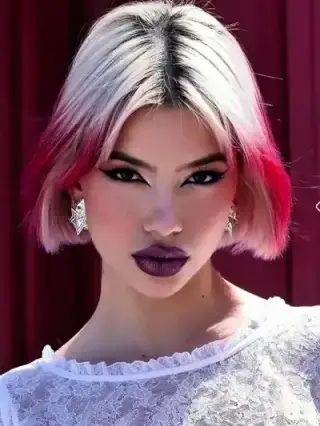
AI Hairstyle Changer
Try different hairstyles, colors, and lengths.
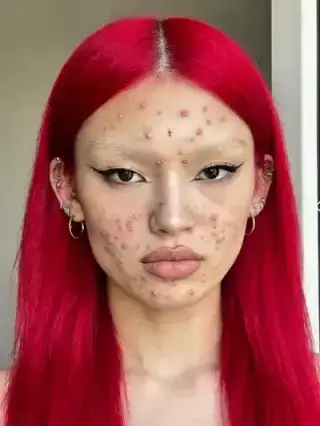
AI Skin Retouching
Smooth skin and remove blemishes for flawless portraits.
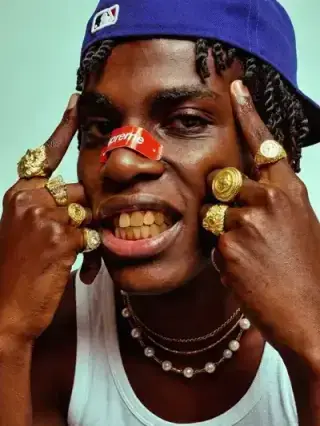
AI Teeth Whitening
Brighten your smile with natural teeth whitening.
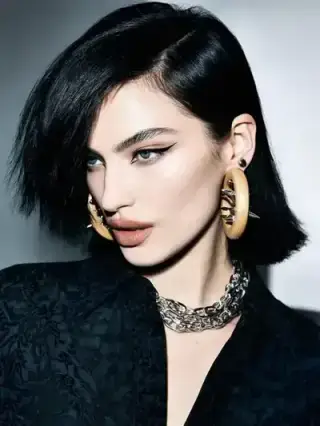
AI Hair Color Changer
Change your hair color instantly with AI.
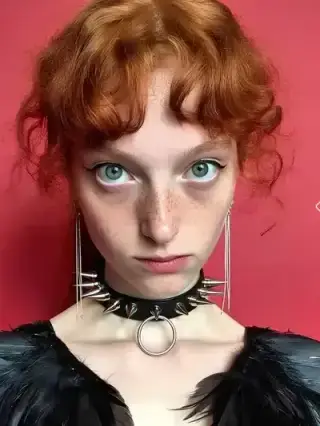
AI Age Progression
See how you will look at different ages with AI.
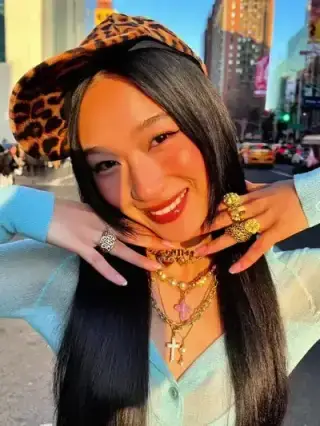
AI Cartoon Generator
Turn photos into vibrant cartoons instantly.
Tips for better edits
For natural-looking portrait edits, use a sharp image with even lighting and a clearly visible face. Keep the original resolution whenever possible and review details around hair, teeth, jewelry, and the edge of the face before publishing.
How to choose the right tool
Choose the tool that matches the part of the portrait you actually want to change. A focused retouching app is better for a small correction, while face swap, age progression, or cartoon generation changes the identity or style more substantially. Make one major edit at a time so you can compare results and preserve a usable original.