

AI speech generator
Generate Natural Speech in Minutes
1
Upload an image
Choose the photo you want to bring to life
2
Add an audio track
Record or upload up to 30 seconds of audio
3
Get video
AI syncs lips and facial expressions — your photo speaks with your voice
Pixverse Lipsync
Pixverse helps you create and refine AI visuals from prompts and references. Describe the asset, review the preview, and adjust the result before export. Use it for landing pages, social posts, campaign concepts, and fast creative tests.
How it works
How do you make a talking video with Pixverse Lipsync?
From a photo or clip and an audio track to a lifelike talking video — right inside Cleep.ai.
1Step 01
Upload Your Video
Upload the clip you want to work with. Pixverse Lipsync reads the motion and framing of your footage and builds on top of it.
Upload videoMP4 · MOV
2Step 02
Add Your Audio
Upload the voice or music track (up to 30s). Pixverse Lipsync syncs lip movement and expression to your audio for a natural performance.
Upload audioMP3 · WAV
3Step 03
Generate And Download
Click generate and wait a few minutes. Pixverse Lipsync produces your talking video with synced audio. Download it and share, or swap the inputs for a new take.
Generating…
What it can do
What can Pixverse Lipsync do?
How to Use Pixverse
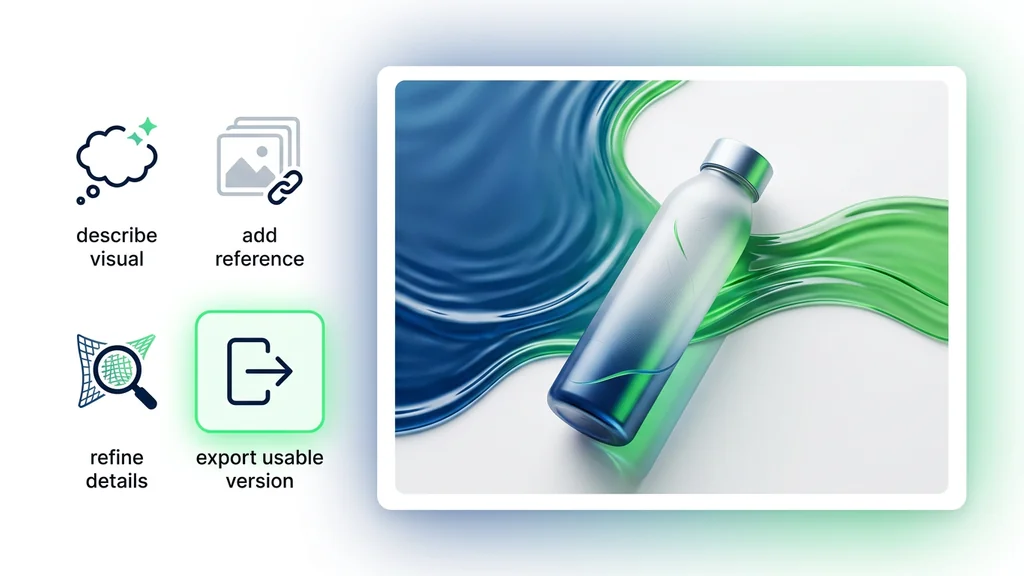
Open the tool and describe the visual you need for the project. Add a reference when style, composition, or subject consistency matters. Review the preview, refine the details, and export the usable version., keeping the tool focused on creating, reviewing, and refining visuals.
Pixverse
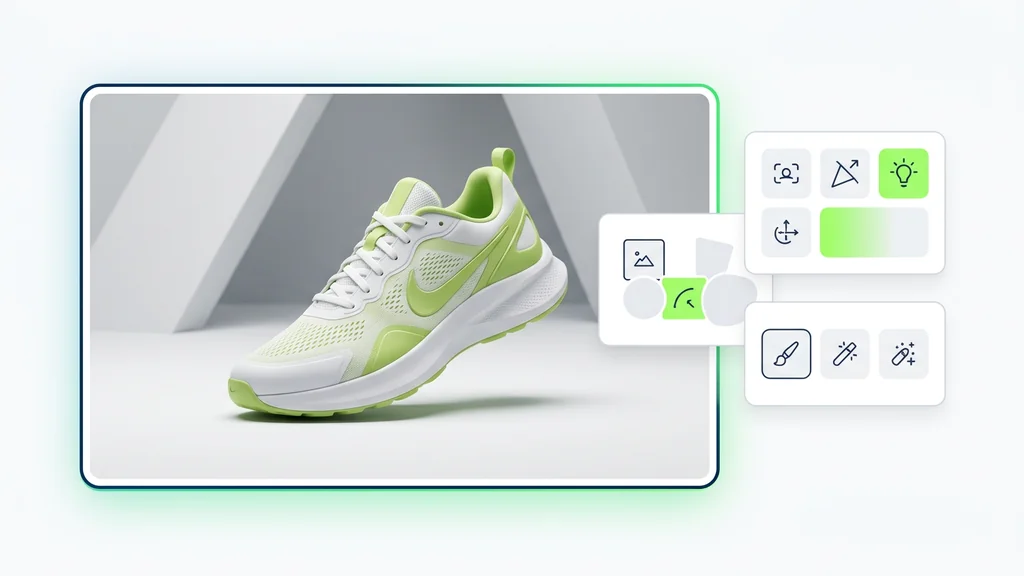
The editor shows a practical way to use the workflow without turning the page into a technical guide. The visitor sees the outcome, understands the next action, and can move toward creating a usable asset, keeping the tool focused on creating, reviewing, and refining visuals.
Why It Matters
Pixverse Lipsync keeps the focus on a usable result: upload a clip, add audio, and review the talking video. Refine only the inputs that need work, so getting from a clip to a finished talking video stays quick and repeatable.
What Is the model
What Is the editor shows a practical way to use the workflow without turning the page into a technical guide. The visitor sees the outcome, understands the next action, and can move toward creating a usable asset.
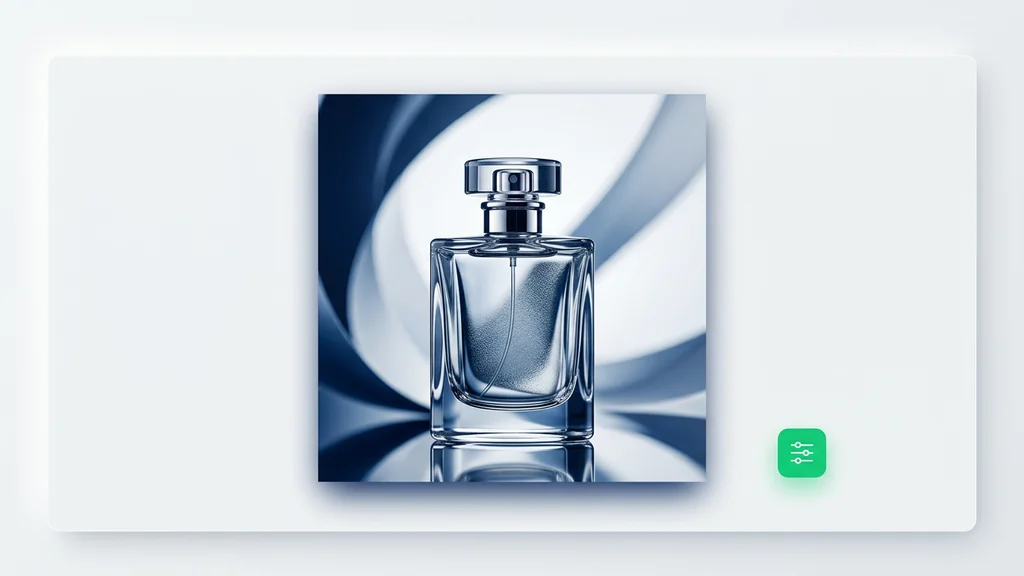
Create Your Pixverse
Start with a short description and one useful reference. Review the first result, refine the details, and save the version that fits your project, cleep helps you move from idea to usable visual faster.
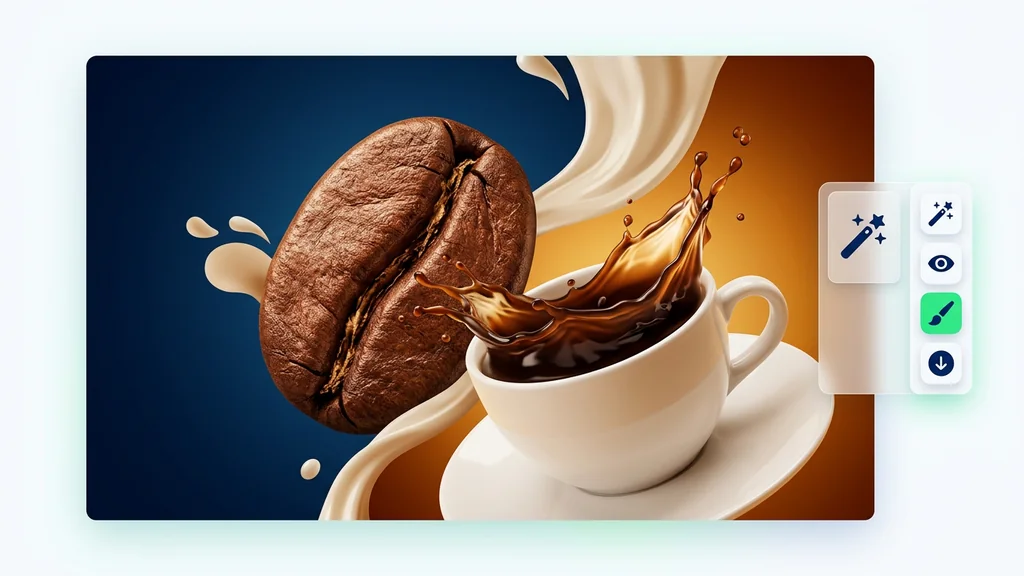
FAQ
What do people ask about Pixverse Lipsync?
The model is an AI creative workflow for generating or editing visual assets from prompts, references, and review-ready outputs.