

AI speech generator
Generate Natural Speech in Minutes
1
Upload an image
Choose the photo you want to bring to life
2
Add an audio track
Record or upload up to 30 seconds of audio
3
Get video
AI syncs lips and facial expressions — your photo speaks with your voice
Veo 3.1: AI video generation
Veo 3.1 helps you create and refine AI visuals from prompts and references. Describe the asset, review the preview, and adjust the result before export. Use it for landing pages, social posts, campaign concepts, and fast creative tests.
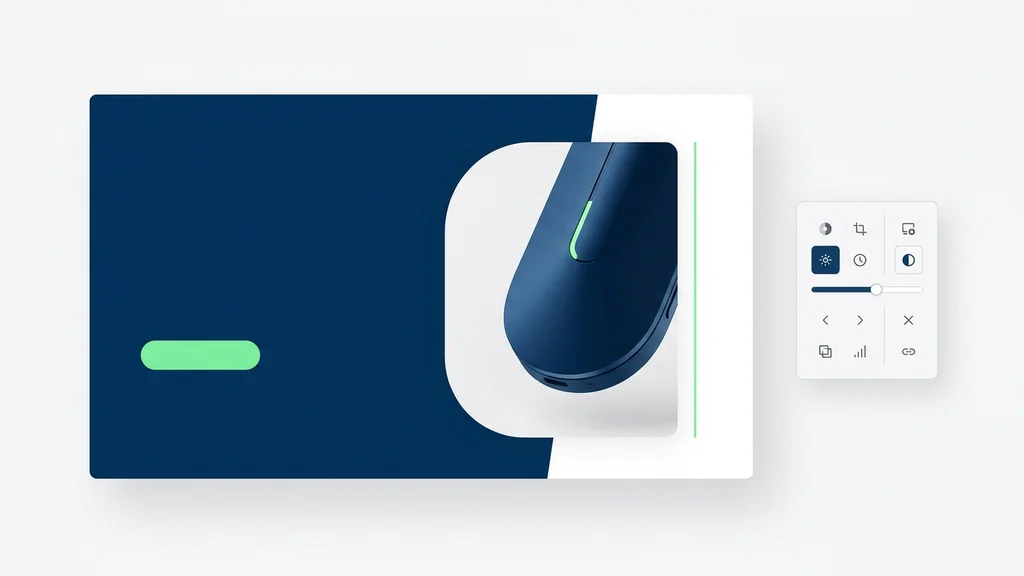
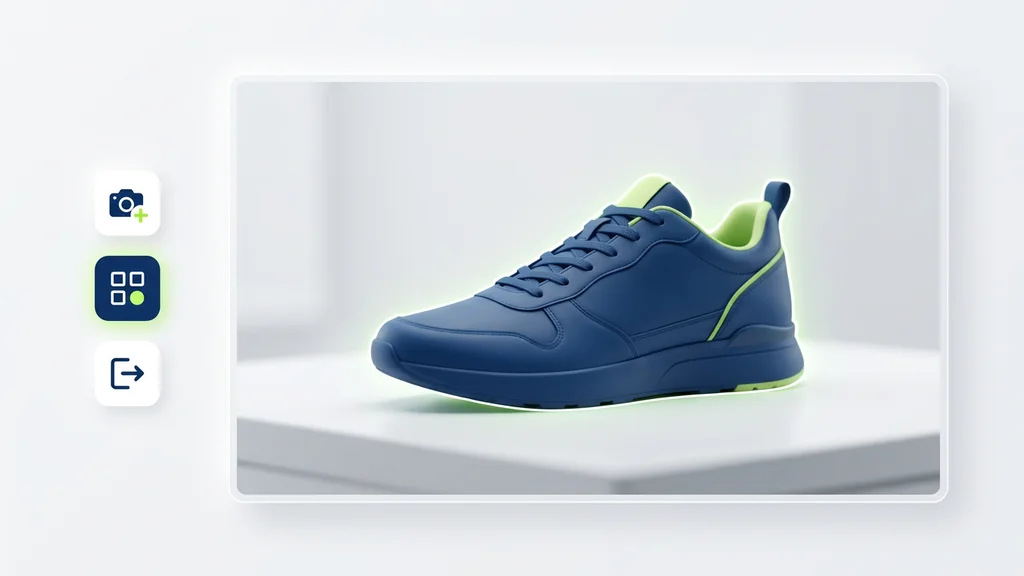
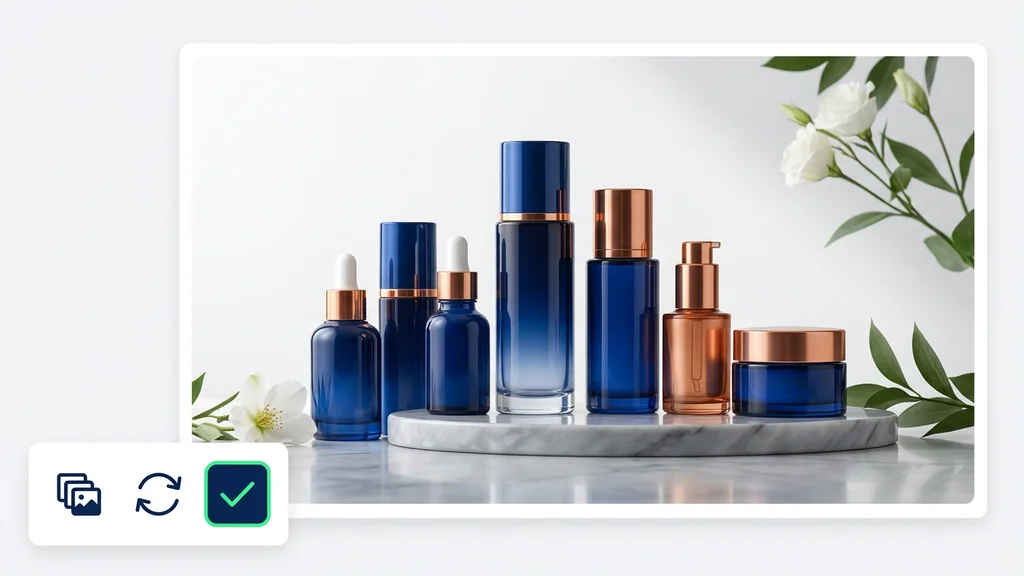
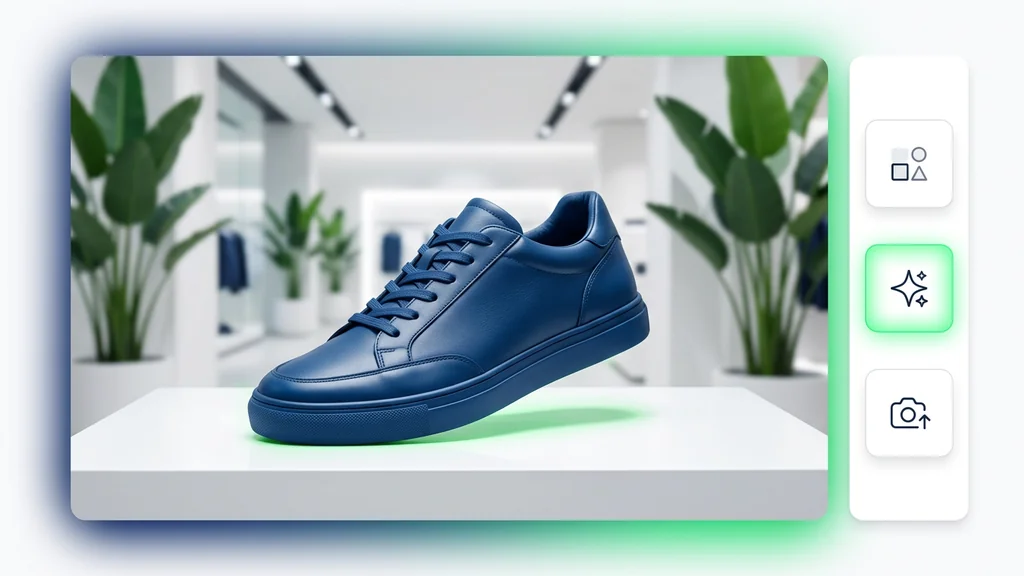
How it works
How do you generate a video with Veo 3.1?
From a written idea to a ready-to-post video — no setup, no plugins, no Discord.
1Step 01
Describe It And Add Frames
Write your prompt, then add reference frames — a start image and optional extra or end frames to steer the motion exactly how you want.
Write your prompt here
2Step 02
Pick Your Video Settings
Choose your resolution (720p, 1080p) and clip length (8s). Higher resolution looks sharper; shorter clips render faster.
ResolutionDuration
720p
3s
3Step 03
Generate And Download
Click generate and wait a few minutes. Veo 3.1 creates your video with synced audio included. Download it and use it however you want, or tweak your prompt and make another version.
Generating…
What it can do
What can Veo 3.1 do?
Veo 3.1
Open the tool and describe the visual you need for the project. Add a reference when style, composition, or subject consistency matters. Review the preview, refine the details, and export the usable version, while keeping the tool focused on creating, reviewing, and refining visuals.
Create Polished Visuals With Veo 3.1
Cleep AI the editor helps users move from a prompt to a polished visual without opening a complex design stack. Start with a short description, add a reference when consistency matters, and review the generated result before export. The flow is built for campaign concepts, landing visuals, social posts, and fast creative tests, while keeping the workflow focused on creating, reviewing, and refining visuals.
The tool for Creative Campaigns
Generate concept art, social visuals, product-style scenes, thumbnails, and campaign drafts from the same commercial entry point. The page should make the tool feel immediately usable instead of turning the product into a long editorial guide, while keeping the model focused on creating, reviewing, and refining visuals.
Create Your Veo 3.1
Start with a short description and one useful reference. Review the first result, refine the details, and save the version that fits your project, cleep helps you move from idea to usable visual faster.
FAQ
What do people ask about Veo 3.1?
The editor is an AI creative workflow for generating or editing visual assets from prompts, references, and review-ready outputs.