Adım 01 — Bir görsel yükleyin ve hareketi tanımlayın
Sabit bir görsel ekleyin, ardından istediğiniz kamera benzeri hareket için kısa bir prompt yazın — keskinleştirmek için Prompt Enhancer'ı kullanın.
Tek bir referans görseli ve kısa bir yönergeyle kamera dili tutarlı kısa videolar üretmek için tasarlanmış DoP akışı. Prompt enhancement ile metni netleştirir, DoP Image To Video API üzerinden çıktıyı alır, içerik güvenlik filtreleriyle yayına hazırlar.
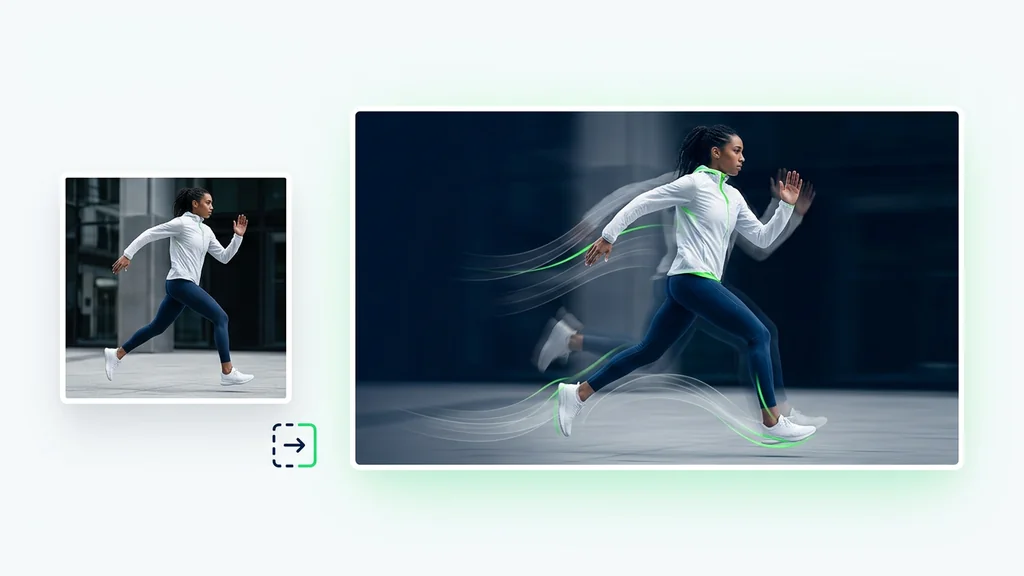
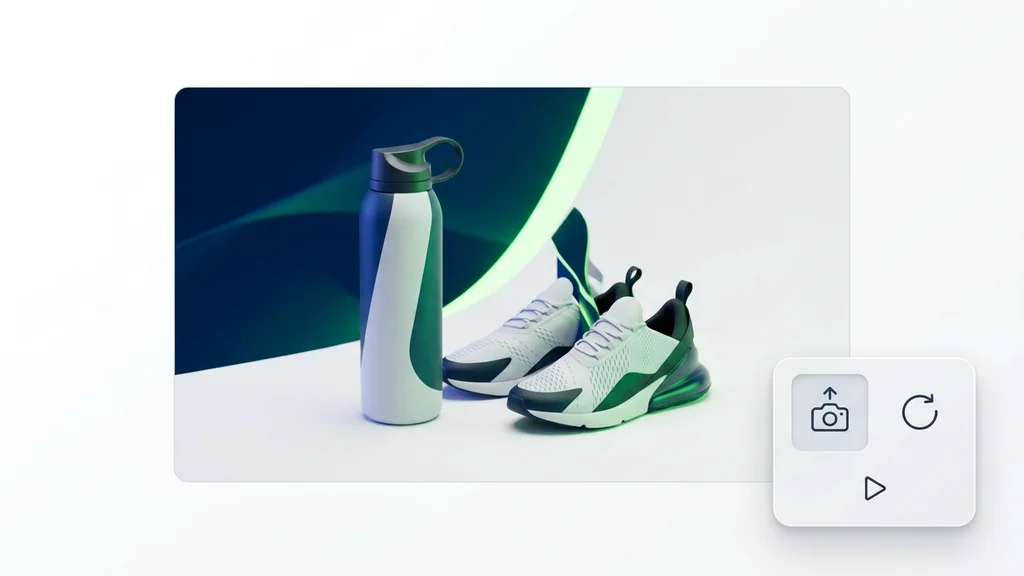
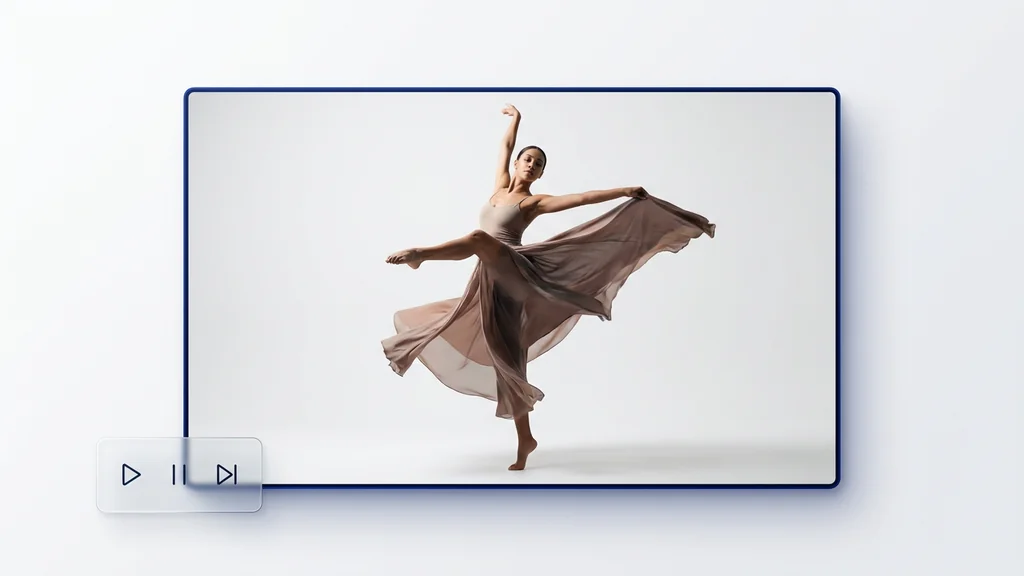
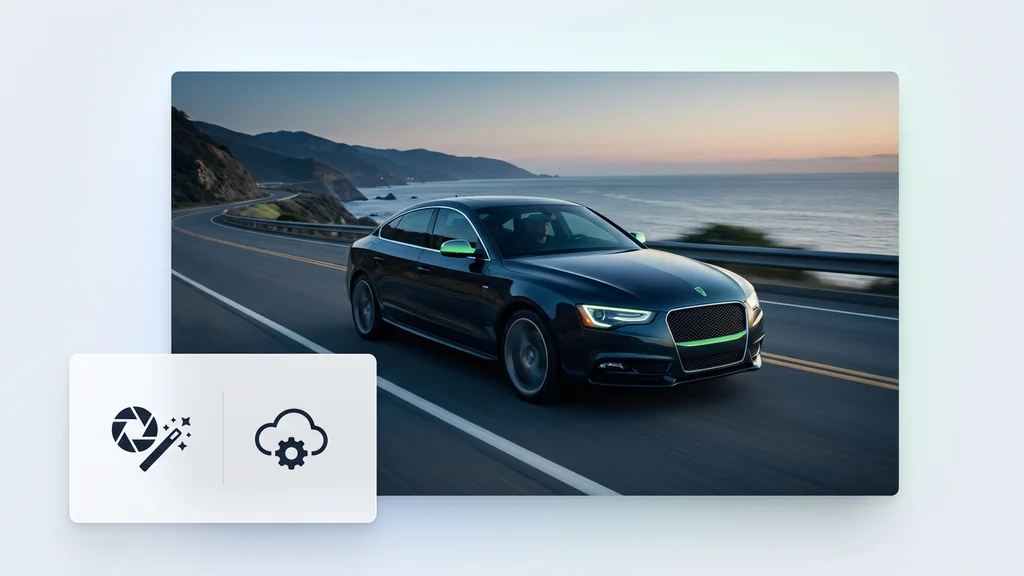
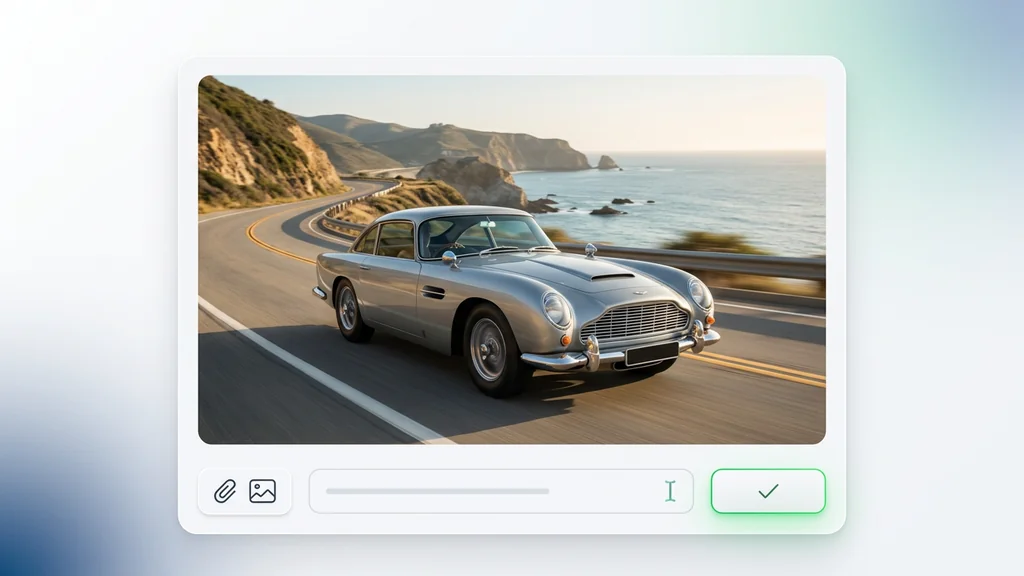
Sabit bir görselden yönetilen bir çekime — kurulum yok, eklenti yok, Discord yok.
Sabit bir görsel ekleyin, ardından istediğiniz kamera benzeri hareket için kısa bir prompt yazın — keskinleştirmek için Prompt Enhancer'ı kullanın.
Çıktı çözünürlüğünüzü ve klip uzunluğunu seçin, ardından karar vermeden önce hareketi önizleyin.
Oluştur'a tıklayın ve birkaç dakika bekleyin. Higgsfield DoP Lite yönetilen çekiminizi oluşturur. Sosyal medya, reklamlar veya ürün sayfaları için indirin.
Önce referans görsel yüklenir; ardından kadraj, lens hissi, ışık ve kamera hareketi niyeti tek bir yönergeye dökülür. Metin, prompt enhancement ile üretim diline sıkılaştırılır ve DoP Image To Video API üzerinden video çıktısı alınır. İsteğe bağlı yüz/karakter referansı, sahneler arası tutarlılığı artırmak için eklenir.
E-ticaret ekipleri, ürün görselini kısa “hero” videoya çevirip aynı kamera diliyle varyasyon üretir. Ajanslar, storyboard karelerinden animatik benzeri hızlı taslaklar çıkararak müşteri onayını hızlandırır. Sosyal medya ekipleri, aynı karakteri farklı arka plan ve kadrajlarda tutarlı biçimde çoğaltır.
Üretim sonrası kontrol, kadraj kayması, yüz/kimlik tutarlılığı ve titreşim gibi hataları hızlıca yakalamaya odaklanır. İçerik güvenlik filtreleri, riskli veya politika dışı sahneleri işaretleyerek yeniden üretim kararını netleştirir. Ek olarak, kısa bir “kanıt adımı” olarak kullanılan prompt/log kaydı, ekip içinde aynı sonucu yeniden üretmeyi kolaylaştırır.
Böylece ekipler, aynı DoP şablonlarıyla farklı projelerde benzer kamera dili yakalar ve üretim süresi kısalır. API tarafında, DoP Image To Video API çağrılarıyla kuyruklama, versiyonlama ve çıktı arşivleme gibi operasyonel ihtiyaçlar tek hat üzerinden yönetilir.
Cleep AI’da birkaç denemeyle kamera dili tutarlı kısa videolar için doğru yönerge kalıbını oturtun. Güvenlik filtreleri ve kayıtlı üretim adımlarıyla ekip içi onay sürecini sadeleştirin.