Adım 01 — Bir referans yükleyin ve hareketi tanımlayın
Bir referans karesi ekleyin, ardından kamera hareketi, aksiyon ve klip boyunca korumak istediğiniz ışık ya da atmosfer için kısa bir prompt yazın.
Cleep AI’de referans görsel veya kısa klip yükleyin; model, karakter/ürün kimliğini koruyarak Reference-to-Video akışıyla yeni sahneler üretir ve yerel ses-görüntü çıktısını tek teslimatta sunar.
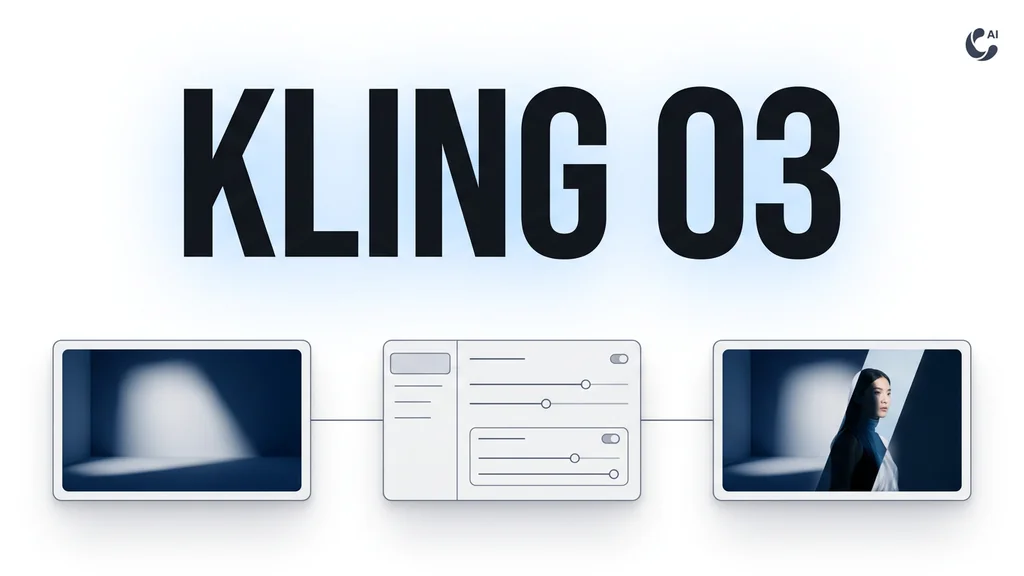
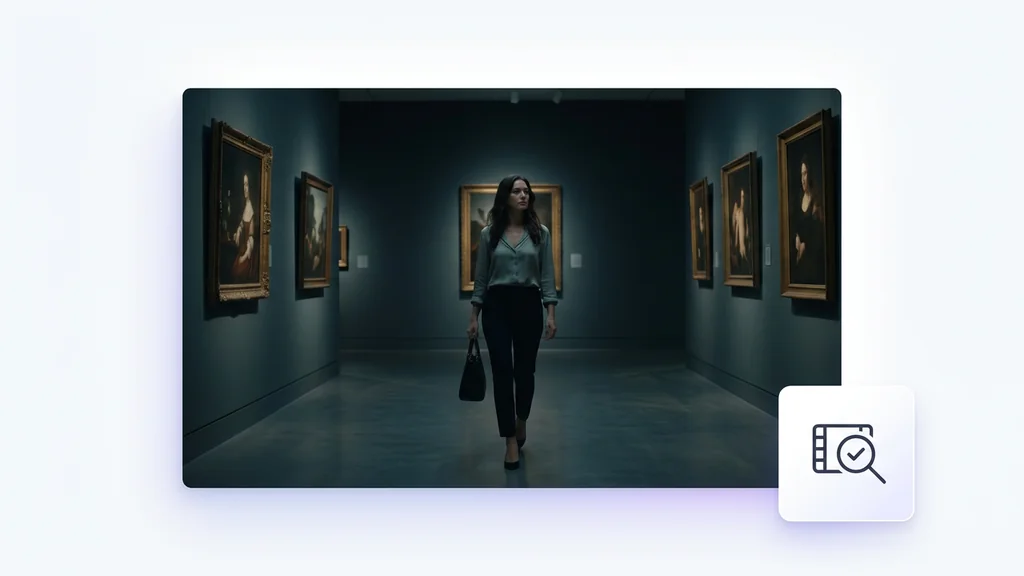
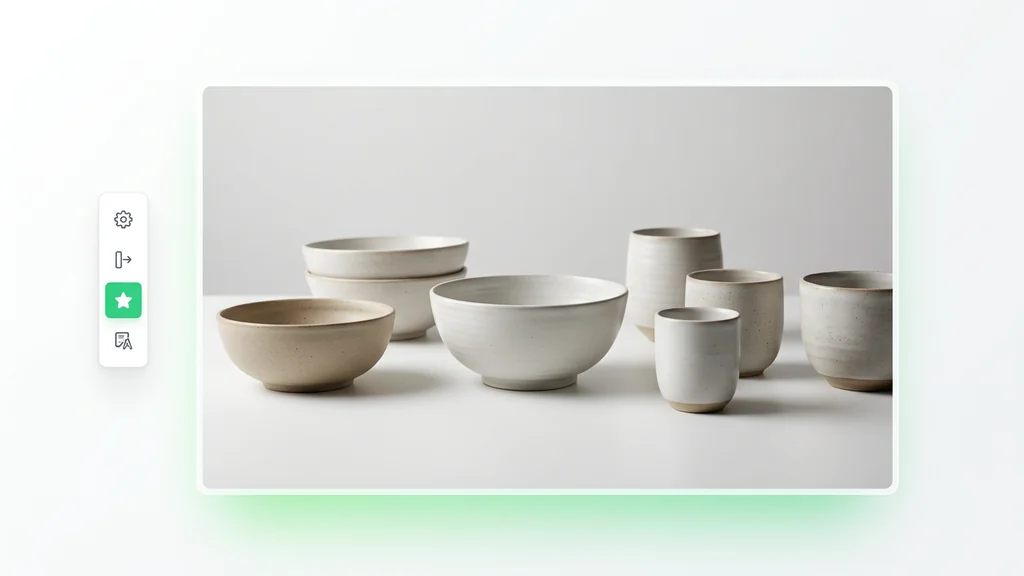
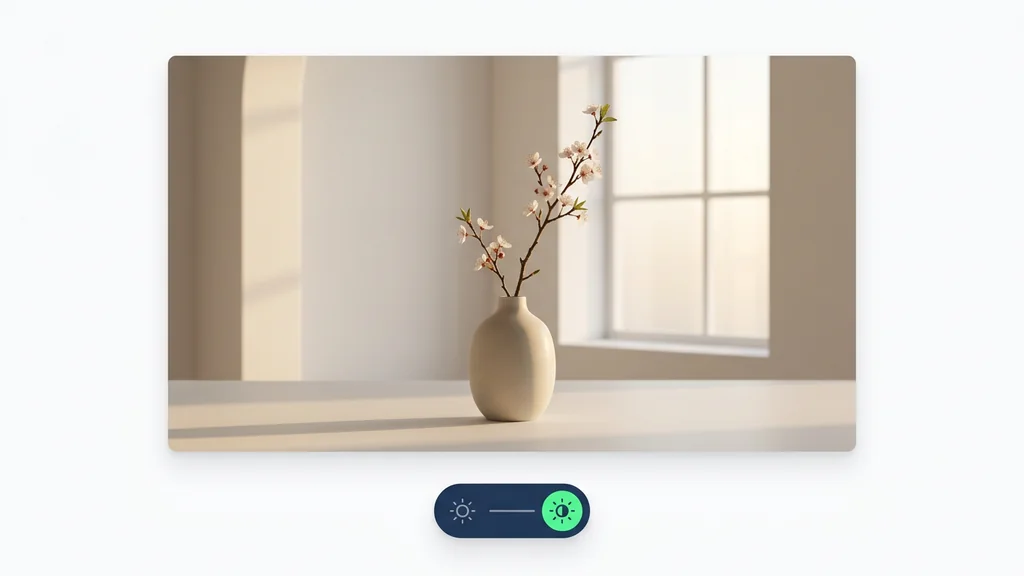
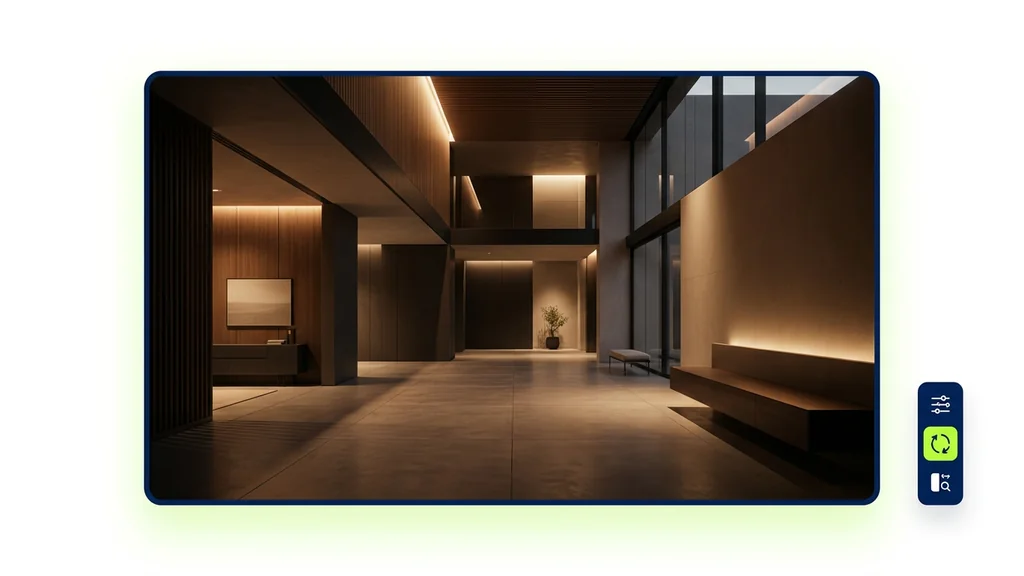
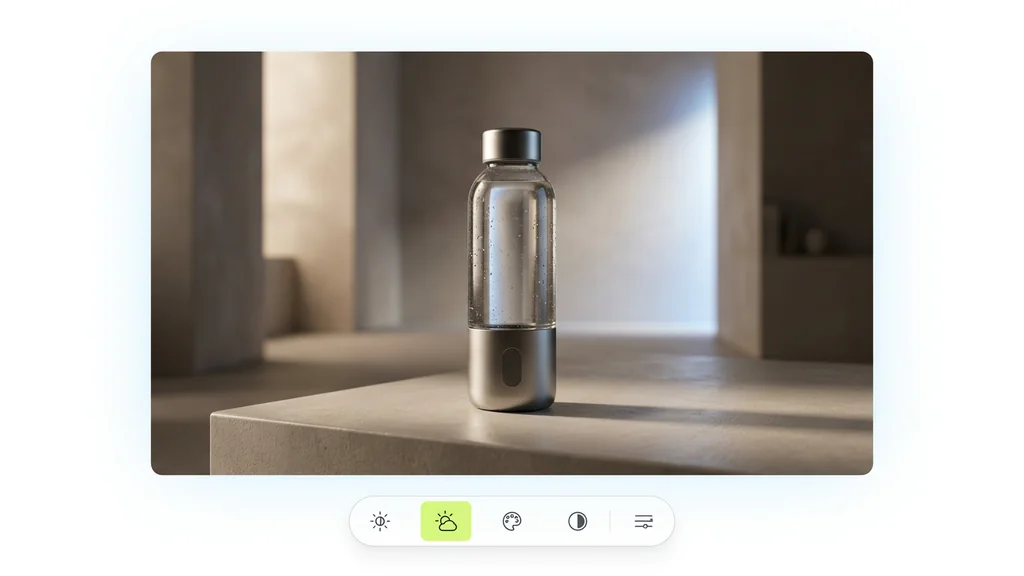
Tek bir referans karesinden sinematik bir klibe — kurulum yok, eklenti yok, Discord yok.
Bir referans karesi ekleyin, ardından kamera hareketi, aksiyon ve klip boyunca korumak istediğiniz ışık ya da atmosfer için kısa bir prompt yazın.
Klip uzunluğunu ve en boy oranını seçin; çekimler arasında atmosferi ve görünümü tutarlı tutmak için referansa yaslanın.
Oluştur'a tıklayın ve birkaç dakika bekleyin. Kling O3 klibinizi oluşturur. İndirin ya da prompt'u ayarlayıp hızlı bir varyant çalıştırın.
Önce bir referans görsel ya da kısa klip yüklenir; ardından metin istemiyle hareket, kamera ve atmosfer tarif edilir. İsteğe bağlı kimlik referansı eklenerek yüz/karakter sürekliliği güçlendirilir. Çıktı alındıktan sonra aynı referansla yeni varyasyonlar üretilerek sahne seti hızlıca tamamlanır.
E-ticaret ekipleri, ürün fotoğrafını referans alıp farklı arka plan ve kamera hareketleriyle kısa reklam videoları üretir. Ajanslar, tek bir karakter referansından çoklu sahne seti çıkararak sosyal medya serilerini hızlandırır. İçerik üreticileri ise referans klipten ritim ve aksiyonu koruyup yeni kurgular alarak yayın takvimini doldurur.
Üretim sonrası kontrol listesi; kimlik tutarlılığı (yüz/ürün detayları), sahne sürekliliği ve hareket akıcılığı üzerine kuruludur. Yerel audio-visual çıktı alındığında sesin dudak/aksiyon senkronu ve gürültü seviyesi hızlıca doğrulanır. Gerekirse aynı referansla yeniden üretim yapılarak hatalı kareler ve istenmeyen artefaktlar azaltılır.
Bu çözüm, unified model training framework yaklaşımıyla farklı görevleri tek çatı altında optimize ederek referansla üretimde daha öngörülebilir sonuç hedefler. Temelde unified multimodal large model mantığıyla görsel, metin ve ses sinyallerini birlikte ele alır; bu da Reference-to-Video akışında sahne niyetinin daha iyi korunmasına yardımcı olur. Cleep AI, aynı panelde istem, referans ve çıktı yönetimini birleştirerek ekiplerin deneme-yanılma süresini kısaltır.
Cleep AI’de referans görsel/klip ve kısa bir istemle sahneyi başlatın; ardından varyasyonlarla en iyi versiyonu seçin. Teslimat için video ve yerel ses-görüntü çıktısını tek pakette alın. Ekip içi onay sürecini hızlandırmak için çıktıları karşılaştırmalı olarak gözden geçirin.