Adım 01 — Referans videonuzu yükleyin
Hareketini yakalamak istediğiniz performansın klibini doğrudan Cleep.ai'ye ekleyin.
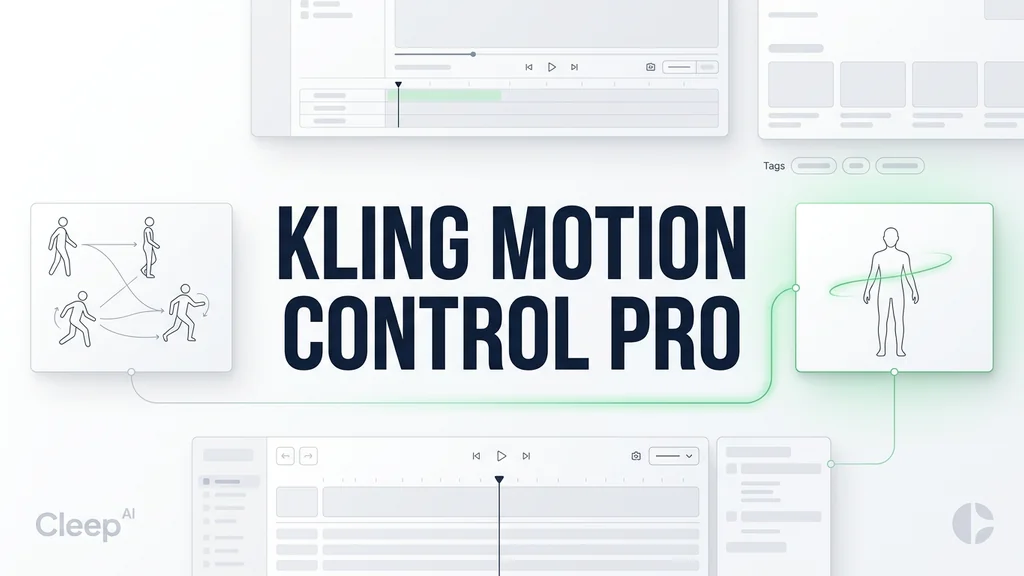
Tam vücut hareketini yakalayıp (Full-Body Capture) çıkarın (Full-Body Motion Extraction), ardından motion transfer ile karaktere veya sahneye tutarlı şekilde aktarın. İster panelden deneyin, ister Kling 3 Motion Control API ile otomasyona alın.
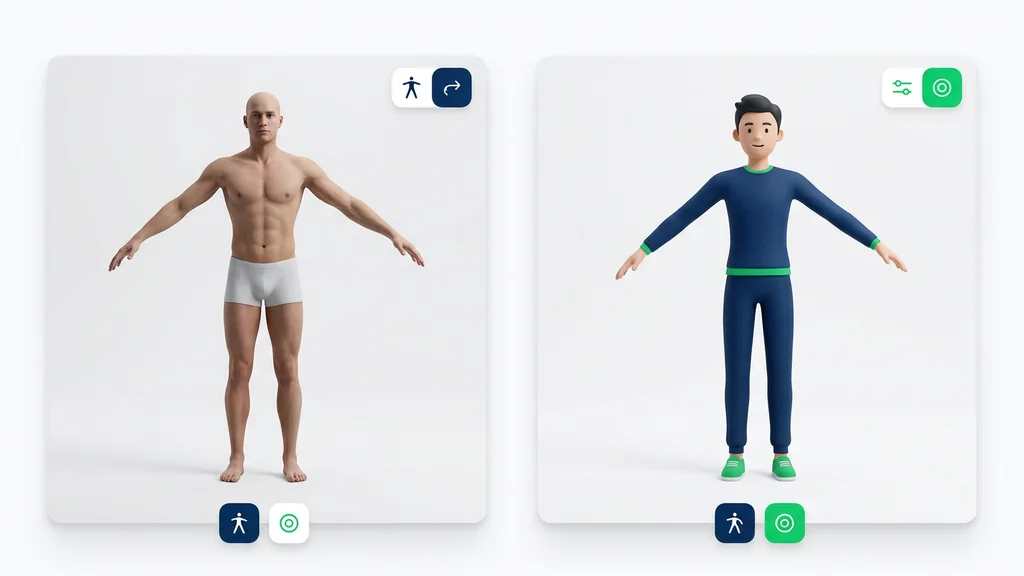
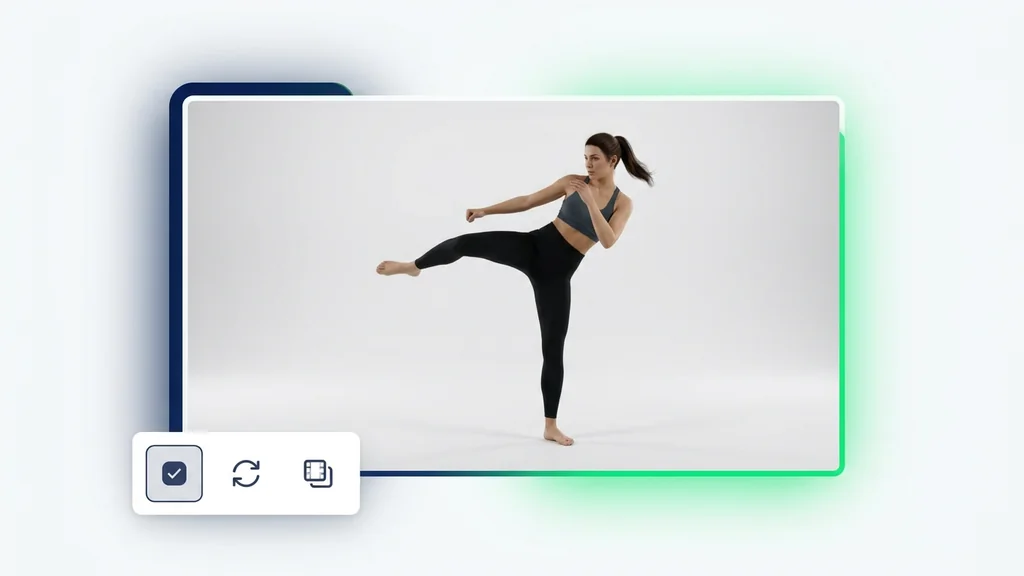
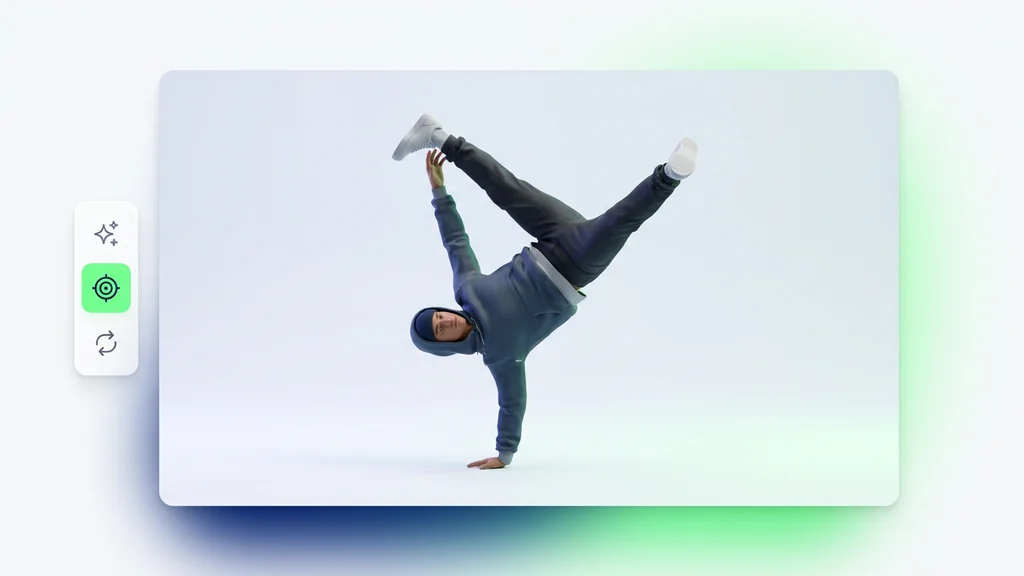
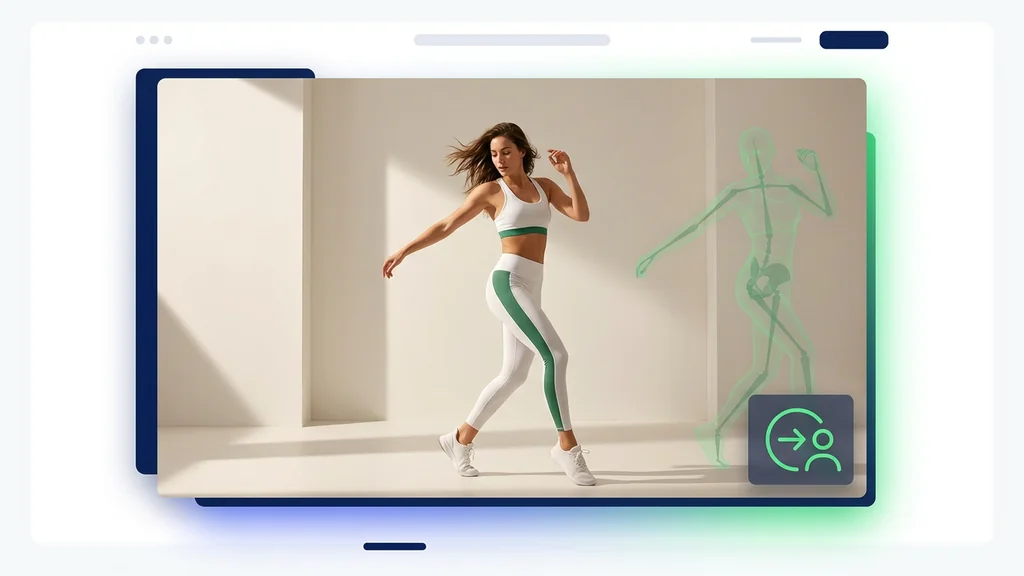
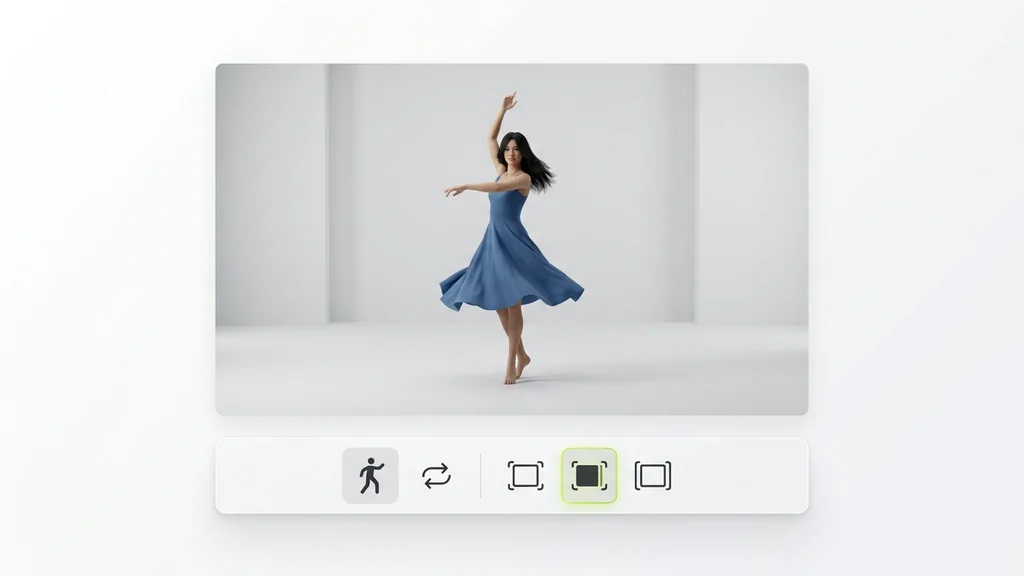
Bir referans performanstan yeni bir özneye — yeniden kullanılabilir hareket, doğrudan Cleep.ai içinde.
Hareketini yakalamak istediğiniz performansın klibini doğrudan Cleep.ai'ye ekleyin.
Canlandırmak istediğiniz öznenin bir görselini yükleyin; böylece çıkarılan hareket bu özneye aktarılır.
Oluştur'a tıklayın ve birkaç dakika bekleyin. Kling Motion Control Pro hareketi öznenize aktarır. İndirin ya da girdileri değiştirip yeniden çalıştırın.
Önce bir Full-Body Capture videosu yüklenir; araç, iskelet/poz dizisini çıkararak Full-Body Motion Extraction üretir. Ardından bu hareket, seçilen hedef karaktere veya sahneye motion transfer ile uygulanır ve zamanlama korunur. Son adımda, kritik karelerde ayak kayması ve eklem kırılması kontrol edilerek çıktı yeniden çalıştırılabilir.
Reklam ajansları, aynı koreografiyi farklı ürün sahnelerine taşıyarak varyasyon üretiminde motion transfer’dan faydalanır. Oyun/animasyon ekipleri, referans çekimlerden Full-Body Motion Extraction alıp karakter rig’ine uygun hareket taslağı çıkarır. E-ticaret ve sosyal medya içeriklerinde ise tek bir hareket kaydıyla farklı arka plan ve stil denemeleri hızlıca yapılır.
Araç, hareketin kritik anlarını (dönüş, zıplama, hızlı kol hareketi) işaretleyerek gözle kontrolü hızlandırır. Full-Body Motion Extraction kaynaklı sapmalar için ayak temas noktaları, diz/dirsek açıları ve gövde yönü kare kare doğrulanır. Gerekirse daha temiz bir Full-Body Capture ile tekrar çalıştırmak, titreme ve kaymayı belirgin biçimde azaltır.
Bu model, tek seferlik denemeden öte, tekrarlanabilir hareket şablonlarıyla seri üretime odaklanır. Kling 3 Motion Control API üzerinden aynı hareket çıkarımı ve motion transfer adımları otomatikleştirilerek kampanya varyasyonları toplu üretilebilir. Cleep AI içinde proje bazlı düzen, sürüm takibi ve yeniden çalıştırma ile ekip içi onay süreci sadeleşir.
Bir hareket videosu yükleyin, hedef karakteri seçin ve motion transfer ile aynı performansı farklı sahnelere taşıyın. Çıktıyı kritik karelerde doğrulayıp yeniden çalıştırarak tutarlılığı artırın. Daha yüksek hacim için Kling 3 Motion Control API ile süreci otomasyona bağlayın.