Adım 01 — Girdilerinizi yükleyin
Bir hedef sahne ve bir yüz referansı ekleyin; böylece model, hedef kompozisyonla eşleşirken önemli kimlik ipuçlarını koruyabilir.
Kontrol videosu ve referans yüz ile sahneyi yönlendirerek kısa klipler üretin; Expand-Anything ile kadrajı büyütün, Context Adapter Tuning ile tutarlılığı koruyun.

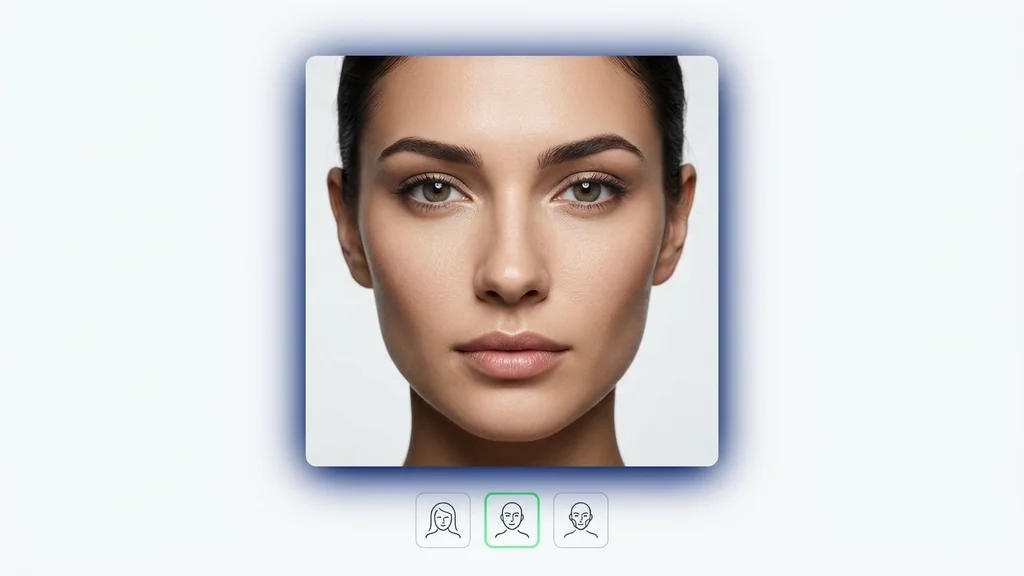
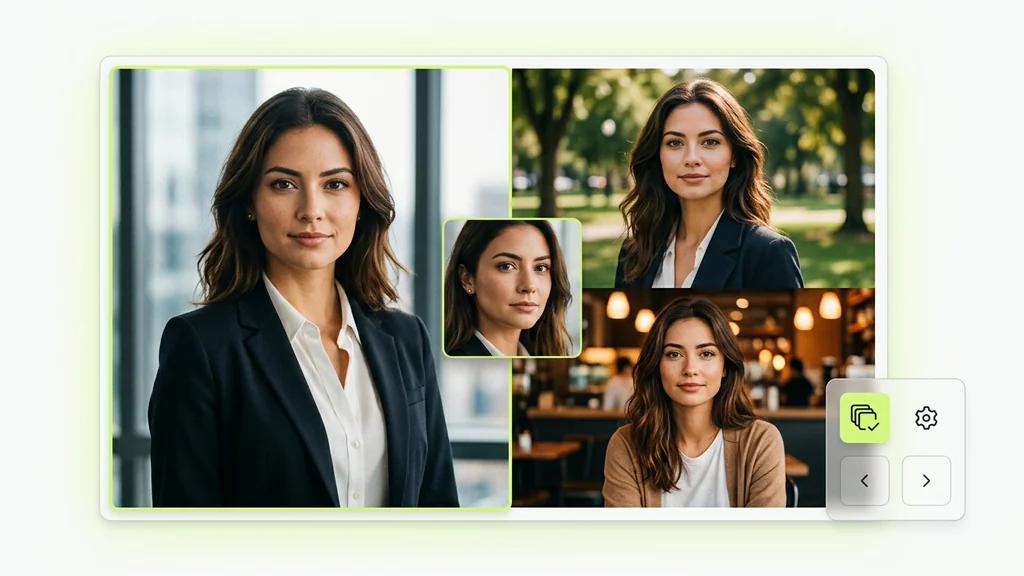
Bir hedef sahne ve bir yüz referansından modele uygun sonuçlara — doğrudan Cleep.ai içinde.
Bir hedef sahne ve bir yüz referansı ekleyin; böylece model, hedef kompozisyonla eşleşirken önemli kimlik ipuçlarını koruyabilir.
Çıktı çözünürlüğünüzü ve süresini ayarlayın, ardından yüz referansının sonucu ne kadar güçlü yönlendireceğini ince ayarlayın.
Oluştur'a tıklayın ve birkaç dakika bekleyin. Wan VACE sonucunuzu üretir. İndirin ya da girdileri değiştirip hızlı bir grup çalıştırın.
Önce kontrol videosunu (hareketi taşıyan kaynak) ve istenirse hedef bir kareyi yükleyerek kompozisyonu tanımlayın. Ardından referans yüz ekleyip kısa bir istemle sahne niyetini netleştirin; model, LTX-Video yaklaşımıyla hareketi koruyarak yeni klip üretir. Çıktı önizlemesinde kare atlaması, yüz kayması ve arka plan titreşimini kontrol edip yeniden deneme yapın.
Ürün tanıtımlarında aynı kamera hareketini koruyup farklı arka plan/renk varyasyonları üretmek için kontrol videosu kullanılır. Sosyal medya için dikey kırpım gerektiren sahnelerde Expand-Anything ile kadraj genişletilip yeniden çerçevelenebilir. Kurumsal içeriklerde Context Adapter Tuning ile marka stili ve karakter kimliği birden fazla klipte daha tutarlı tutulur.
Önizlemede yüz/kimlik tutarlılığı, dudak-çene kayması ve göz kırpma artefaktlarını kare kare doğrulayın. Hareketin kontrol videosuna ne kadar uyduğunu, özellikle hızlı dönüşlerde ve el hareketlerinde kontrol edin. Gerekirse istemi sadeleştirip aynı kontrol videosuyla tekrar üretim alarak sapmayı azaltın.
Cleep AI, kontrol videosu + referans yüz + istem kombinasyonunu tek panelde toplayarak deneme-yanılma süresini kısaltır. Context Adapter Tuning ile aynı karakteri veya görsel dili farklı sahnelere taşımak daha yönetilebilir hale gelir. Expand-Anything, kadrajı büyütme ihtiyacını ayrı bir araç zinciri kurmadan karşılamaya odaklanır.
Bir kontrol videosu yükleyip hedef sahneyi tanımlayın; çıktıyı önizlemede kalite kontrol adımlarından geçirerek en temiz versiyonu seçin. Kadraj darsa Expand-Anything ile genişletin, tutarlılık gerekiyorsa Context Adapter Tuning ile aynı dili koruyun. Hazır olduğunda çıktıyı ekip paylaşımı için dışa aktarın.