1Step 01
Upload your photo
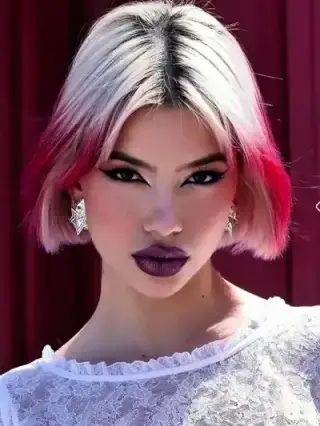
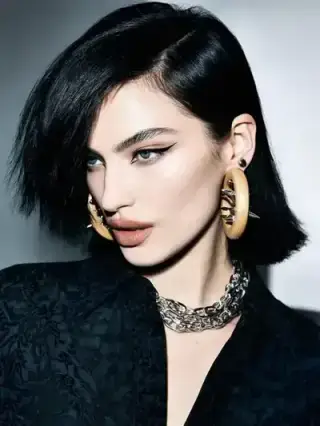
Upload a photo of the person you want to restyle. The AI maps their body and pose for a realistic fit.
modelArticleAnim.uploadImagePNG · JPG

Virtually try on new outfits instantly. Explore endless styles, test looks, and create your fashion catalogue!
Your Photo
Upload your photo
Clothes to Try
Upload clothes to try on
Upload a photo and an outfit, preview the virtual try-on, and export — all inside Cleep.ai.
Upload a photo of the person you want to restyle. The AI maps their body and pose for a realistic fit.
Upload a photo of the clothing you want to try on. The AI fits the new outfit onto your subject.
See yourself in a brand-new outfit with natural draping and fit. Download the virtual try-on in seconds.
The user uploads a clear photo of a person, then selects or describes the desired outfit style (for example: “navy blazer, white tee, slim jeans”). The tool generates new images where clothing is changed while the original pose and framing remain consistent. For best results, the input should show the full torso with minimal occlusion from hands, bags, or heavy shadows.

Teams use outfit swaps to preview product styling for ecommerce listings before scheduling photography. Creators use it to test wardrobe options for thumbnails, reels, and campaign concepts without reshooting. It also supports quick internal reviews when stakeholders need to compare multiple looks side-by-side from the same original photo.

Before saving an output, the user should zoom in on edges around sleeves, collars, and hair to confirm clean transitions. It’s also important to check that logos, patterns, and fabric folds look coherent and that hands or accessories aren’t distorted by the clothing change. If anything looks off, adjusting the outfit description (fit, material, neckline, or color) typically improves the next set of results.

Cleep AI is designed to generate multiple clothing variations from one source photo so users can compare options without changing camera angle or pose. The optional reference-face upload helps keep identity consistent when the goal is a believable try-on result. Outputs are intended for concepting and mockups, and results can vary when the source image has low resolution, extreme angles, or heavy motion blur.

Cleep AI lets users create a set of outfit swaps from a single photo and pick the strongest result for sharing or approval. Upload a high-quality image, generate variations, and keep iterating until the clothing style matches the intended use—mockup, pitch deck, or social post. When the preview looks right, download the final image and move forward with confidence.