Verification: 234cbc2215f1fb96

Imagen 4 Ultra AI Image Generator

प्राइसिंगअकाउंट मैनेज करें

AI इमेज जनरेटर

सीन को अपने तरीके से डायरेक्ट करें। जानबूझकर एंगल, डेप्थ और स्टाइल के साथ विज़ुअल बनाएं

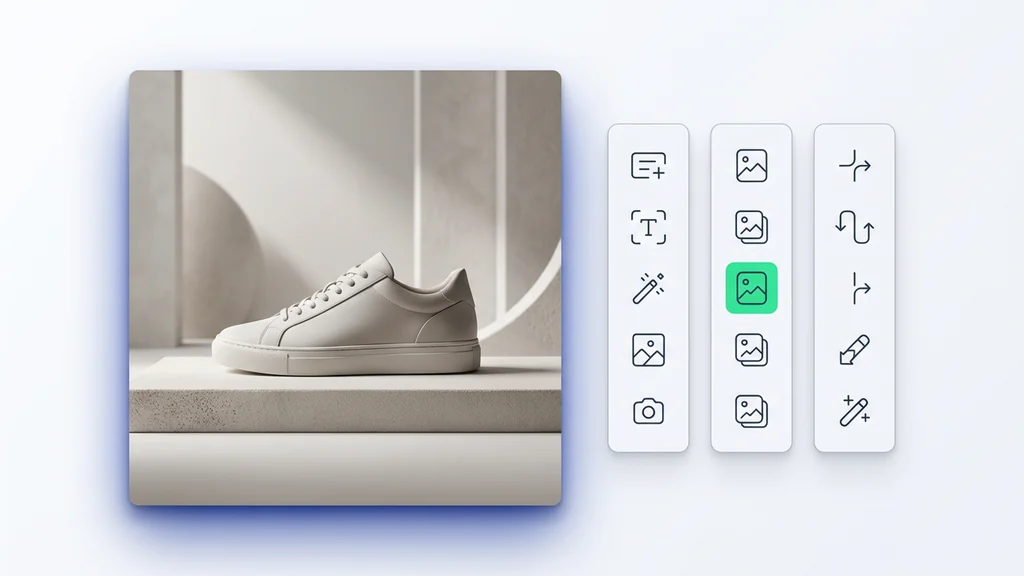
Upload your photo
1

अपनी फ़ोटो अपलोड करें और बताएं कि आप क्या कल्पना करते हैं

दोनों को मिलाने से सर्वोत्तम परिणाम मिलते हैं

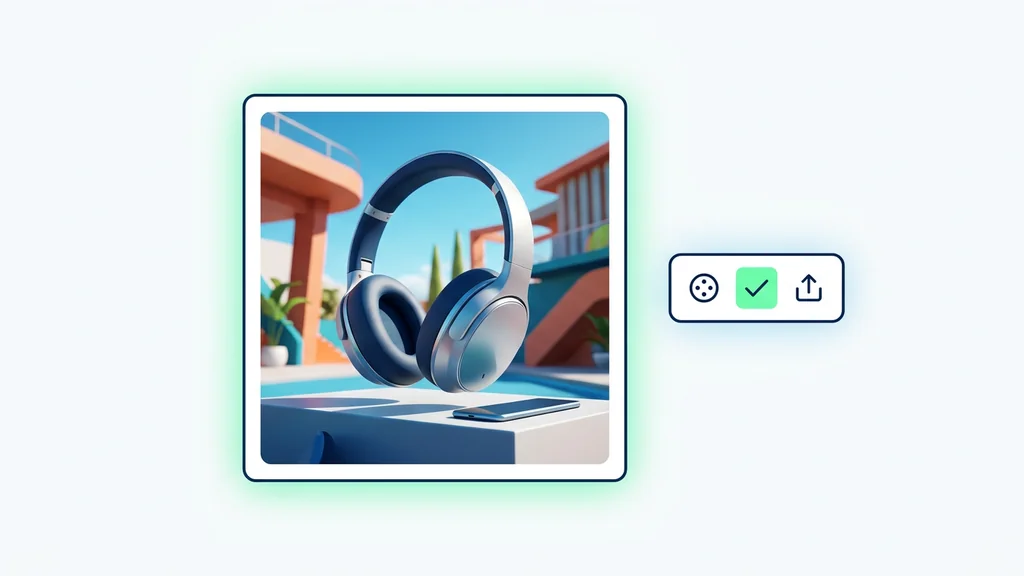
Enjoy result
2

AI द्वारा जीवंत की गई अपनी इमेज का आनंद लें

Imagen 4 Ultra AI इमेज जनरेटर

Imagen 4 Ultra वह पेज है जिसे तब खोलना चाहिए जब आपको सिर्फ एक सुंदर टेस्ट इमेज नहीं, बल्कि ऐसा visual चाहिए जो पहले ही फ्रेम से campaign, editorial use या commercial hero asset जैसा लगे। Google Cloud की आधिकारिक documentation में इस मॉडल को Vertex AI पर Imagen 4 family के premium variant के रूप में पेश किया गया है, जिसमें standard model की तुलना में higher output resolutions, person generation, prompt enhancement, configurable safety settings और SynthID के जरिए digital watermarking शामिल हैं।

यह इसलिए महत्वपूर्ण है क्योंकि इससे मॉडल की असली भूमिका साफ होती है। Imagen 4 Ultra सबसे ज़्यादा तब काम आता है जब काम text brief से शुरू होकर high-quality still image पर खत्म होना चाहिए: product hero, ad visual, lifestyle scene, interior image, travel visual या premium campaign frame. अगर आपके पास पहले से एक existing image है और आपको उसमें object replace करना है, किसी हिस्से को सुधारना है, या local edit करना है, तो आधिकारिक स्रोत साफ संकेत देते हैं कि पहले किसी edit-focused route से तुलना करनी चाहिए।

संक्षिप्त उत्तर

Imagen 4 Ultra से शुरू करें जब आपको premium visuals के लिए मजबूत text-to-image workflow चाहिए: high resolution, brief के प्रति अच्छी fidelity, और ऐसा output जो शुरुआती अच्छे result से ही usable लगे।

इस पेज के लिए मुख्य primary sources हैं Imagen 4 Ultra Generate page, Imagen image generation guide, और output resolution guide.

Imagen 4 Ultra कहाँ सबसे ज़्यादा उपयोगी है

Imagen 4 Ultra तब सबसे अर्थपूर्ण बनता है जब result को शुरू से polished, usable और presentation-ready दिखना चाहिए, सिर्फ interesting या experimental नहीं। Google इसे Imagen 4 के generative stack के higher tier के रूप में describe करता है, जिसमें standard model से बड़ी output resolutions मिलती हैं। यही वजह है कि यह उन कामों में ज़्यादा useful है जहाँ कई rough variations से ज़्यादा एक strong final image महत्वपूर्ण होती है।

व्यवहार में इसका मतलब अक्सर ad stills, product heroes, campaign visuals, lifestyle scenes, interiors, travel images और editorial visuals होता है, जहाँ prompt fidelity और overall image quality, local editing features से अधिक मायने रखती है।

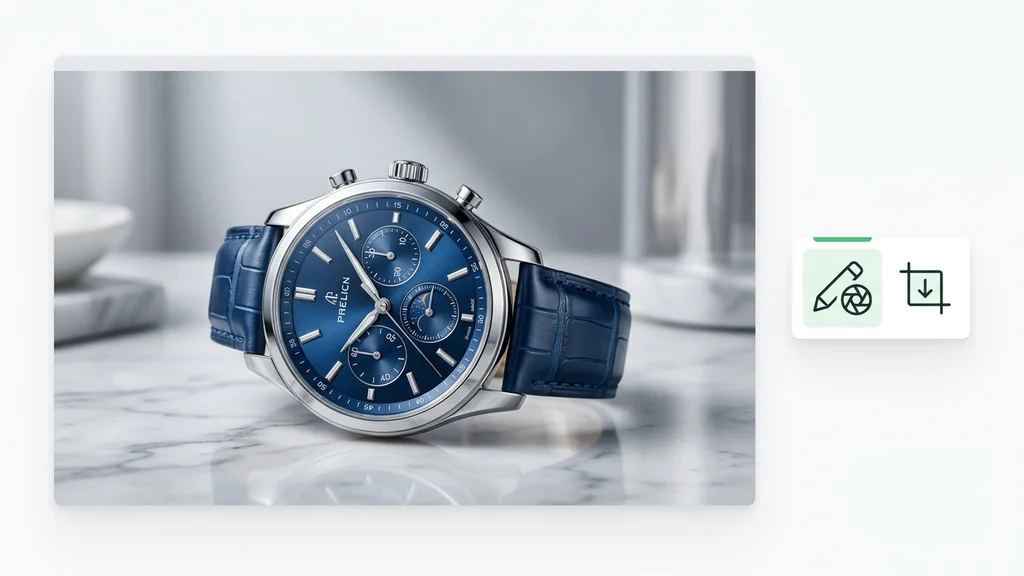
Imagen 4 Ultra के तीन practical use case: product hero, premium interior और person-led campaign visual
Imagen 4 Ultra को समझने का सबसे आसान तरीका है इसे real work के संदर्भ में देखना: product hero, premium interior, या person-led campaign visual, जहाँ final image quality किसी लंबी edit chain से अधिक महत्वपूर्ण होती है।

Premium still image generation

यह मॉडल तब सबसे मजबूत है जब image को text brief से नया बनाया जाना है, न कि existing image को हिस्सों में repair करना है।

बड़ी output options

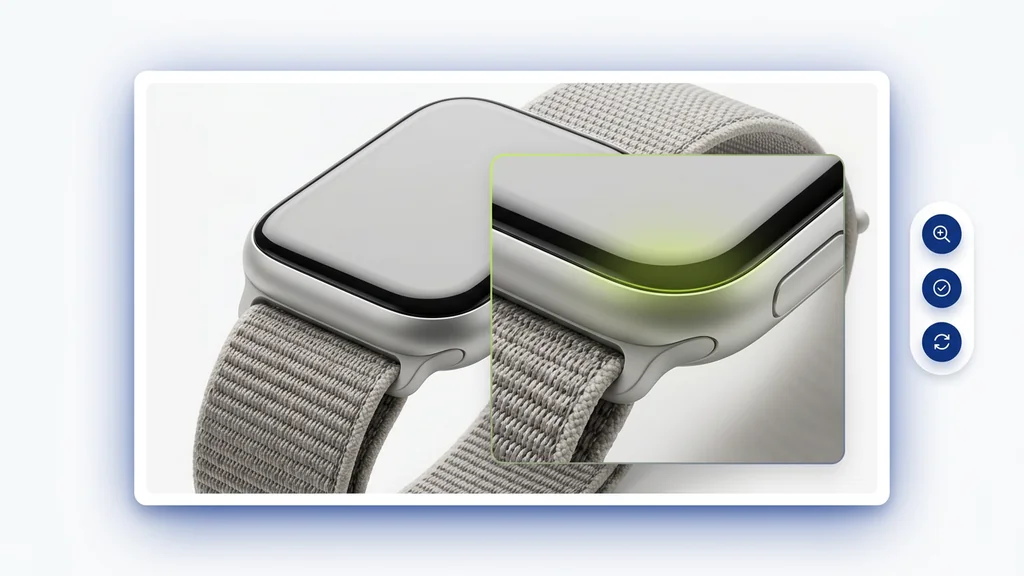
Official docs Ultra के लिए higher resolutions list करती हैं। इसलिए यह तब सही choice है जब final size और detail reserve दोनों महत्वपूर्ण हों।

Commercial visual briefs

Product advertising, campaign visuals, lifestyle, interiors, travel और high-finish static visuals के लिए यह अच्छा fit है।

यह edit-first model नहीं है

Official support matrix में इस model के लिए mask editing, outpainting, insert/remove object या product image editing शामिल नहीं हैं।

यह editing-focused models से कब बेहतर बैठता है

यहाँ सबसे उपयोगी सवाल सीधा है: क्या आपको नया premium image बनाना है, या existing image को surgically fix करना है? अगर काम text से शुरू होकर एक नया high-quality visual बनाना है, तो Imagen 4 Ultra बहुत मजबूत शुरुआत है। लेकिन अगर workflow existing image से शुरू होता है और core task local changes है, तो पहले किसी editing-focused route को खोलना बेहतर होगा।

यह फर्क इसलिए ज़रूरी है क्योंकि बहुत-सी AI pages हर काम के लिए खुद को सही बताती हैं। Imagen 4 Ultra की भूमिका उससे कहीं साफ है: text से final-quality images बनाना। जैसे ही task inpainting, outpainting, object replacement, local repair या precise touch-ups पर निर्भर हो, यह model उतना उपयुक्त नहीं रहता।

  • इन कामों के लिए Imagen 4 Ultra से शुरू करें: product heroes, ad stills, premium editorial concepts, person-led campaign visuals, interiors, travel scenes और वे brand visuals जो text brief से बनते हैं।
  • इन कामों के लिए यहाँ से शुरू न करें: mask editing, insert/remove object, outpainting, product recontext editing, या “existing image के एक हिस्से को ही ठीक करना है” जैसे tasks।
  • इसे देखने का उपयोगी तरीका: इसे final images के लिए strong generative tier समझें, हर तरह की image editing के universal tool की तरह नहीं।

Official sources वास्तव में क्या confirm करती हैं

ऐसी page को genuinely useful बनाने का सबसे अच्छा तरीका है verified facts को hype से अलग करना। Imagen 4 Ultra के मामले में Google Cloud documentation capabilities का एक काफ़ी precise set confirm करती है। यही पर्याप्त है एक strong page बनाने के लिए, बिना fake benchmarks या forced comparisons के।

क्षेत्र Officially confirmed यूज़र के लिए इसका अर्थ
Input और output Text input, image output यह route text-to-image generation के लिए है, existing images की editing के लिए नहीं।
Main capabilities Image generation, digital watermarking and verification, configurable safety settings, prompt enhancement, person generation Responsible AI layer के साथ premium still images के लिए मजबूत fit।
Unsupported Style customization, controlled customization, instruct customization, style transfer, mask-based editing, insert/remove object, outpainting, product image editing, upscaling, negative prompting अगर काम local editing या surgical changes पर निर्भर है, तो दूसरी route compare करनी चाहिए।
Aspect ratios 1:1, 3:4, 4:3, 9:16, 16:9 ये product, portrait, social और landscape formats के लिए पर्याप्त coverage देते हैं।
Resolutions 1024x1024, 896x1280, 1280x896, 768x1408, 1408x768, 2048x2048, 1792x2560, 2560x1792, 1536x2816, 2816x1536 Ultra तब सबसे उपयोगी है जब higher output resolution final deliverable quality का वास्तविक हिस्सा हो।
Quota note 30 regional online prediction requests प्रति मिनट प्रति base model यह production या higher-volume usage में महत्वपूर्ण हो जाता है।

Imagen 4 Ultra के लिए बेहतर prompt कैसे लिखें

Premium image models पर सबसे common problem अक्सर model नहीं बल्कि brief होता है। Imagen 4 Ultra के साथ छोटे creative brief आमतौर पर vague style words की लंबी सूची से बेहतर काम करते हैं। यह साफ़ बताना उपयोगी है कि image किस use case के लिए है, main subject क्या है, scene कैसे बनना चाहिए, light क्या role निभाएगी, realism का level क्या चाहिए, और बाद में text आना हो तो उसके लिए कहाँ space छोड़ी जानी चाहिए।

यह यहाँ खास तौर पर महत्वपूर्ण है क्योंकि model missing structure को अपने आप नहीं भरता। बहुत vague prompt एक सुंदर लेकिन generic image दे सकता है। ज़्यादा concrete brief, usable asset मिलने की संभावना को काफी बढ़ा देता है।

Imagen 4 Ultra के लिए prompt structure: subject, scene, light, crop और text space मिलकर एक साफ commercial visual बनाते हैं
एक अच्छा Imagen 4 Ultra prompt छोटे brief की तरह काम करता है: subject, scene, light, crop और text space को एक ही दिशा में जाना चाहिए।
Prompt उदाहरण 1

लक्ष्य: premium skincare hero

Prompt: एक skincare brand के लिए premium campaign image बनाओ: हल्के limestone पर एक matte glass bottle, warm side light, soft shadow, clean central composition, luxury beauty mood, headline copy के लिए empty space, realistic materials, 4:5 format.

Prompt उदाहरण 2

लक्ष्य: travel या hospitality के लिए lifestyle visual

Prompt: सूर्योदय के समय boutique hotel room generate करो: linen bedding, warm wood, sheer curtains से आती soft golden light, realistic textures, travel story के लिए editorial visual language, wide composition without text.

Prompt उदाहरण 3

लक्ष्य: person-led fashion campaign visual

Prompt: एक fashion campaign image बनाओ जिसमें cream structured coat पहने model minimalist city plaza में चल रही हो, soft diffused light, realistic skin texture, clean geometry in background, premium magazine tone, vertical portrait crop.

कब किसी दूसरे model से तुलना करनी चाहिए

एक उपयोगी page यह दावा नहीं करती कि एक model हर task के लिए सबसे अच्छा है। Imagen 4 Ultra तब मजबूत है जब आपको text से premium image चाहिए। अगर काम typography, visual references या local editing पर ज़्यादा निर्भर है, तो पहले neighboring models compare करना अधिक समझदारी है।

Imagen 4 Ultra से शुरू करें

जब brief text-based generation पर टिका हो और आपको clean, high-resolution, prompt-faithful final image चाहिए।

Seedream 4 से तुलना करें

जब आपको generation plus prompt-driven editing वाला stronger workflow चाहिए।

Ideogram से तुलना करें

जब result readable text, poster, packaging, labels या layout-led graphics पर निर्भर हो।

Kontext Pro से तुलना करें

जब primary need existing image की controlled editing हो, नई image generation नहीं।

Imagen 4 Fast से तुलना करें

जब speed और fast iteration, Ultra tier की maximum quality से ज़्यादा महत्वपूर्ण हों।

image model hub खोलें

जब आप अभी भी pure generation, typography और edit workflows के बीच निर्णय कर रहे हों।

Export से पहले क्या जाँचना चाहिए

सुंदर image हमेशा useful image नहीं होती। Export से पहले result को वास्तविक destination format में देखना चाहिए। Landing page hero, vertical paid social crop, editorial spread और product card सब अलग नियमों पर चलते हैं। कभी text space सबसे महत्वपूर्ण होती है, कभी material detail, और कभी सिर्फ crop itself।

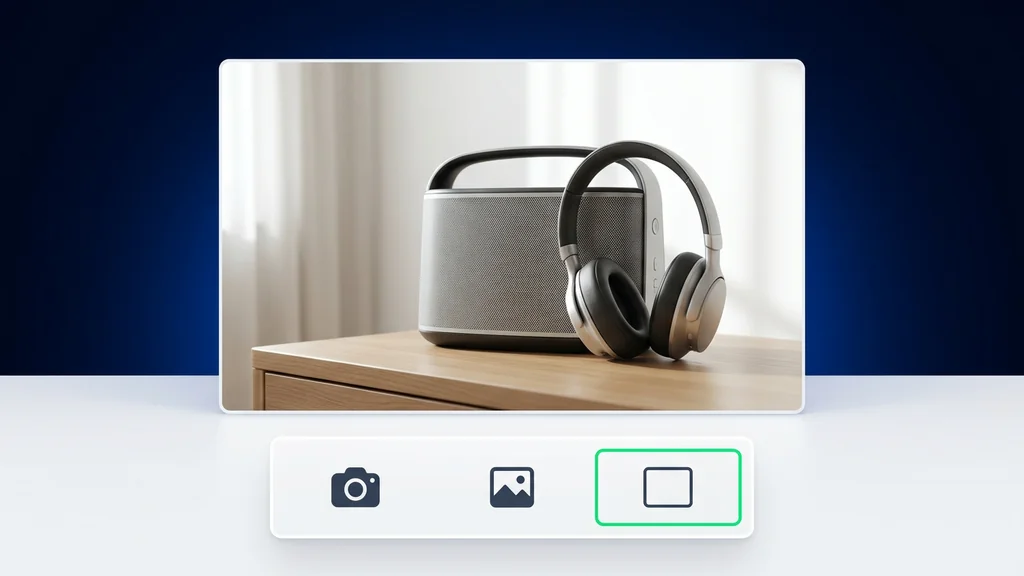
एक ही premium image के अलग-अलग placements के लिए तीन अलग crop
एक ही strong image format बदलने पर value खो सकती है। Export से पहले देखें कि composition, subject weight, detail level और text space वास्तविक placement में अभी भी काम कर रहे हैं या नहीं।
  • Task fit जाँचें: image को असली जरूरत हल करनी चाहिए, सिर्फ महंगी दिखनी नहीं चाहिए।
  • Crop जाँचें: चुना गया aspect ratio final channel के अनुरूप होना चाहिए, सिर्फ canvas पर अच्छा नहीं।
  • Product या person details जाँचें: हाथ, surfaces, proportions या materials अविश्वसनीय हों तो premium feeling जल्दी टूट जाती है।
  • Empty space जाँचें: अगर बाद में headline या CTA जोड़ना है, तो composition को उसके लिए जगह छोड़नी चाहिए।
  • देखें कि कहीं आपको दूसरे model की जरूरत तो नहीं: अगर अगला कदम local repair या object swap है, तो शायद आपने गलत page से शुरुआत की है।

इस guide के लिए हमने क्या verify किया

यह page Google Cloud की primary documentation पर आधारित है। मुख्य references हैं official Imagen 4 Ultra Generate page, official image generation guide, और official resolution guide। Unsupported benchmarks, fabricated competitor comparisons, unverified platform promises, और वे features जिन्हें official support matrix इस model से नहीं जोड़ती, इन्हें जानबूझकर हटाया गया है।

Imagen 4 Ultra के बारे में अक्सर पूछे जाने वाले सवाल

Imagen 4 Ultra क्या है?

Imagen 4 Ultra, Vertex AI पर Google का premium text-to-image model है, जो imagen-4.0-ultra-generate-001 model ID के तहत documented है।

यह किन कामों के लिए सबसे उपयुक्त है?

यह premium still image generation के लिए सबसे उपयुक्त है: advertising, product visuals, campaigns with people, interiors, travel scenes, और वे marketing या editorial assets जहाँ final image quality महत्वपूर्ण है।

क्या Imagen 4 Ultra image editing सपोर्ट करता है?

नहीं। Official support matrix में इस model के लिए mask-based editing, insert/remove object, outpainting, product image editing, या upscaling शामिल नहीं हैं।

कौन-कौन से image sizes supported हैं?

Official documentation standard sizes के साथ larger Ultra resolutions भी list करती है, जिनमें 2048x2048, 1792x2560, 2560x1792, 1536x2816 और 2816x1536 शामिल हैं।

कौन से aspect ratios उपलब्ध हैं?

Official model page 1:1, 3:4, 4:3, 9:16 और 16:9 सूचीबद्ध करती है।

क्या यह model humans generate कर सकता है?

हाँ। Imagen 4 Ultra की official capability list person generation को स्पष्ट रूप से शामिल करती है।

इसे Cleep के दूसरे image models से कैसे compare करना चाहिए?

इसे premium generation from text के लिए इस्तेमाल करें। Seedream को generation plus editing के लिए, Ideogram को typography-led visuals के लिए, Kontext Pro को edit workflows के लिए, और Imagen 4 Fast को speed-led use cases के लिए compare करें।

सुपर प्रमोशन

90% छूट

आवश्यक टूल्स के साथ शानदार AI फ़ोटो और वीडियो बनाएं

सिर्फ़ इतने में बेसिक प्लान अनलॉक करें $1

ऑटो-रिन्यू ऑनलाइन एक्टिव है। जब तक आप अपना प्लान नहीं बदलते और हमारे AI का उपयोग करके शानदार इमेज बनाते हैं, तब तक प्रमोशन उपलब्ध रहेगा। ऑफ़र 14 फ़रवरी को समाप्त होता है, और केवल इस फ़ीचर को अनलॉक करना आपके लिए 90% छूट के लायक है

अपनी उम्र चुनकर और जारी रखकर आप हमारी शर्तों से सहमत होते हैं उपयोग की शर्तें और प्राइवेसी पॉलिसी
कृपया जारी रखने से पहले समीक्षा करें