Verification: 234cbc2215f1fb96

Imagen 4 Fast AI Image Generator

प्राइसिंगअकाउंट मैनेज करें

AI इमेज जनरेटर

सीन को अपने तरीके से डायरेक्ट करें। जानबूझकर एंगल, डेप्थ और स्टाइल के साथ विज़ुअल बनाएं

Upload your photo
1

अपनी फ़ोटो अपलोड करें और बताएं कि आप क्या कल्पना करते हैं

दोनों को मिलाने से सर्वोत्तम परिणाम मिलते हैं

Enjoy result
2

AI द्वारा जीवंत की गई अपनी इमेज का आनंद लें

Imagen 4 Fast AI इमेज जनरेटर

Imagen 4 Fast वह पेज है जिसे आपको तब खोलना चाहिए जब एक ही hero image को बहुत दूर तक polish करने से ज्यादा जरूरी हो कि जल्दी कई workable directions दिख जाएं। Google Cloud की official documentation इस मॉडल को Vertex AI पर Imagen 4 family के fast text-to-image route के रूप में describe करती है, जिसमें image generation, digital watermarking and verification, configurable safety settings, prompt enhancement, person generation, और provisioned throughput शामिल हैं.

इस description की असली value यह है कि यह मॉडल की role clarity देती है। Imagen 4 Fast उस काम के लिए नहीं है जिसमें शुरुआत से ही सबसे बड़ा size और सबसे premium still output चाहिए। उस तरह के काम के लिए Imagen 4 Ultra को पहले compare करना बेहतर है। Fast उन workflows में बेहतर बैठता है जहां concept rounds, ad variations, early social crops, quick mood tests, और “अभी कई अच्छे options चाहिए” वाली जरूरत “एक धीमी लेकिन ज्यादा premium image” से ज्यादा important होती है.

संक्षिप्त निष्कर्ष

Imagen 4 Fast से शुरू करें जब काम iteration-heavy हो: fast concept exploration, ad variation rounds, early social visuals, और ऐसे batch workflows जहां speed, repeatability और standard sizes premium finish से ज्यादा matter करते हैं.

इस पेज के core official sources हैं Imagen 4 Fast model page, text-prompt image generation guide, और output resolution guide.

Imagen 4 Fast किन कामों में सबसे ज्यादा काम आता है

जब टीम को जल्दी कई credible directions देखनी हों, और एक almost-final image का इंतजार करना practical न हो, तब Imagen 4 Fast सबसे ज्यादा useful बनता है। Official model page पर प्रति prompt अधिकतम चार outputs, common aspect ratios, और regular तथा Ultra tiers की तुलना में ज्यादा regional online prediction requests quota बताया गया है। यह सुनने में technical लगता है, लेकिन practically इसका मतलब है: faster review loops.

असल काम में इसका मतलब होता है campaign direction drafts, brand moodboards, social format tests, product-scene ideas, और ऐसे batches जिनमें असली सवाल “क्या यह final है?” नहीं बल्कि “कौन-सी direction आगे push करनी चाहिए?” होता है.

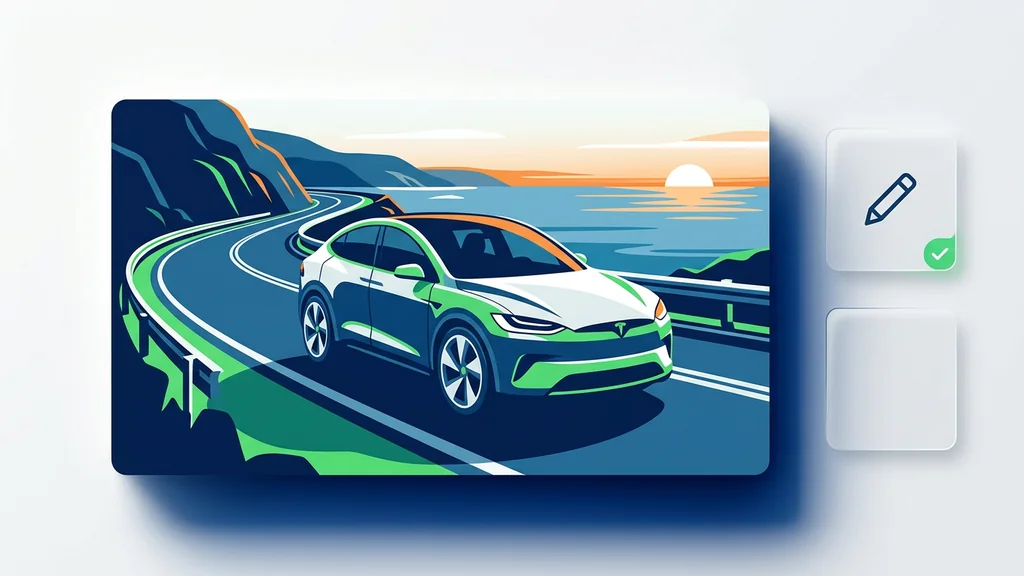
एक ही brief से निकली कई तेज visual directions जो दिखाती हैं कि Imagen 4 Fast शुरुआती concept selection को कैसे तेज बनाता है
Imagen 4 Fast को समझने का सबसे आसान तरीका है इसे decision-speed model की तरह देखना। इसकी ताकत एक perfect image में नहीं, बल्कि कई usable directions जल्दी देने में है ताकि टीम review, reject और refine कर सके.

Direction जल्दी मिलती है

Campaign की शुरुआत और first concept round में खास काम आता है, जब सबसे जरूरी चीज final image नहीं बल्कि सही visual direction होती है.

Batch workflows के लिए अच्छा

Official specs प्रति prompt चार images तक allow करती हैं, जो वास्तविक creative review rhythm से अच्छी तरह match करती हैं.

Standard placements को cover करता है

Supported resolutions square, portrait और landscape placements को cover करती हैं, जो शुरुआती testing में सबसे common होती हैं.

यह premium finishing layer नहीं है

अगर आपका real need बड़ा और ज्यादा polished output है, तो official docs खुद आपको Ultra comparison की तरफ ले जाती हैं.

Fast और Ultra अलग क्यों feel होते हैं

इन दोनों का फर्क समझने का सबसे honest तरीका नाम नहीं, official support tables हैं। Fast standard aspect ratios और base resolutions पर काम करता है, जो अधिकांश fast iteration work के लिए काफी हैं। Ultra इससे आगे जाकर bigger output sizes देता है, इसलिए वह premium still-image work के ज्यादा करीब है। साथ ही Fast का official regional online prediction requests quota भी काफी ज्यादा है.

यही workflow बदल देता है। Fast तब सही है जब brief हो “मुझे जल्दी कई अच्छे options दिखाओ।” Ultra तब सही है जब brief हो “एक image दो जो final delivery के ज्यादा करीब हो और size में भी बड़ी हो।”

तुलना Imagen 4 Fast Imagen 4 Ultra प्रैक्टिकल निष्कर्ष
Supported resolutions 1024x1024, 896x1280, 1280x896, 768x1408, 1408x768 उपरोक्त sizes के साथ 2048x2048, 1792x2560, 2560x1792, 1536x2816, 2816x1536 Fast standard-size iteration के लिए बेहतर है; Ultra तब जब higher resolution खुद requirement का हिस्सा हो.
Maximum images per prompt 4 4 दोनों multiple outputs दे सकते हैं, लेकिन repeated review rounds में Fast ज्यादा natural starting point है.
Regional online prediction requests quota 150 per minute per base model 30 per minute per base model High-frequency tests और heavier volume workflows में Fast ज्यादा practical choice है.
User का असली सवाल मैं कितनी जल्दी strong options देख सकता हूं? एक image कितनी final-quality लग सकती है? Fast direction selection के लिए है; Ultra premium quality और bigger still output के लिए.

Official docs वास्तव में क्या confirm करती हैं

अगर यह पेज सच में useful होना है, तो verified facts और marketing noise अलग होने चाहिए। Google की official docs Imagen 4 Fast की capability boundaries को काफी साफ तौर पर define करती हैं। इसलिए invented benchmarks, price assumptions या unsupported claims की जरूरत नहीं है.

Area Officially confirmed इसका practical मतलब
Input and output Text input, image output यह text-to-image route है, existing-image editing workflow नहीं.
Core capabilities Image generation, digital watermarking and verification, configurable safety settings, prompt enhancement, person generation, provisioned throughput Fast generation-first model है, style transfer या detailed image surgery tool नहीं.
Not supported few-shot customization, subject customization, style customization, controlled customization, instruct customization or style transfer, mask-based and mask-free editing, insert or remove objects, outpainting, product image editing, upscaling, negative prompting अगर आपका next step edit, recontext या local repair है, तो दूसरा route ज्यादा सही होगा.
Aspect ratios 1:1, 3:4, 4:3, 9:16, 16:9 यह common square, portrait और landscape placements को cover करता है.
Technical limits Maximum image size 10 MB, up to 4 output images per prompt, MIME types image/png and image/jpeg Quick batches और short decision cycles के लिए अच्छा fit है.
Prompt languages English, plus preview support for simplified Chinese, traditional Chinese, Hindi, Japanese, Korean, Portuguese, and Spanish Practical use में इसे अभी भी English-first model की तरह सोचना सुरक्षित है, बाकी languages preview layer पर हैं.
Resolution control Separate output resolution guide केवल imagen-4.0-generate-001 और imagen-4.0-ultra-generate-001 को list करती है Fast को fixed standard-size generator की तरह समझना चाहिए, tuned high-resolution route की तरह नहीं.

Imagen 4 Fast के लिए prompt कैसे लिखें

Fast models को सबसे ज्यादा फायदा clear brief से मिलता है। लक्ष्य यह नहीं कि prompt लंबा हो, बल्कि यह कि prompt साफ हो। आम तौर पर subject, scene, crop, lighting और use case को साफ लिखना चाहिए। अगर prompt vague है, तो speed advantage वैसे ही खत्म हो जाती है क्योंकि पहली batch के बाद prompt फिर लिखना पड़ता है.

Official text-prompt guide में एक खास warning भी है: imagen-4.0-fast-generate-001 complex prompt और enhanced prompts के साथ undesirable results दे सकता है। Google खुद सलाह देता है कि ऐसे cases में console का Help me write avoid करें, या enhancePrompt को false पर रखें। इसका practical मतलब है कि Fast focused prompt पर बेहतर काम करता है, overloaded prompt पर नहीं.

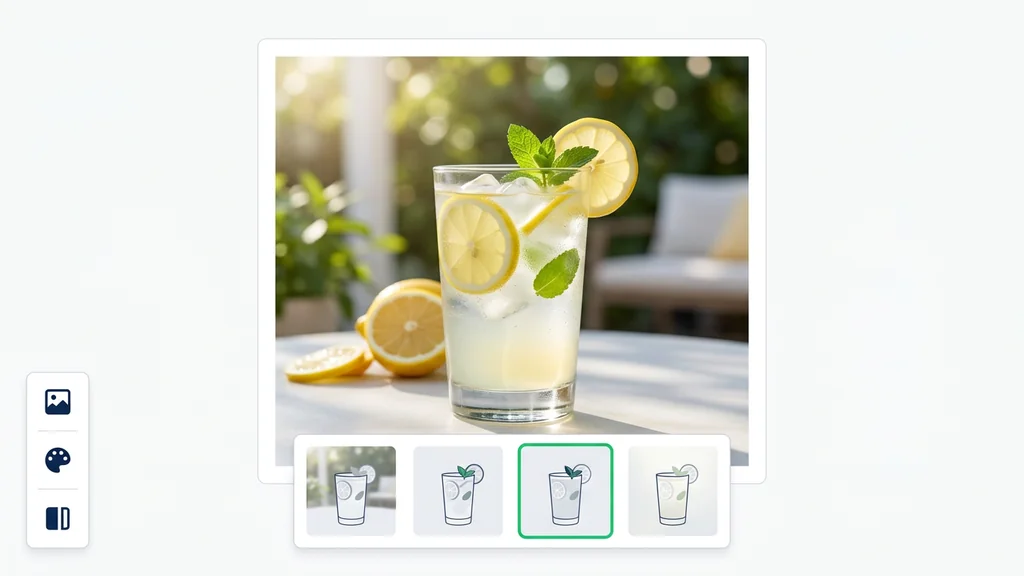
एक workflow diagram जिसमें clear brief, quick options और चुनी हुई अगली direction दिखाई गई है
Fast का सबसे effective workflow सीधा है: एक साफ brief लिखें, कुछ options निकालें, direction चुनें, फिर targeted next round चलाएं। Prompt जितना साफ होगा, speed उतनी ज्यादा useful होगी.
Prompt example 1

Goal: skincare launch के लिए चार first-round ad directions.

Prompt: Create a clean skincare campaign image with one frosted bottle on pale stone, soft warm light, modern beauty-ad composition, negative space for headline copy, realistic material finish, square social crop.

Prompt example 2

Goal: landing page के लिए quick hero concept.

Prompt: Generate a startup landing-page hero visual showing a compact AI workspace, dark laptop, subtle interface glow, calm premium lighting, clean depth, wide 16:9 crop, realistic but minimal look.

Prompt example 3

Goal: fast travel visual direction test.

Prompt: Create a boutique coastal hotel terrace at sunrise, linen textures, warm natural light, quiet luxury mood, editorial travel style, vertical 9:16 crop for social story placement.

Prompt example 4

Goal: thumbnail या poster के लिए first concept round.

Prompt: Generate a cinematic science documentary poster concept with one glowing satellite dish, dramatic dusk sky, strong focal subject, clear center composition, dark blue palette, readable space for large title.

Imagen 4 Fast वास्तव में समय कहां बचाता है

Fast तब value देता है जब bottleneck यह नहीं होता कि “क्या model सुंदर image बना सकता है?” बल्कि यह होता है कि “क्या team जल्दी enough अच्छे options देखकर decision ले सकती है?” इसलिए यह creative work के सबसे busy हिस्से में fit बैठता है: early concepts, internal reviews, first ad sets, और different format tests.

जब actual deliverable final image नहीं बल्कि decision हो, तब यह और भी ज्यादा useful है। अगर marketing team को lunch से पहले छह directions देखनी हैं, या designer को premium version बनाने से पहले visual system की दिशा पकड़नी है, तो Fast काफी sensible choice बन जाता है.

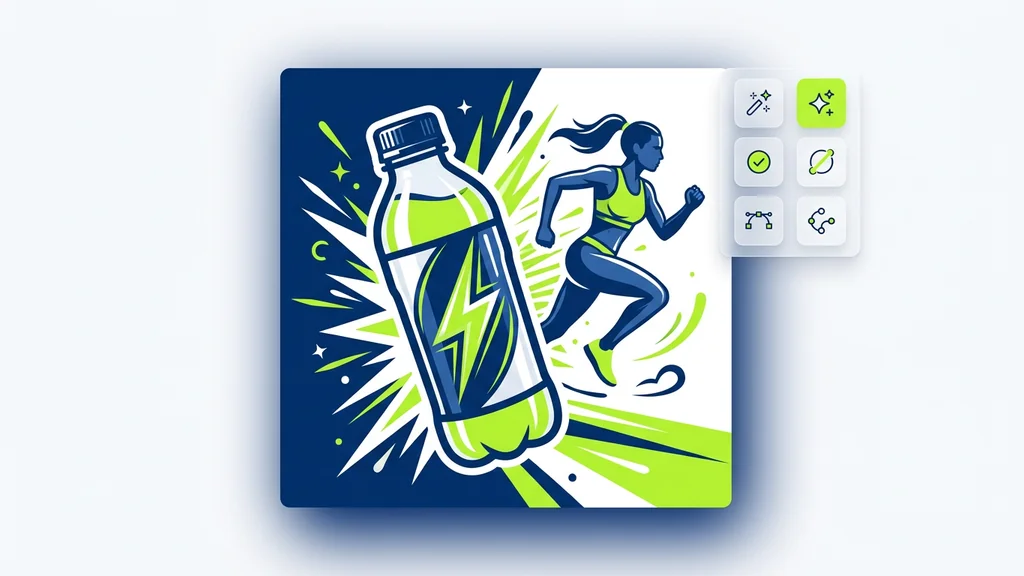
कई fast concept options और बाद की premium finishing direction के बीच का visual comparison
जब तक टीम direction चुन रही हो, Fast अक्सर सबसे अच्छा पहला पड़ाव होता है। Direction clear होने के बाद और काम exploration से finishing में जाने पर Ultra ज्यादा natural हो जाता है.
  • Fast को first-round ad work में उपयोग करें: जब आप design time या budget deepen करने से पहले कई discussable routes देखना चाहते हों.
  • Fast को social format testing में उपयोग करें: official aspect ratios वही हैं जिन्हें ज्यादातर teams शुरू में test करती हैं.
  • Fast को review speed बढ़ाने के लिए उपयोग करें: प्रति prompt चार outputs first screening के लिए अच्छी rhythm देते हैं.
  • Fast को premium second pass से पहले रखें: इसे winning direction चुनने वाली layer की तरह सोचें, जरूरी नहीं कि यही final rendering layer हो.

कब किसी दूसरे image model को compare करना चाहिए

एक useful page यह pretend नहीं करती कि एक model हर काम में best है। Imagen 4 Fast की strength speed है। अगर real challenge readable typography, image editing, या bigger premium output है, तो दूसरा page ज्यादा सही starting point हो सकता है.

Imagen 4 Fast पर बने रहें

जब काम का core fast direction-finding, concept batches और standard-size review हो.

Imagen 4 Ultra से compare करें

जब official bigger resolutions और premium still quality आपकी real requirement हो.

Ideogram से compare करें

जब image का success readable text, posters, labels, packaging या layout-heavy design पर depend करे.

Seedream 4 से compare करें

जब initial generation के बाद कई prompt-driven refinement rounds expected हों.

Kontext Pro से compare करें

जब main task existing image को precisely edit करना हो, न कि जल्दी नई image generate करना.

image model hub खोलें

जब आप अभी भी speed-first, typography-first और edit-first workflows के बीच decide कर रहे हों.

अगर आप API integration plan कर रहे हैं तो यह note ज़रूरी है

18 अप्रैल 2026 तक Google Cloud की official text-to-image guide imagen-4.0-fast-generate-001 को migration table में gemini-2.5-flash-image से map करती है, और 30 जून 2026 से पहले image generation endpoints update करने की recommendation देती है ताकि service disruption से बचा जा सके। यह Fast की speed-first value को negate नहीं करता, लेकिन long-term production endpoint चुनते समय इसे ignore नहीं किया जा सकता.

Export से पहले क्या check करें

Fast output तभी valuable है जब generator के बाहर भी काम करे। Export से पहले image को real placement में देखना चाहिए: square ad card, vertical story, landing hero या thumbnail। Batch के अंदर best दिखने वाली image जरूरी नहीं कि real crop, copy और final surface पर भी best रहे.

  • पहले crop check करें: Fast अक्सर format testing के लिए use होता है, इसलिए winning option को real placement में भी काम करना चाहिए.
  • देखें कि premium second pass की जरूरत है या नहीं: अगर direction सही है लेकिन finish कमज़ोर है, तो tier बदलना prompt को और बड़ा करने से बेहतर है.
  • Copy space check करें: तेज concept images तब ज्यादा useful होती हैं जब वे headline या CTA के लिए जगह छोड़ती हैं.
  • देखें कि असली problem text readability तो नहीं: अगर success readable lettering पर depend करती है, तो typography-strong model page देखना बेहतर है.
  • देखें कि काम editing में तो नहीं बदल गया: अगर अगला step local fixes है, तो edit-first route ज्यादा natural है.

इस guide के लिए हमने क्या verify किया

यह पेज Google Cloud की primary documentation पर आधारित है। मुख्य references हैं official Imagen 4 Fast model page, official text-prompt image generation guide, और official output resolution guide। मैंने जानबूझकर unverified latency claims, invented benchmarks, speculative pricing, और unsupported platform promises को हटाया है.

Imagen 4 Fast के बारे में अक्सर पूछे जाने वाले सवाल

Imagen 4 Fast क्या है?

Imagen 4 Fast, Vertex AI पर Google Imagen 4 का fast text-to-image model है, जिसका official model ID imagen-4.0-fast-generate-001 है.

यह किन कामों के लिए सबसे अच्छा है?

यह speed-first work के लिए सबसे अच्छा है: early concept rounds, ad variations, social format tests, और ऐसे workflows जहां review speed maximum output size से ज्यादा important हो.

क्या यह image editing support करता है?

नहीं। Official support table में mask-based editing, object insert/remove, outpainting, product image editing या upscaling listed नहीं हैं.

यह किन image sizes को support करता है?

Official model page 1024x1024, 896x1280, 1280x896, 768x1408 और 1408x768 list करती है.

एक prompt पर अधिकतम कितनी images मिल सकती हैं?

Official technical specification के अनुसार, एक prompt पर अधिकतम चार output images मिलती हैं.

Official page किन prompt languages का ज़िक्र करती है?

English के साथ simplified Chinese, traditional Chinese, Hindi, Japanese, Korean, Portuguese और Spanish को preview support के रूप में list किया गया है.

Ultra के बजाय Fast क्यों चुनें?

जब speed, multiple options comparison और standard-size review ज्यादा important हों, तब Fast बेहतर है। जब bigger official resolution और premium still quality चाहिए हो, तब Ultra बेहतर है.

Prompt के बारे में सबसे important official warning क्या है?

Google बताता है कि imagen-4.0-fast-generate-001 complex prompt और enhanced prompts के साथ undesirable results दे सकता है। ऐसे cases में Help me write avoid करें या enhancePrompt को false पर रखें.

सुपर प्रमोशन

90% छूट

आवश्यक टूल्स के साथ शानदार AI फ़ोटो और वीडियो बनाएं

सिर्फ़ इतने में बेसिक प्लान अनलॉक करें $1

ऑटो-रिन्यू ऑनलाइन एक्टिव है। जब तक आप अपना प्लान नहीं बदलते और हमारे AI का उपयोग करके शानदार इमेज बनाते हैं, तब तक प्रमोशन उपलब्ध रहेगा। ऑफ़र 14 फ़रवरी को समाप्त होता है, और केवल इस फ़ीचर को अनलॉक करना आपके लिए 90% छूट के लायक है

अपनी उम्र चुनकर और जारी रखकर आप हमारी शर्तों से सहमत होते हैं उपयोग की शर्तें और प्राइवेसी पॉलिसी
कृपया जारी रखने से पहले समीक्षा करें