Verification: 234cbc2215f1fb96

Qwen AI Image Generator

प्राइसिंगअकाउंट मैनेज करें

AI इमेज जनरेटर

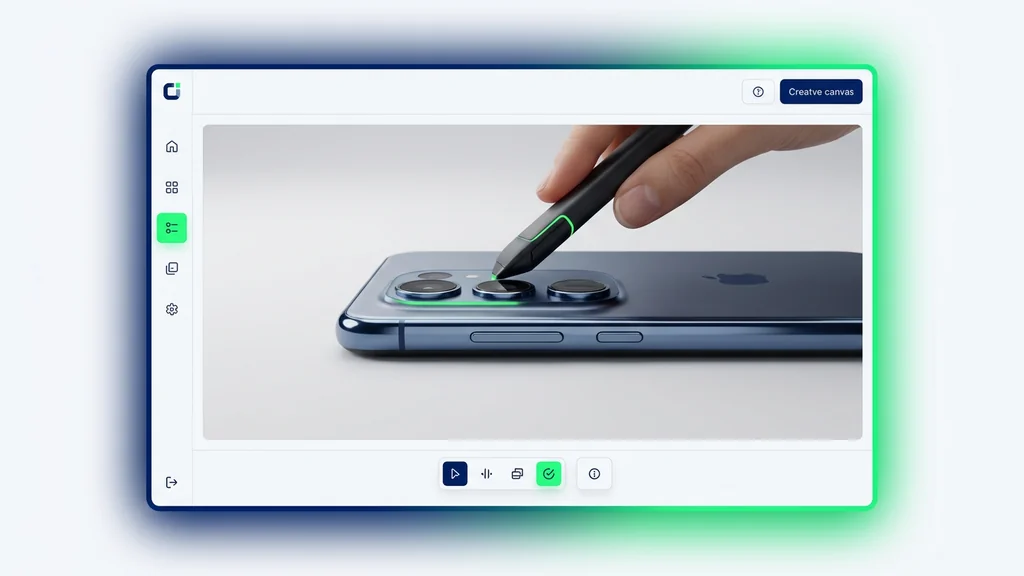
सीन को अपने तरीके से डायरेक्ट करें। जानबूझकर एंगल, डेप्थ और स्टाइल के साथ विज़ुअल बनाएं

Upload your photo
1

अपनी फ़ोटो अपलोड करें और बताएं कि आप क्या कल्पना करते हैं

दोनों को मिलाने से सर्वोत्तम परिणाम मिलते हैं

Enjoy result
2

AI द्वारा जीवंत की गई अपनी इमेज का आनंद लें

Qwen AI इमेज जनरेटर

अगर किसी इमेज में सिर्फ मूड या स्टाइल नहीं, बल्कि सच में पढ़े जा सकने वाले शब्द चाहिए हों, तो Qwen बहुत अलग दिखने लगता है। आधिकारिक Qwen-Image लॉन्च पोस्ट इसे किसी सामान्य AI art tool की तरह पेश नहीं करती। इसके बजाय इसे 20B MMDiT आधारित इमेज फाउंडेशन मॉडल के रूप में रखा गया है, जिसे जटिल टेक्स्ट रेंडरिंग और सटीक इमेज एडिटिंग के लिए बनाया गया है। Qwen-Image की आधिकारिक API डॉक्स भी यही बात दोहराती हैं: मॉडल general-purpose है, लेकिन इसकी असली ताकत multi-line layouts, paragraph-level text, और fine detail control वाले कामों में दिखती है।

Cleep पर यह फर्क इसलिए महत्वपूर्ण है क्योंकि कई इमेज मॉडल तब तक अच्छे लगते हैं जब तक brief बहुत ढीला हो। असली काम आते ही दिक्कत शुरू होती है: headline पढ़ी जानी चाहिए, poster में sections होने चाहिए, product card में labels और price area चाहिए, और slide को "designed" लगना चाहिए, न कि बस सजाया हुआ। Qwen ठीक इसी क्षेत्र में मजबूत है: पोस्टर, इन्फोग्राफिक्स, मेन्यू या पैकेजिंग edits, bilingual assets, और वे revisions जहाँ इमेज के भीतर का टेक्स्ट ही काम का हिस्सा हो

ईमानदार framing यह है कि Qwen वह मॉडल नहीं है जिसे मैं सबसे पहले dreamy exploration, painterly mood, या pure vibe-first visuals के लिए खोलूँ। लेकिन जब इमेज को पढ़ा जाना हो, संरचना बनाए रखनी हो, और बाद की edits झेलनी हों, तब यह बहुत सही विकल्प बन जाता है। इसी वजह से Qwen-Image-Edit की आधिकारिक पोस्ट और official editing guide इस पेज के लिए अहम हैं। Qwen की कहानी सिर्फ generation तक सीमित नहीं है; इसमें text replacement, object movement, style transfer, और multi-image editing भी शामिल है।

जल्दी जवाब

Qwen से शुरुआत करें जब आउटपुट में इमेज के भीतर पढ़ा जा सकने वाला टेक्स्ट चाहिए, poster या slide जैसी structure चाहिए, labels साफ चाहिए, या uploaded image पर precise edit करनी हो।

इस गाइड की मुख्य sources हैं Qwen-Image लॉन्च पोस्ट, Qwen-Image-Edit पोस्ट, Qwen-Image API docs, official editing guide, और Qwen-Image-2.0 announcement

Qwen असल में किस काम में सबसे बेहतर है

अगर आधिकारिक material को सीधा पढ़ा जाए, तो Qwen एक साफ text-first image model है। शुरुआती Qwen-Image पोस्ट multi-line layouts, paragraph-level text, posters, PPT-style pages, और precise editing को center में रखती है। फिर Qwen-Image-2.0 announcement उसी position को "professional typography", native 2K output, और unified generation-and-editing model के साथ और मजबूत करती है। यह उस मॉडल की language नहीं है जिसका काम सिर्फ अच्छे-looking backgrounds बनाना हो।

प्रैक्टिकल भाषा में कहें तो Qwen तब अच्छा है जब इमेज को सिर्फ सुंदर नहीं, usable भी होना हो। जैसे readable headline वाला flyer, छह labeled modules वाला slide, corrected text वाला menu board, short callouts वाला comparison card, या bilingual social asset जो फिर भी designed लगे। यही वे काम हैं जिनमें कमजोर text handling वाले models जल्दी टूटते हैं, और यही वे examples हैं जिन्हें Qwen टीम official materials में बार-बार दिखाती है।

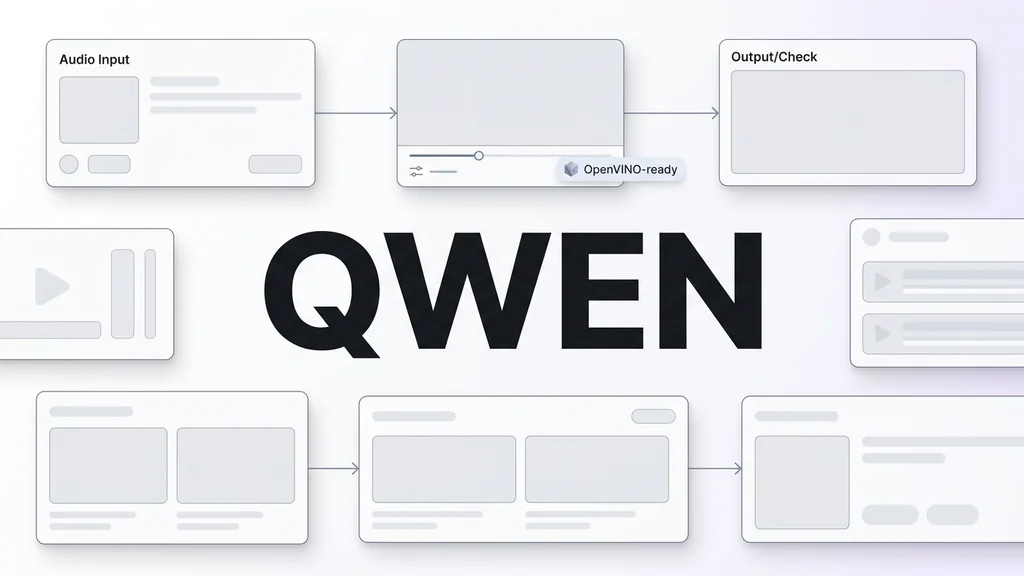
Qwen की strengths दिखाने वाला visual board: readable text posters, slide-style layouts, bilingual creative और precise image editing
Qwen की value तब बढ़ती है जब इमेज को सिर्फ सजावटी नहीं, communicative होना हो। Posters, cards, slides, labels, और text-driven edits इसके सबसे अच्छे examples हैं।

Posters और slides इसका core area हैं

Official examples में structured posters, infographic-style layouts और multiple labeled modules वाले presentation pages बार-बार दिखते हैं।

Text editing कोई side feature नहीं है

Official editing guide साफ कहती है कि Qwen-Image-Edit इमेज के अंदर के text को बदल सकती है, सिर्फ objects add या remove नहीं करती।

Generation और editing एक ही family में हैं

Qwen-Image-2.0 को अलग-अलग workflows के बजाय unified generation-and-editing model की तरह पेश किया गया है।

English और Chinese सबसे सुरक्षित language cases हैं

API docs Chinese और English prompts को support करती हैं, और official demos भी single-language और bilingual दोनों examples दिखाती हैं।

Official Qwen sources वास्तव में क्या confirm करती हैं

इस route का पुराना page बहुत general Qwen-family article बन गया था। वह इस route और search intent दोनों के लिए गलत था। /generate/image/qwen पर आने वाला user language model ecosystem की history नहीं ढूँढ़ रहा होता; उसे यह जानना होता है कि यह image model किस काम में अच्छा है और कब alternatives से बेहतर choice बनता है।

Area Officially confirmed User के लिए मतलब
Model identity Official launch post Qwen-Image को 20B MMDiT image foundation model कहती है। इस page को generic Qwen overview की तरह नहीं, image generation और image editing route की तरह समझना चाहिए।
Core strength Launch post और API docs दोनों complex text rendering पर जोर देती हैं, जिसमें multi-line layout और paragraph-like text शामिल हैं। इसका मतलब है कि posters, menus, cards, slides, और structured visuals में Qwen वास्तव में काम का हो सकता है।
Editing support Official guide कहती है कि Qwen-Image-Edit text बदल सकती है, objects add/remove/move कर सकती है, actions बदल सकती है, style transfer कर सकती है, और details improve कर सकती है। यानि यह सिर्फ text-to-image route नहीं, बल्कि uploaded images के लिए prompt-driven editing route भी है।
Product direction Qwen-Image-2.0 को unified generation and editing model के रूप में पेश किया गया है, साथ में professional typography और native 2K output भी। यह family "generate" और "edit" को अलग सोचने के बजाय एक text-aware workflow में ला रही है।
Resolution Official API docs के अनुसार Qwen-Image-2.0 series 512x512 से 2048x2048 तक support करती है, और default 2048x2048 है। इससे model सिर्फ छोटे drafts के लिए नहीं, बल्कि usable social, poster और card outputs के लिए भी practical हो जाती है।
Variations उसी API documentation में कहा गया है कि Qwen-Image-2.0 एक request में 1 से 6 images लौटा सकती है। यह multiple layout directions या style variations compare करने के लिए useful है।
Prompt rewriting Docs कहती हैं कि prompt_extend default से on रहता है और tighter control के लिए off किया जा सकता है। जब exact copy या strict structure चाहिए हो, तब छोटा और more controlled prompt ज्यादा reliable होता है।
Language scope API docs Chinese और English prompts support करती हैं, और official blog bilingual examples भी दिखाती है। इससे English-Chinese labels, posters और bilingual creative work में Qwen खास तौर पर interesting हो जाता है।

जब टेक्स्ट पढ़ने योग्य रहना ज़रूरी हो, तब Qwen prompt कैसे लिखें

बहुत से image prompts सिर्फ scene या mood describe करते हैं। लेकिन Qwen बेहतर काम करता है जब prompt layout की job भी बताता है। Format बताइए। Information hierarchy बताइए। Title कहाँ होगा, कितने sections चाहिए, कौन-सा text बिल्कुल वही रहना चाहिए—ये सब लिखिए। Official Qwen examples यही करती हैं। वे सिर्फ "एक अच्छा poster" नहीं मांगतीं; वे headline, submodules, support copy और visual balance तक समझाती हैं।

प्रैक्टिकल तौर पर API docs के दो constraints बहुत महत्वपूर्ण हैं। पहला, prompt text की limit 800 characters है, इसलिए बहुत लंबे briefs कट जाएंगे। दूसरा, prompt_extend default से on है। यह कभी-कभी richer visuals देता है, लेकिन exact copy या tighter layout चाहिए हो तो more controlled prompt बेहतर होता है। Editing में भी वही rule लागू होता है: क्या same रहेगा, क्या बदलेगा, और कौन-से शब्द replace होंगे, यह साफ लिखिए।

नीचे दिए गए examples जानबूझकर English में रखे गए हैं ताकि उन्हें सीधे prompt field में paste किया जा सके।

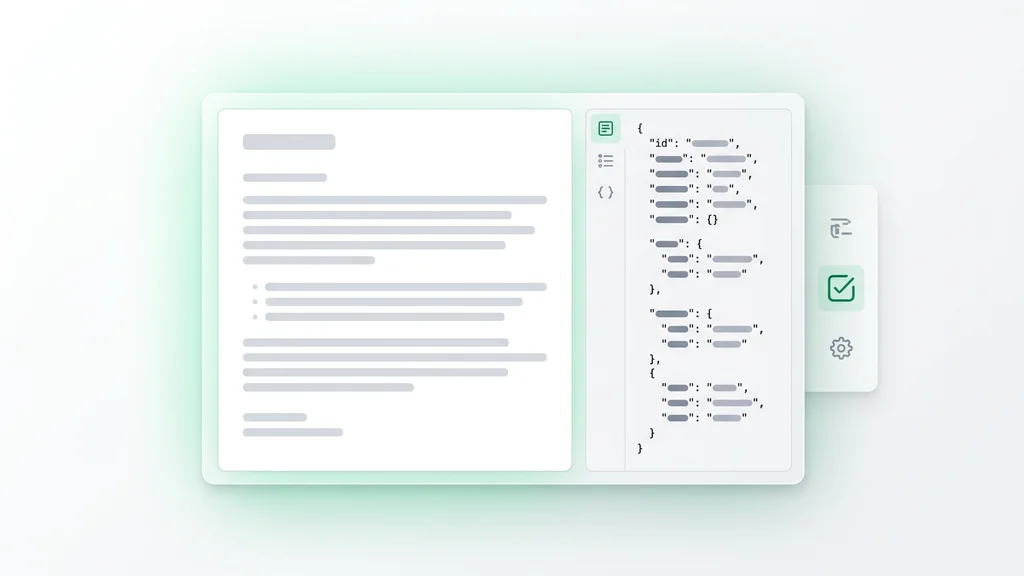
Qwen prompt framework board जिसमें canvas type, text hierarchy, exact copy, editing constraints और final check steps दिखाए गए हैं
Qwen के लिए अच्छे prompts सिर्फ subject describe नहीं करते; वे format, text hierarchy, fixed elements और model के freedom zones भी define करते हैं।
Prompt pattern 1

Poster और flyer के लिए: पहले visual layout define करें, फिर exact headline और subhead दें।

Prompt: Create a 4:5 event poster for a rooftop jazz night. Use a deep navy background, warm gold accents, and a clean editorial layout. The headline "MIDNIGHT SETS" should be large at the top, with the subhead "Live jazz above the city" directly below it. Leave clean space at the bottom for date, venue, and one CTA line.

Prompt pattern 2

Explainers और slide-style visuals के लिए: Qwen को बताइए कि कितने modules चाहिए और हर block क्या कहेगा।

Prompt: Design a square infographic titled "How Cold Brew Is Made". Use four numbered modules with simple icons and short labels: Grind, Steep, Filter, Serve. Keep the typography readable, the layout balanced, and the color palette minimal and premium.

Prompt pattern 3

Product cards के लिए: hero object, label area, और price या comparison zone को अलग-अलग बताइए।

Prompt: Create a clean ecommerce feature card for a wireless desk lamp. Keep the lamp as the hero object on the right. On the left, add a short heading, three compact feature bullets, and a reserved area for price. Use soft shadows, a pale stone background, and readable sans-serif type.

Prompt pattern 4

Uploaded image editing के लिए: बहुत साफ लिखिए कि क्या same रहेगा और सिर्फ क्या बदलेगा।

Prompt: Using the uploaded cafe menu photo, keep the background, lighting, and paper texture unchanged. Replace only the large title with "Spring Specials", update the three price lines beneath it, and preserve the original menu layout and overall typographic mood.

रियल workflow में Qwen सबसे ज्यादा कहाँ काम आता है

Qwen के strongest use cases में एक common pattern है: इमेज को "designed surface" की तरह behave करना होता है। यह poster हो सकता है, product card, menu, slide, packaging mockup, या before/after visual जिसमें text readable रहना चाहिए। अगर model image तो बना दे लेकिन copy बिगाड़ दे, तो पूरा workflow टूट जाता है। Qwen की value यही है कि वह image और text दोनों समस्याओं को साथ में address करने की कोशिश करता है।

दूसरी बड़ी बात यह है कि Qwen सिर्फ first draft से पहले काम का नहीं है; यह उसके बाद भी useful रहता है। Official editing guides दिखाती हैं कि यह family revision loops के लिए बनी है: image में text बदलना, objects move करना, outfit या background बदलना, या multiple references को एक controlled composition में मिलाना।

Use case Qwen क्यों fit बैठता है क्या specify करना चाहिए
Event posters और promo flyers Official examples readable copy और clear structure वाले headline-driven posters दिखाती हैं। headline, subhead, hierarchy, aspect ratio, और intended empty space।
PPT-style slides और explainers Qwen-Image family infographic और presentation-like layouts को बहुत साफ तरीके से push करती है। module count, icon style, short labels, section order, और text density।
Ecommerce cards और comparison visuals जब product image को labels, feature callouts या card-like framing चाहिए, Qwen उपयोगी हो जाता है। hero placement, text zone, feature bullets, comparison rows, और restrained background।
Menu, signage और packaging edits Official editing guide explicitly existing images में text editing support करती है। कौन-सा text बदलेगा, क्या freeze रहेगा, और original typography mood preserve करना है या नहीं।
Bilingual social creative Official blog English, Chinese और bilingual examples दिखाती है। exact copy, line breaks, language order, और हर language block का visual weight।
Multi-image editing Editing workflow multiple image inputs और structured changes को support करती है, सिर्फ vague remixing नहीं। कौन-सी image subject देगी, कौन style या pose देगी, और scene के कौन-से हिस्से stable रहने चाहिए।

Qwen को बिना overpromise किए कैसे इस्तेमाल करें

Qwen उतना बेहतर होता है जितना brief specific होता है। यह इसकी strength भी है और warning भी। अगर आप open-ended exploration, painterly mood, या pure vibe-first visuals चाहते हैं, तो दूसरे models ज़्यादा natural लग सकते हैं। लेकिन अगर आपको readable headline, structured card, corrected menu, या usable bilingual promo asset चाहिए, तो Qwen अचानक बहुत sensible choice बन जाता है।

प्रैक्टिकल rule सीधा है: जब इमेज को पढ़ा जाना हो, तो Qwen से शुरू करें। अगर काम लगभग पूरा typography-driven है, तो Ideogram से compare करें। अगर fast exploratory editing ज़्यादा जरूरी है, तो Nano Banana देखें। अगर premium realism priority है, तो Imagen 4 Ultra से तुलना करें। अगर आप more editorial, more mood-first result चाहते हैं, तो Krea उपयुक्त तुलना है।

Qwen workflow diagram जो text-first brief selection से copy definition, generation or editing और final proofing तक का flow दिखाती है
Qwen के लिए सबसे सही workflow सीधा है: पहले तय करें कि इमेज को information carry करनी है, फिर copy और structure साफ लिखें, generate या edit करें, और export से पहले text proof करें।
  • Exact copy लिखें: अगर headline, label या menu item final image में सही होना चाहिए, तो उसे implied मत छोड़िए।
  • Layout job describe करें: poster, card, slide, menu या infographic जैसे शब्द इस्तेमाल करें ताकि model समझे कि यह designed information surface है।
  • Brief compact रखें: official API 800 characters के बाद prompt cut कर देती है।
  • Strict काम में expansion कम रखें: जब copy और structure stable रहने चाहिए, controlled prompt ज़्यादा reliable होती है।
  • Result को designer की तरह proof करें: Qwen कई competitors से बेहतर text render करता है, लेकिन final wording और factual details फिर भी publish करने से पहले जांचनी चाहिए।

कब दूसरी route बेहतर है

एक मजबूत Qwen page वह भी होनी चाहिए जो तब भी useful रहे जब जवाब हो: "यहाँ Qwen को force मत करो"। यह ईमानदारी SEO और trust दोनों के लिए अच्छी है। Qwen सबसे ज़्यादा text, structure और image editing के intersection पर चमकता है। यह हर visual काम के लिए default universal answer नहीं है।

Qwen पर रहें

जब इमेज में readable text, labels, modules, bilingual copy, या layout logic बचाते हुए revision loop की ज़रूरत हो।

Ideogram से compare करें

जब brief बहुत typography-heavy या poster-first हो और flexible editing से ज़्यादा graphic composition जैसा हो।

Nano Banana से compare करें

जब speed, branching और light edits text fidelity और structured layouts से ज़्यादा महत्वपूर्ण हों।

Imagen 4 Ultra से compare करें

जब आपकी primary priority text-driven cards या posters नहीं, बल्कि premium realism हो।

Krea से compare करें

जब आप more editorial mood, softer style direction और clear mood-first image language चाहते हों।

इमेज मॉडल हब देखें

जब पहले यह तय करना हो कि काम text-first, edit-first, realism-first या style-first है, फिर model चुननी हो।

इस गाइड में क्या verify किया गया

यह rewrite Qwen और Alibaba की official materials पर आधारित है, किसी generic AI roundup पर नहीं। Core sources हैं Qwen-Image launch post, Qwen-Image-Edit post, official API docs, official editing guide, और Qwen-Image-2.0 announcement। पुरानी generic claims—जैसे Qwen language-model family पर unsupported विस्तार, बिना context के benchmark-style boasting, या "सब कुछ कर सकता है" तरह की positioning—हटा दी गई हैं, क्योंकि वे इस route की trust और SEO quality दोनों को कमजोर करती हैं।

Qwen के बारे में अक्सर पूछे जाने वाले सवाल

इस पेज पर Qwen से क्या मतलब है?

इस route में Qwen का मतलब Qwen की image generation और image editing family से है, न कि पूरे Qwen ecosystem पर एक generic article से।

क्या Qwen इमेज के अंदर के टेक्स्ट के लिए अच्छा है?

हाँ। Official launch post और API docs दोनों complex text rendering, multi-line layouts और paragraph-level text को strongly highlight करती हैं।

क्या Qwen uploaded images edit कर सकता है?

हाँ। Official editing guide के अनुसार Qwen-Image-Edit text बदल सकती है, objects add या remove कर सकती है, elements move कर सकती है, actions बदल सकती है, style transfer कर सकती है और detail improve कर सकती है।

क्या Qwen poster या slide-style visuals बना सकता है?

हाँ। Official Qwen materials में posters, informational layouts और PPT-style pages core examples के रूप में दिखाई देते हैं।

Qwen कौन-से output sizes support करता है?

Official Qwen-Image API docs के अनुसार Qwen-Image-2.0 series 512x512 से 2048x2048 तक support करती है, और default 2048x2048 है।

एक बार में कितनी variations मिल सकती हैं?

Official API documentation के अनुसार Qwen-Image-2.0 एक request में 1 से 6 images लौटा सकती है।

क्या prompt rewriting ऑन रखना चाहिए?

यह task पर depend करता है। Docs कहती हैं कि यह default से on है, लेकिन exact copy या stricter layout के लिए more controlled prompt आम तौर पर बेहतर रहती है।

क्या Qwen bilingual text support करता है?

Official blog bilingual examples दिखाती है, और API docs Chinese व English prompts को explicitly support करती हैं।

कब Ideogram से compare करना चाहिए?

जब काम बहुत typography-led या poster-first हो। Qwen तब खास दिलचस्प हो जाता है जब आप उसी family के अंदर editing capability भी चाहते हों।

कब मुझे दूसरा model चुनना चाहिए?

जब task मुख्य रूप से realism-first, mood-first या speed-first हो। Qwen सबसे मजबूत तब है जब इमेज readable रहनी चाहिए और structure बचा रहना चाहिए।

सुपर प्रमोशन

90% छूट

आवश्यक टूल्स के साथ शानदार AI फ़ोटो और वीडियो बनाएं

सिर्फ़ इतने में बेसिक प्लान अनलॉक करें $1

ऑटो-रिन्यू ऑनलाइन एक्टिव है। जब तक आप अपना प्लान नहीं बदलते और हमारे AI का उपयोग करके शानदार इमेज बनाते हैं, तब तक प्रमोशन उपलब्ध रहेगा। ऑफ़र 14 फ़रवरी को समाप्त होता है, और केवल इस फ़ीचर को अनलॉक करना आपके लिए 90% छूट के लायक है

अपनी उम्र चुनकर और जारी रखकर आप हमारी शर्तों से सहमत होते हैं उपयोग की शर्तें और प्राइवेसी पॉलिसी
कृपया जारी रखने से पहले समीक्षा करें