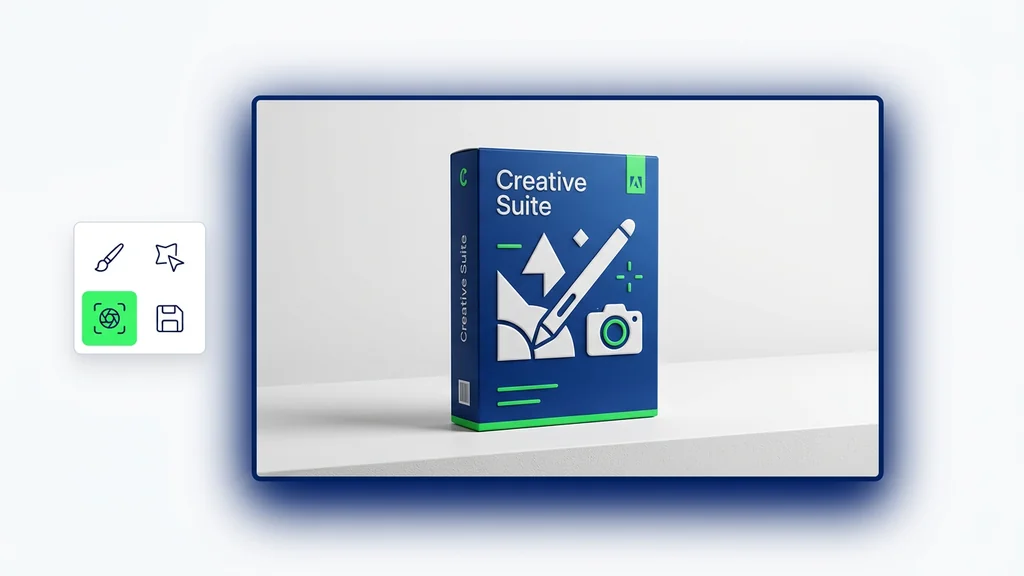
1Step 01
Describe It And Add References
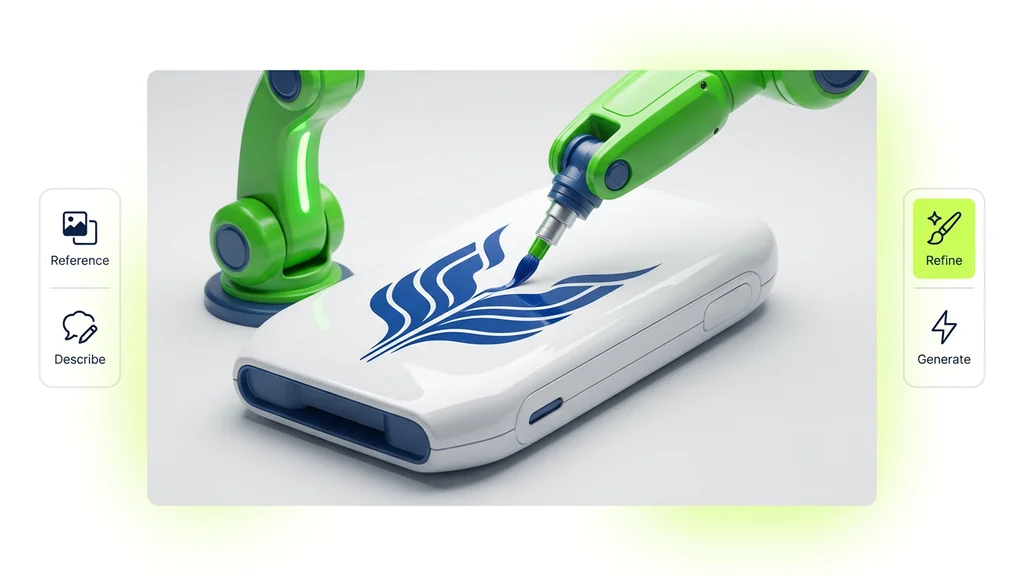
Describe what you want and add up to 8 reference images — for style, characters, or products you need to keep consistent across the result.
Write your prompt here


Direct the scene your way. Create visuals with intentional angles, depth, and style
Combining both gives the best results
Cleep AI helps teams generate photorealistic images with readable, on-image text and a repeatable review step—so creatives can move from prompt to approved asset faster.
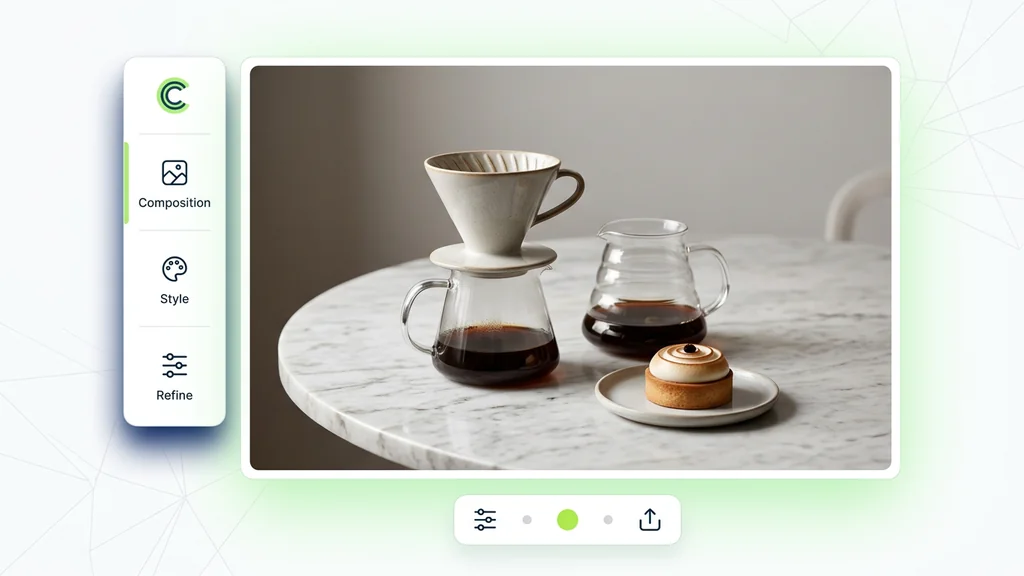
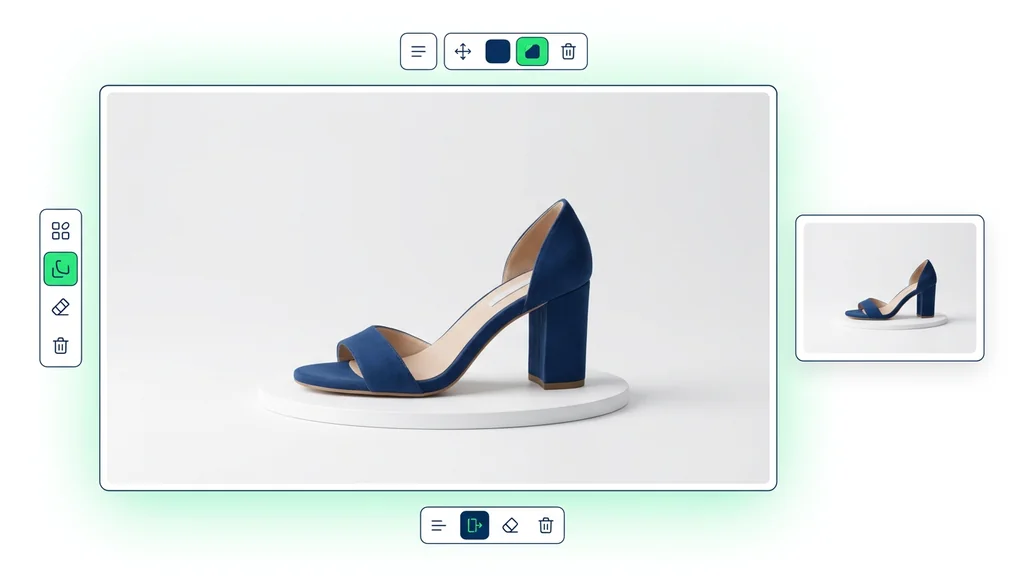
From a written idea to a finished image — no setup, no plugins, no Discord.
Describe what you want and add up to 8 reference images — for style, characters, or products you need to keep consistent across the result.
Pick an aspect ratio (9:16, 1:1 HD, 1:1, 4:3) and how many variations to create at once (up to 8). Generate a batch and keep the ones you like.
Click generate. Ideogram returns your images in seconds. Download what you like, or refine the prompt and run it again.
A user enters the exact headline or label text, then adds a style description (for example: studio product photo, cinematic lighting, or clean poster design). If a layout or brand look already exists, a reference image can be added to guide composition and color. The output is a set of candidate images designed for fast iteration on both visuals and typography.
This approach is commonly used for ad creatives, event posters, product launch graphics, and social thumbnails where the message must be readable at a glance. Teams also use it for packaging mockups and signage concepts that need realistic lighting plus accurate labels. For U.S. campaigns, it supports quick A/B iterations on headline wording while keeping the same visual concept.
Before an asset is approved, the reviewer checks spelling, kerning, and whether the generated text matches the exact requested wording. This step is especially important for uncommon characters and symbol sets (including Dongba symbols) that can be misrendered in image generation. If anything is off, the team regenerates with tighter constraints or swaps to a cleaner layout prompt for higher legibility.
Cleep AI keeps prompts, references, and outputs organized so teams can compare iterations and reuse winning formulas across campaigns. It also makes it easier to standardize inputs like aspect ratio, brand color notes, and required copy, reducing back-and-forth during approvals. The result is a more repeatable path to photorealistic image generation that still supports rapid creative exploration.
Move from concept to usable assets with a workflow built for readable text inside images and fast iteration. Create multiple variations, pick the best, and rerun with updated copy when stakeholders change the headline. Start in Cleep AI and keep outputs consistent across channels.