Describe It And Add References
Describe what you want and add up to 8 reference images — for style, characters, or products you need to keep consistent across the result.
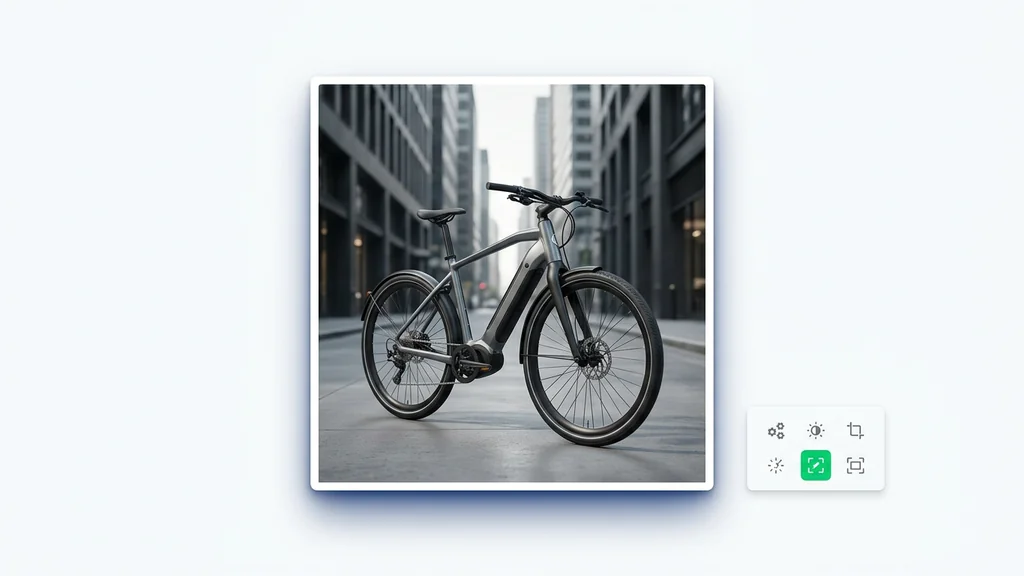
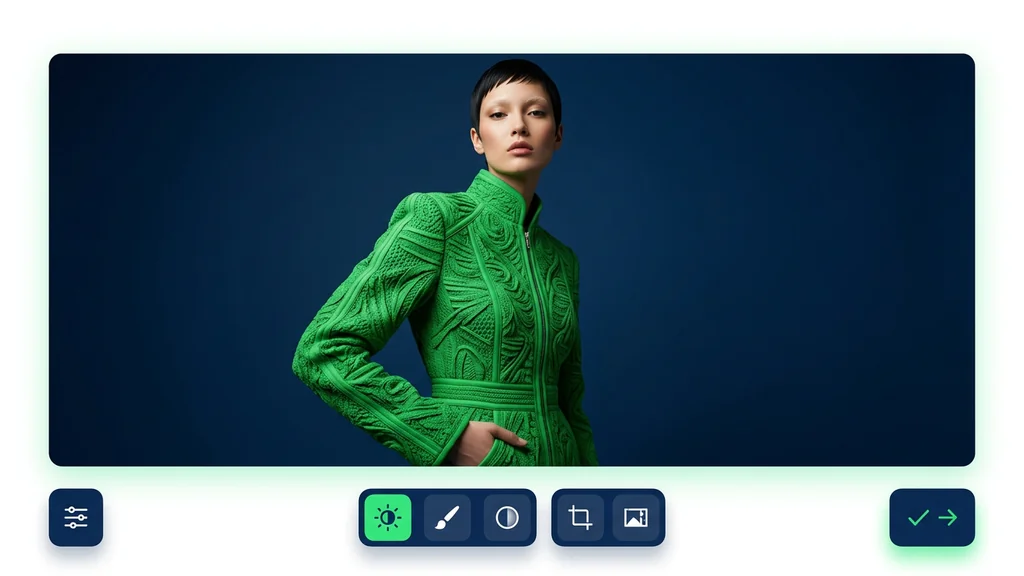
Direct the scene your way. Create visuals with intentional angles, depth, and style
Combining both gives the best results
Create image variations from prompts plus multiple reference images, then review consistency before you export. Built for teams that need repeatable outputs and fast iteration inside one workspace.


From a written idea to a finished image — no setup, no plugins, no Discord.
Describe what you want and add up to 8 reference images — for style, characters, or products you need to keep consistent across the result.
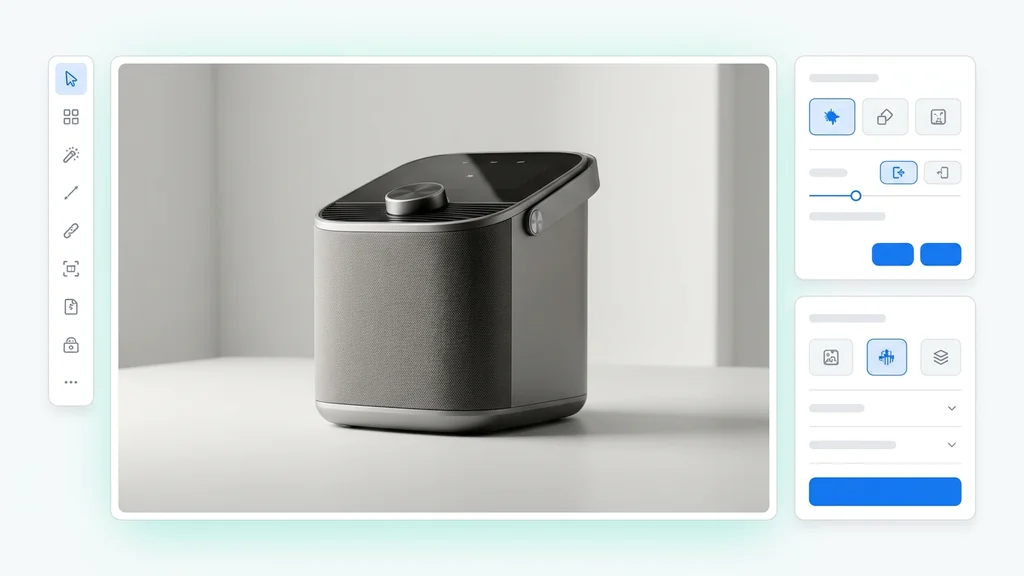
Pick an aspect ratio (9:16, 16:9, 1:1 HD, 1:1) and how many variations to create at once (up to 4). Generate a batch and keep the ones you like.
Click generate. Seedream V4 returns your images in seconds. Download what you like, or refine the prompt and run it again.
Seedream V4 is used by adding a prompt and attaching one or more reference images to steer composition, identity, and style. The tool produces multiple candidates, and the user selects a direction, then regenerates with small prompt edits or swapped references. For multi-reference processing, users can separate “identity” from “product” references to reduce drift between iterations.

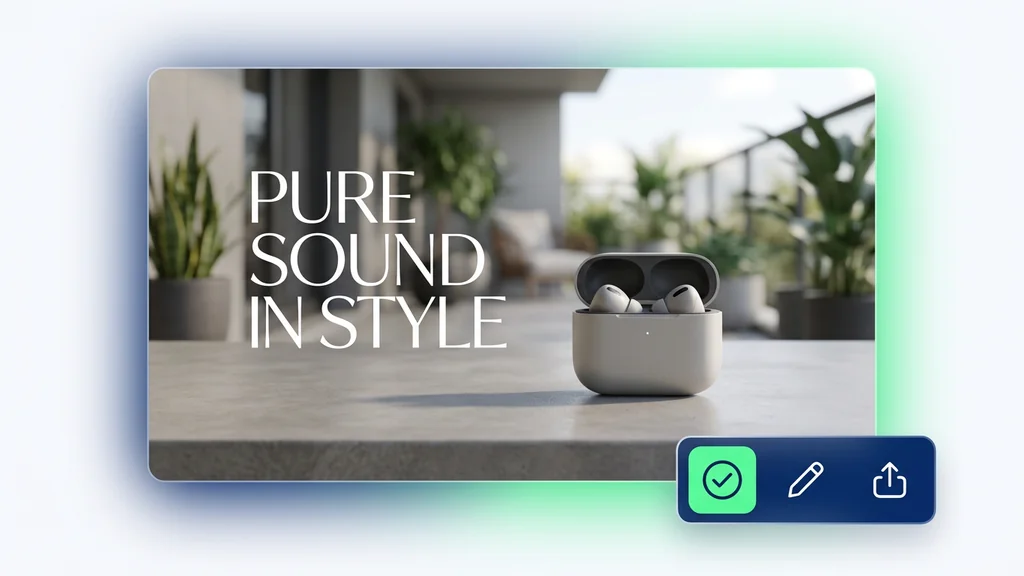
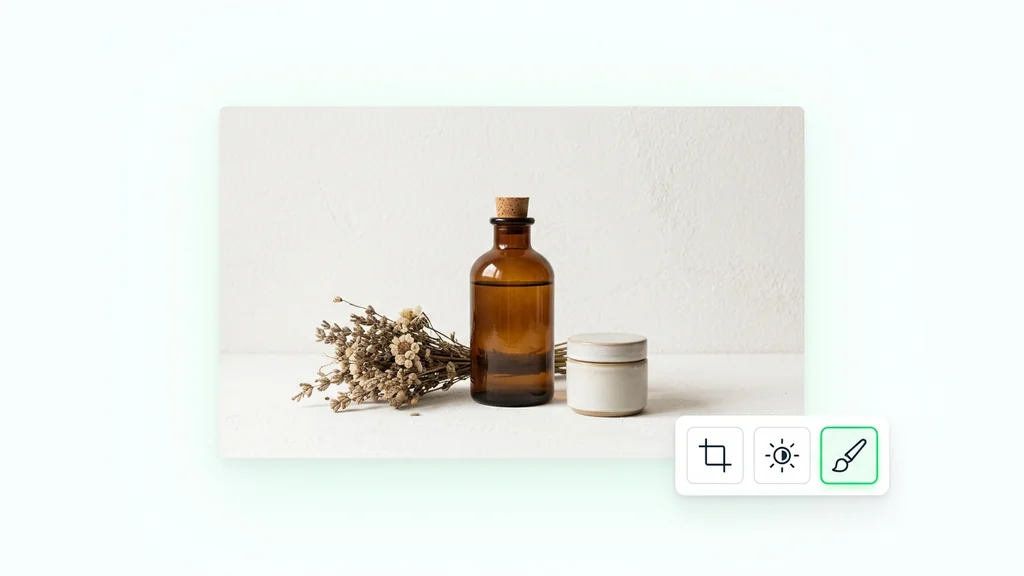
Teams use the model for product lifestyle scenes where the item must stay recognizable while backgrounds and lighting change. It also supports character or spokesperson consistency when an identity reference is paired with scene references for different locations. For campaign production, users can generate a set of on-brand variations, then lock a chosen look and iterate only on copy, framing, or props.

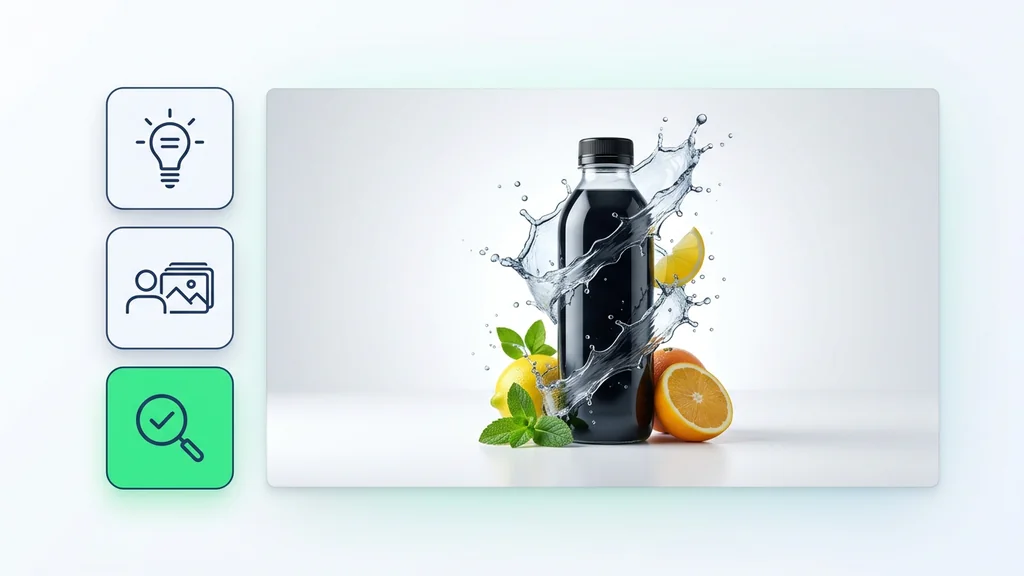
A practical review step checks for identity drift, logo/text distortions, and inconsistent materials (like fabric weave or packaging edges) across the selected set. Users can validate consistency by comparing the output against each reference image and re-running with fewer references if conflicts appear.

This option is strongest when the input includes multiple references and the output must stay coherent across a batch of variations. It fits workflows where users need controlled creativity—changing environment, pose, or camera angle while keeping key attributes stable.

Start with a prompt and two to four references, generate a candidate grid, and pick the most consistent direction. Then run one more pass to remove artifacts and align details before export. Cleep AI keeps the workflow in one place so teams can iterate quickly and document what changed between versions.