1Step 01
Describe Your Image
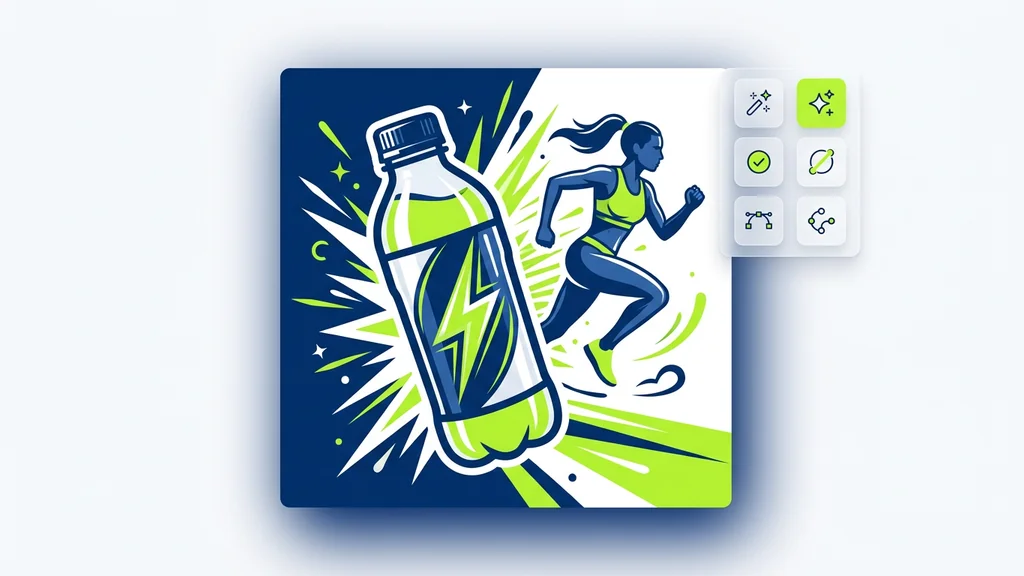
Write down your prompt. Describe the subject, style, composition, lighting, and any text you want on the image. The more specific you are, the closer the result.
A neon ramen bar in Tokyo at night

Direct the scene your way. Create visuals with intentional angles, depth, and style
Combining both gives the best results
Create production-ready visuals from prompts in seconds, then validate details, upscale, and export to vector formats when you need clean, scalable artwork for web, product, and marketing teams in the United States.
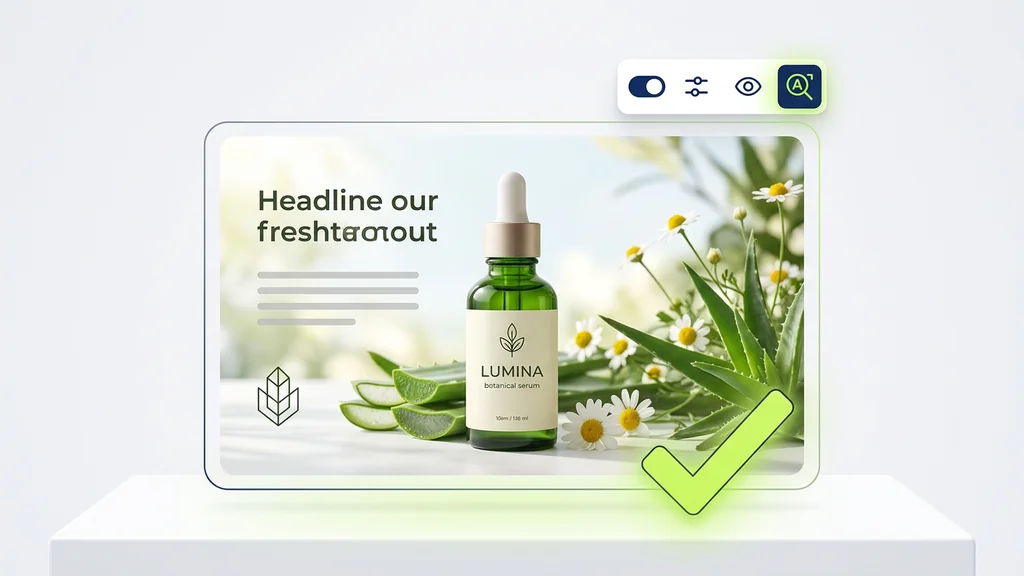
From a written idea to a finished image — no setup, no plugins, no Discord.
Write down your prompt. Describe the subject, style, composition, lighting, and any text you want on the image. The more specific you are, the closer the result.
Pick an aspect ratio (9:16, 1:1, 4:3, 3:4) and how many variations to create at once (up to 4). Generate a batch and keep the ones you like.
Click generate. Imagen4 Fast returns your images in seconds. Download what you like, or refine the prompt and run it again.
Imagen4 Fast is used by starting with a clear prompt (subject, style, lighting, and intended use), then optionally adding a reference image to anchor composition. The tool returns multiple candidates quickly so teams can iterate on wording and constraints instead of waiting on long render cycles. After selecting a favorite, users can request variations, upscale, or move to Text to Vector when the output needs crisp edges for UI and print.
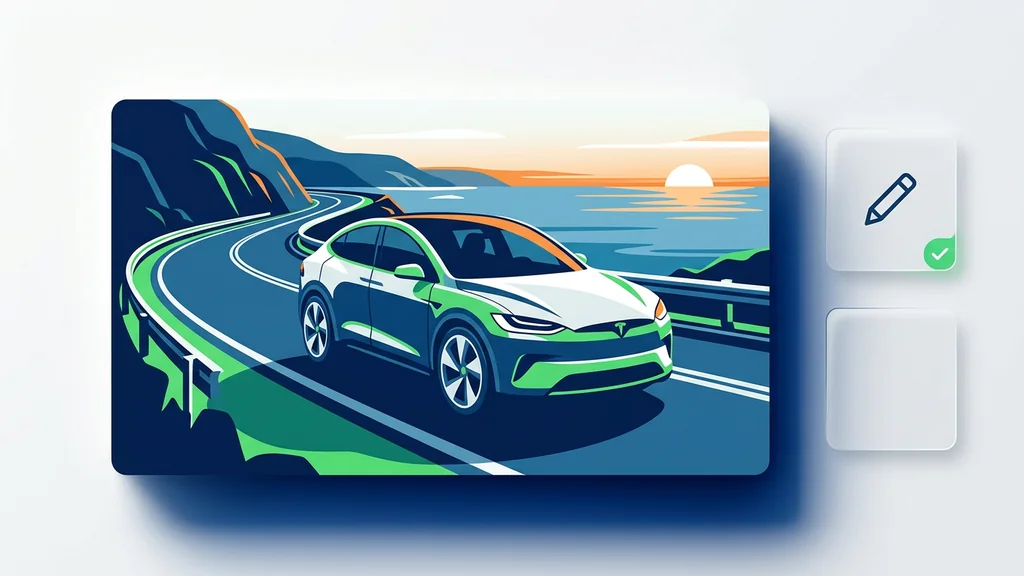
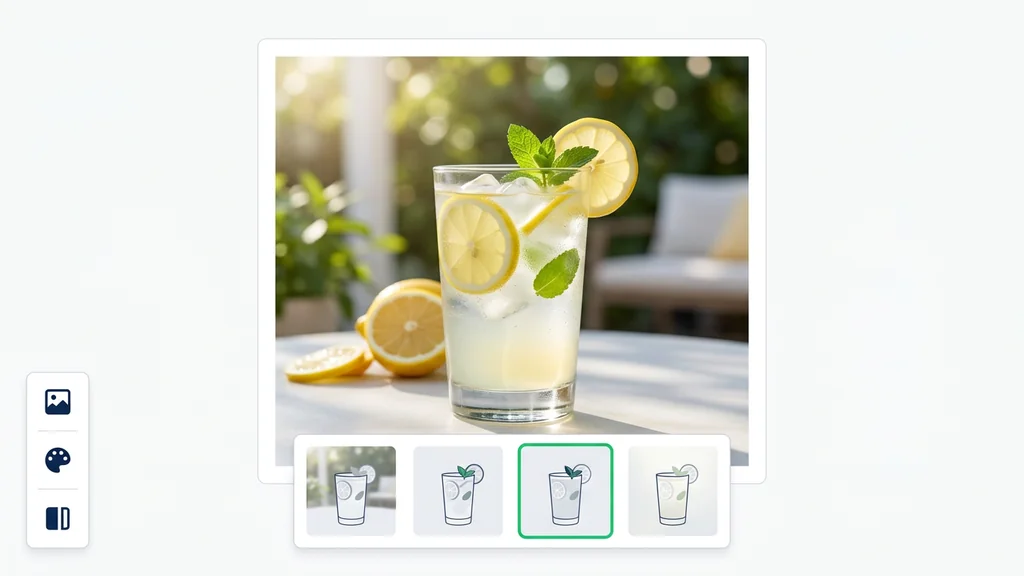
Marketing teams use the model to produce ad concepts, hero banners, and social variations while keeping a consistent art direction across a campaign. Product teams generate onboarding illustrations and empty-state graphics, then switch to Text to Vector for icons that must stay sharp at any size. Ecommerce teams create lifestyle scenes and background swaps from a single product shot, reducing reshoot needs while keeping the product as the visual anchor.
Before shipping an asset, reviewers can verify legibility (especially small text), anatomy details (hands, eyes), and brand constraints like logo placement and color palette. For regulated or sensitive categories, teams can add a quick checklist step: confirm no unintended claims, unsafe elements, or misleading context made it into the scene. When the output will be resized across channels, converting key elements via Text to Vector helps maintain clean lines and consistent shapes.
Cleep AI supports workflows that resemble how Large-Scale Image Generative Models are used in production: batch runs, consistent constraints, and repeatable prompts. For engineering teams, the Imagen 4 Ultra API can be used when the same generation logic needs to run inside apps, pipelines, or internal creative tools. This makes it easier to move from one-off experiments to governed, trackable output creation with predictable inputs and review steps.
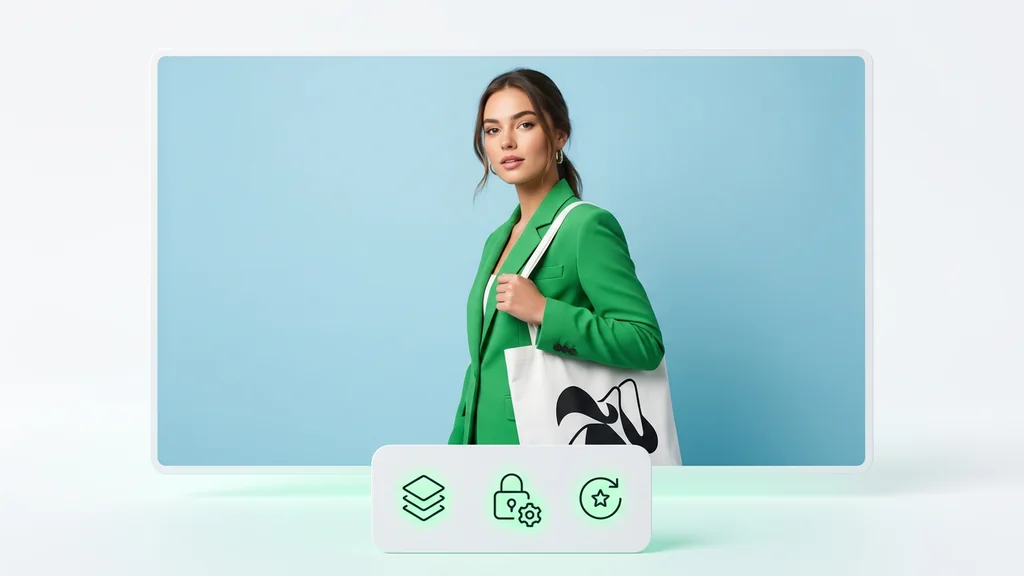
Run a quick prompt test, compare candidates, and lock a direction in minutes instead of days. When you need scalable artwork, export key elements through Text to Vector so icons and marks stay crisp across devices. For production teams, connect the same workflow through the Imagen 4 Ultra API to automate high-volume creation with consistent constraints.