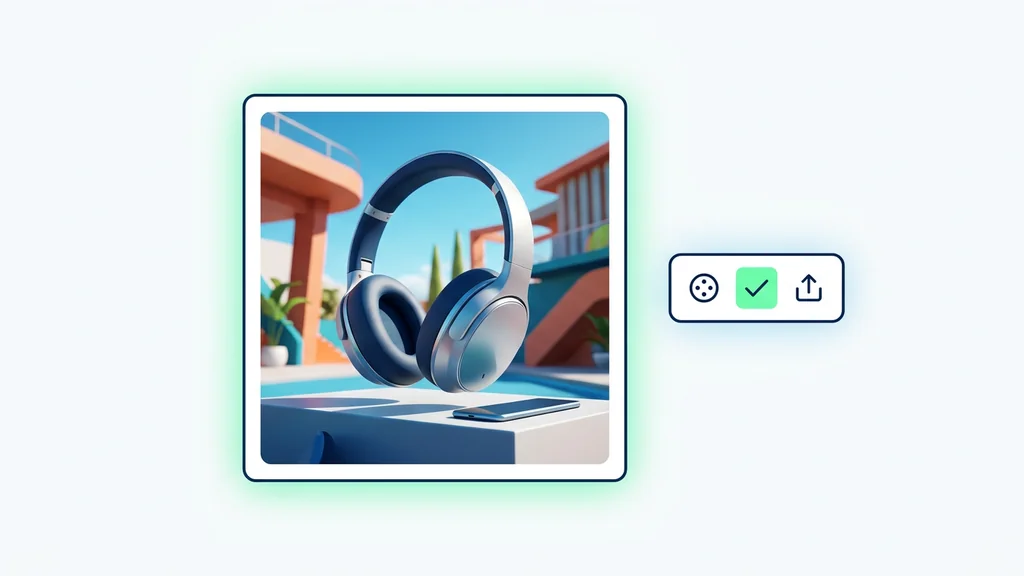
1Step 01
Describe Your Image
Write down your prompt. Describe the subject, style, composition, lighting, and any text you want on the image. The more specific you are, the closer the result.

Direct the scene your way. Create visuals with intentional angles, depth, and style
Combining both gives the best results
Generate production-ready visuals from prompts or reference images, then run a fast quality review before exporting. Built for U.S. teams that need consistent style, clean text rendering, and repeatable results from a modern text-to-image model.
From a written idea to a finished image — no setup, no plugins, no Discord.
Write down your prompt. Describe the subject, style, composition, lighting, and any text you want on the image. The more specific you are, the closer the result.
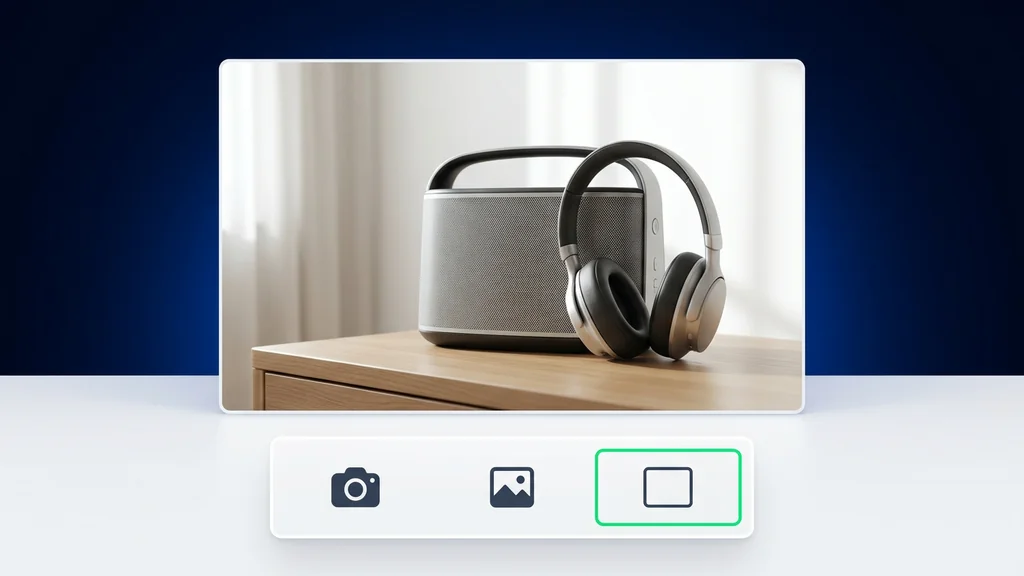
Pick an aspect ratio (9:16, 1:1, 4:3, 3:4) and how many variations to create at once (up to 4). Generate a batch and keep the ones you like.
Click generate. Imagen4 Ultra returns your images in seconds. Download what you like, or refine the prompt and run it again.
Start by writing a prompt that includes subject, setting, camera/lighting cues, and any on-image text you need. Optionally add a reference image to anchor composition or color, then run the model and review multiple candidates side-by-side. Keep the best result, refine the prompt with specific fixes (hands, typography, background clutter), and export at the size your channel requires.
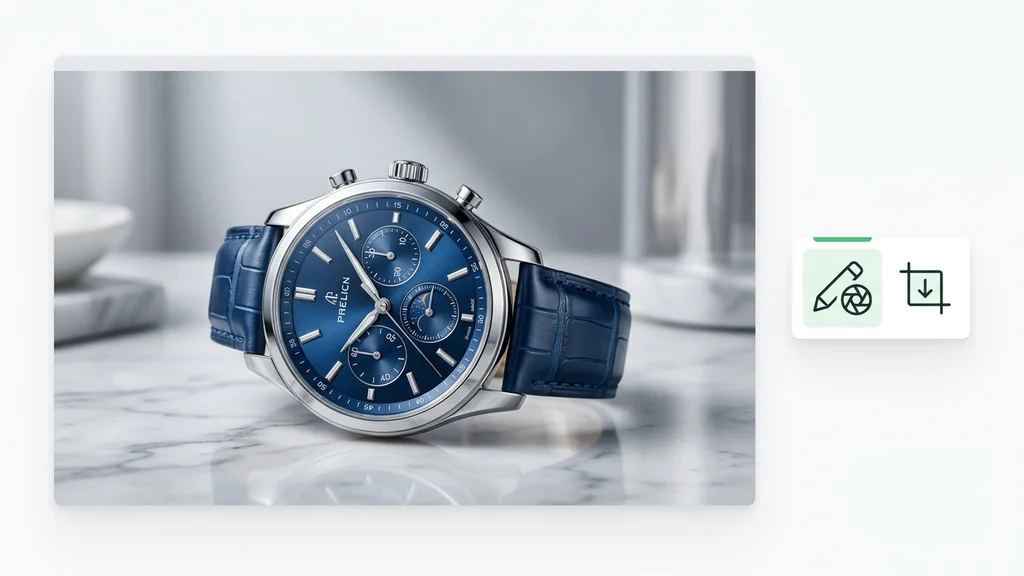
Marketing teams generate ad creatives, landing-page hero images, and product lifestyle scenes that match a defined brand look. E-commerce teams create clean backgrounds, seasonal variants, and packaging mockups when photography is unavailable or too slow. Creators and agencies use it for storyboards, concept art, and thumbnail iterations where fast visual direction matters more than a single perfect shot.
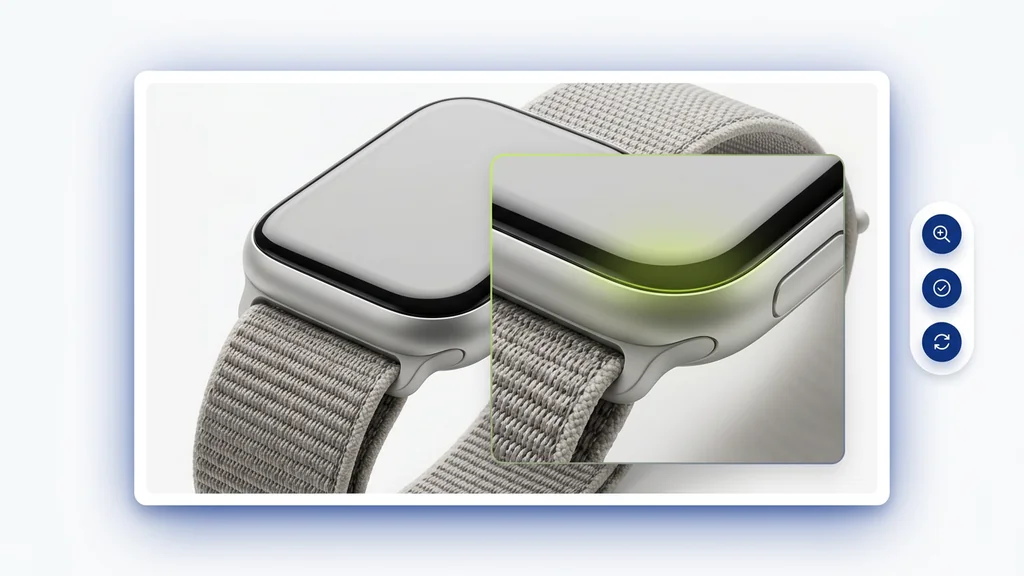
Run a quick verification pass focused on readable text, correct logos, natural hands, and clean edges around hair and products. For compliance-sensitive work, confirm the prompt and output match your brand and legal requirements, then regenerate if any element is ambiguous. When comparing options, teams often reference external benchmarks like GenAI-Bench to keep evaluation criteria consistent across projects.
Cleep AI packages the generation step with practical controls for iteration: reference-guided prompts, variation selection, and a simple path to re-run with targeted fixes. It fits teams that need a dependable text-to-image model for campaigns, catalogs, and creative exploration without losing track of what changed between versions.
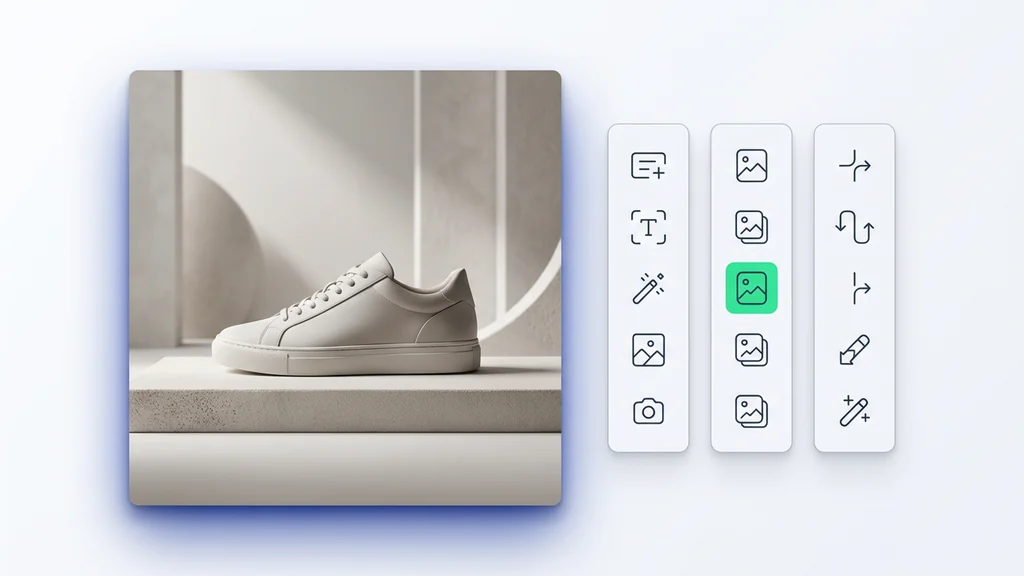
Create your first set of images, run the built-in review checklist, and export assets sized for web, social, or ads. Cleep AI keeps the workflow tight so teams can iterate quickly while staying consistent. Open the tool, paste a prompt, and produce options you can actually use.