

AI video generator
Generate cinematic videos in just minutes
1
Select the motion effect
Decide how your image will move
2
Add image
Upload or generate an image to begin your animation
3
Get video
Click generate to produce your final animated video!
Editto
Cleep AI’s model enables transcript-first video edits: upload footage, generate a time-aligned transcript, then cut, remove filler, and restructure scenes by editing text—exporting an updated timeline and rendered video.
How it works
How do you edit a video with Editto?
From raw footage to a clean cut — edit your video by editing text, right inside Cleep.ai.
1Step 01
Upload your footage
Add the clip you want to edit, and Editto generates a time-aligned transcript of everything that's said.
Upload videoMP4 · MOV
2Step 02
Edit the text and set the format
Cut, remove filler, and restructure scenes by editing the transcript, then choose your aspect ratio and resolution.
Aspect ratioResolution
16:9
2K
3Step 03
Generate and download
Click generate and wait a few minutes. Editto renders the updated timeline. Download it, or keep refining the text and run again.
Generating…
What it can do
What can Editto do?
How text edits become timeline edits
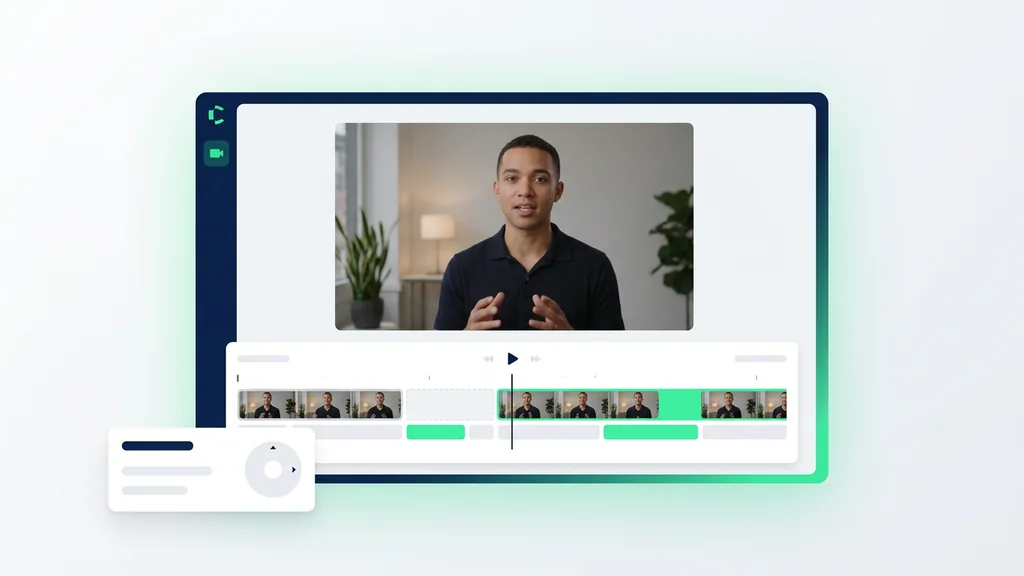
Editto starts by transcribing your media and aligning words to timestamps, so transcript changes can translate into precise cuts. Users delete sentences to remove sections, highlight phrases to keep, or add instructions like “tighten pauses” to adjust pacing. The output includes an updated edit decision list (EDL-style timeline data) plus a rendered preview for review. For best results, the tool works from clear speech and benefits from a quick pass to confirm speaker labels and key terms.
Where transcript-first editing fits best
The model is well-suited for talking-head content, interviews, podcasts, webinars, and training videos where the story is carried by speech. Teams use it to create a shorter cut, pull quotable clips, or produce multiple versions (full, highlights, and social) from the same source. It also supports compliance-friendly workflows by keeping an auditable record of what was removed and why. For highly visual sequences (B-roll-heavy montages), it’s typically paired with a traditional timeline pass after the transcript cut is locked.
Quality checks that keep edits trustworthy
The tool provides a review loop: transcript diffs, timecode references, and a preview render so editors can verify that meaning and context were preserved. Users can spot-check sensitive moments by jumping from a sentence directly to its timestamp in the source. When audio is noisy or multiple speakers overlap, the recommended step is to confirm the transcript segments before exporting the final cut. This verification step helps prevent accidental removals, awkward jump cuts, or misattributed quotes.
Built on a data generation pipeline and a distilled model
Cleep AI positions this system around a data generation pipeline that produces paired examples of transcripts, edit intents, and resulting timeline changes. Those examples are used to train a distilled model designed to run efficiently while preserving consistent edit behavior across common requests like “remove filler,” “tighten pauses,” and “keep only answers.” The practical outcome is predictable, repeatable edits that are easier to standardize across a team. Users still retain control through explicit instructions and a reviewable export, rather than opaque one-click edits.
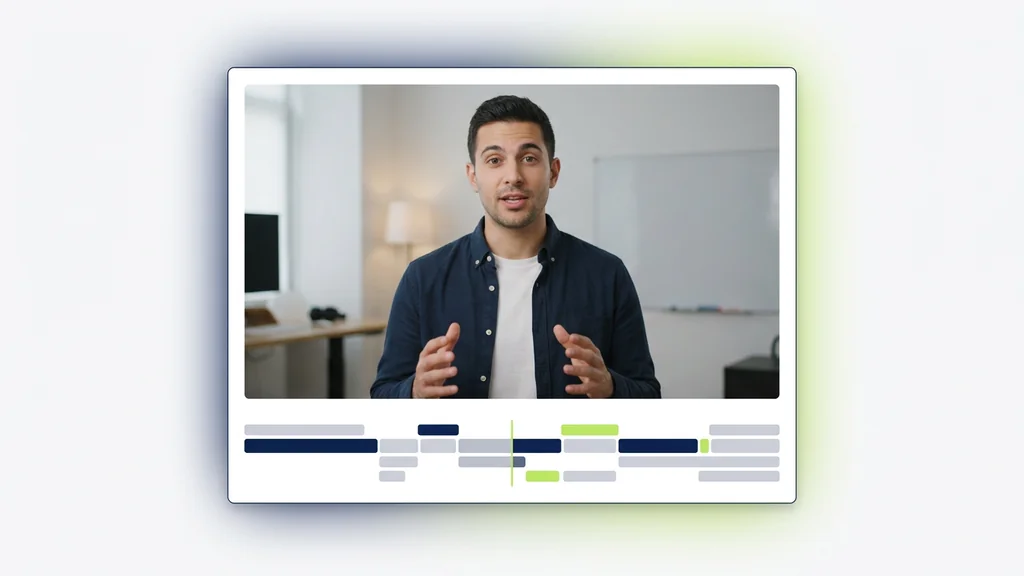
Ship cleaner cuts in less time
Move from raw footage to a structured cut by editing the transcript, then export a timeline your editor can open and refine. Cleep AI’s workflow is designed for fast iteration: generate, review, adjust instructions, and re-export without rebuilding the cut from scratch. Start with one video and validate the results using the preview render and timecode-linked transcript. When it fits your workflow, scale the same approach across recurring content formats.
FAQ
What do people ask about Editto?
Cleep AI is primarily designed for desktop and web-based workflows where uploading media and reviewing timeline outputs is easiest. If mobile access is available for your account, it’s typically used for review rather than full editing.