

AI video generator
Generate cinematic videos in just minutes
1
Select the motion effect
Decide how your image will move
2
Add image
Upload or generate an image to begin your animation
3
Get video
Click generate to produce your final animated video!
Wan VACE
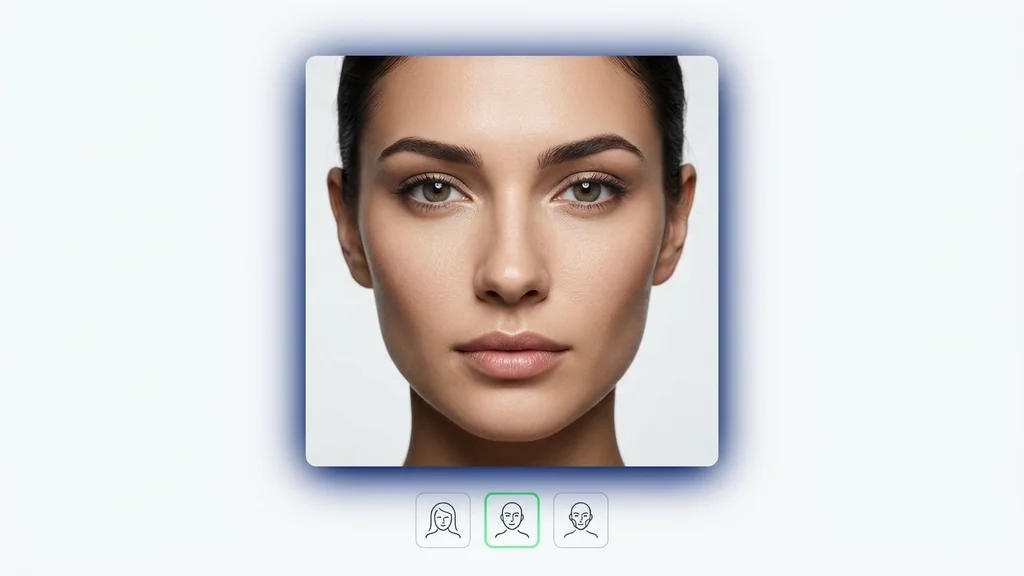
Upload a target scene and a face reference to produce new images that keep key identity cues while matching the target composition—built for repeatable runs, reviewable outputs, and scalable inference.


How it works
How do you edit a video with Wan VACE?
From a target scene and a face reference to on-model results — right inside Cleep.ai.
1Step 01
Upload your inputs
Add a target scene and a face reference so the model can keep key identity cues while matching the target composition.
Upload videoMP4 · MOV
2Step 02
Choose your output settings
Set your output resolution and run length, then tune how strongly the face reference guides the result.
ResolutionDuration
720p
3s
3Step 03
Generate and download
Click generate and wait a few minutes. Wan VACE produces your result. Download it, or swap inputs and run a fast batch.
Generating…
What it can do
What can Wan VACE do?
How the workflow runs end-to-end
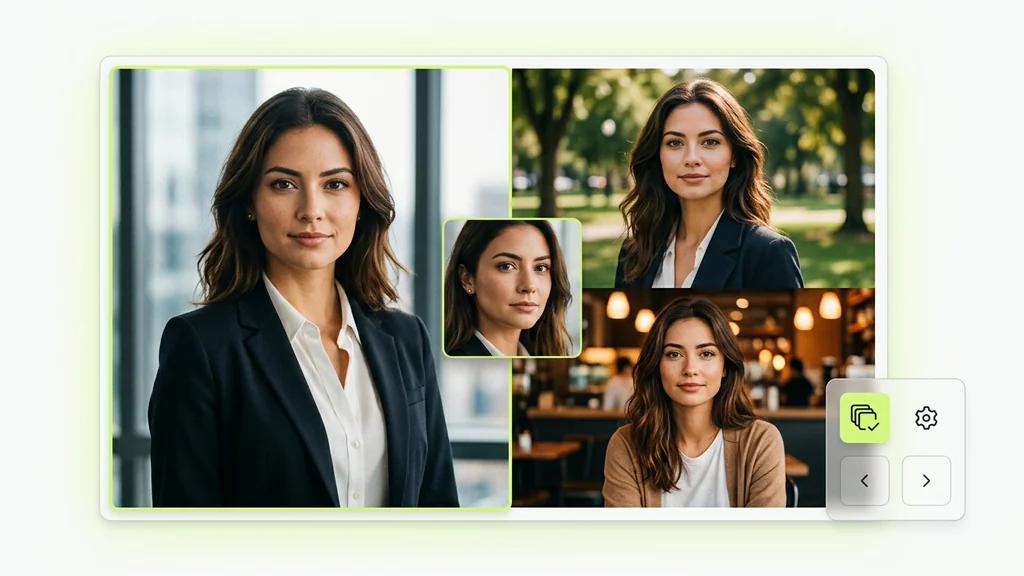
The workflow starts with two inputs: a target scene that defines composition and a face reference that provides identity cues. In Cleep AI, the run is orchestrated through WanPipeline, where CLIPVisionModel extracts visual features from the reference to condition generation. After generation, outputs are returned as a grid plus individual files so teams can compare variations and select a keeper.
Where it fits in real production use
Teams use the model to create consistent character imagery across marketing variations while keeping the scene layout anchored to a target shot. It also supports product storytelling by placing a known face into new environments for campaign testing, social creatives, or pitch decks. For creators using ComfyUI-style node workflows, this approach maps cleanly to a “target + reference → conditioned generation” pattern for repeatable batches.
What to verify before you ship the result
Quality review focuses on identity stability (eyes, jawline, and overall likeness) and on whether the output preserves the target’s composition and lighting intent. A practical check is to compare multiple seeds side-by-side and reject outputs that drift in facial geometry or introduce artifacts around hairlines and edges. When running at scale, keep a small “golden set” of references to spot regressions across model or parameter changes.
Why teams choose Cleep AI for this pipeline
Cleep AI provides a structured way to run this face-conditioned workflow with clear inputs, reproducible outputs, and operational controls. DashScope connectivity supports managed execution paths, while Multi-GPU inference helps reduce turnaround time for batch runs and A/B testing. The result is a workflow that’s easier to standardize across a team than ad-hoc local scripts.

Run a test batch and review results in minutes
Upload a target scene and a face reference, generate a small batch, and review identity consistency before scaling up. Once the settings look stable, repeat the run for additional scenes or larger batches using the same configuration. This makes it straightforward to move from a single proof to a production-ready workflow.
FAQ
What do people ask about Wan VACE?
It generates new images using a target scene for composition and a face reference for identity conditioning, returning multiple variations for selection and iteration.