

AI video generator
Generate cinematic videos in just minutes
1
Select the motion effect
Decide how your image will move
2
Add image
Upload or generate an image to begin your animation
3
Get video
Click generate to produce your final animated video!
Higgsfield DoP Turbo
Generate video shots with reliable camera movement and camera control—so complex camera movement feels planned, not random.
How it works
How do you generate a video with Higgsfield DoP Turbo?
From a prompt to a controlled camera move — no setup, no plugins, no Discord.
1Step 01
Upload an image and describe the shot
Add a still image, then describe the camera movement you want so it feels planned, not random.
Write your prompt hereStudio shot of the product on a clean neutral background
2Step 02
Choose resolution and duration
Pick your output resolution and clip length to match where the shot will run.
ResolutionDuration
1080p
10s
3Step 03
Generate and lock the move
Click generate and wait a few minutes. Higgsfield DoP Turbo creates your shot. Download it, or refine the camera move and run again.
Generating…
What it can do
What can Higgsfield DoP Turbo do?
How teams produce controlled shots in minutes
In Cleep AI, the user describes the shot like a DoP note: subject, lens feel, and the exact camera movement (e.g., slow dolly-in with a slight left-to-right parallax). They can add a reference image to anchor composition and reduce drift, then generate a short clip to validate motion and framing. If the move is close but not perfect, they adjust the motion wording (speed, arc, start/end framing) and re-run to keep the same intent while refining the result.
Use Cases
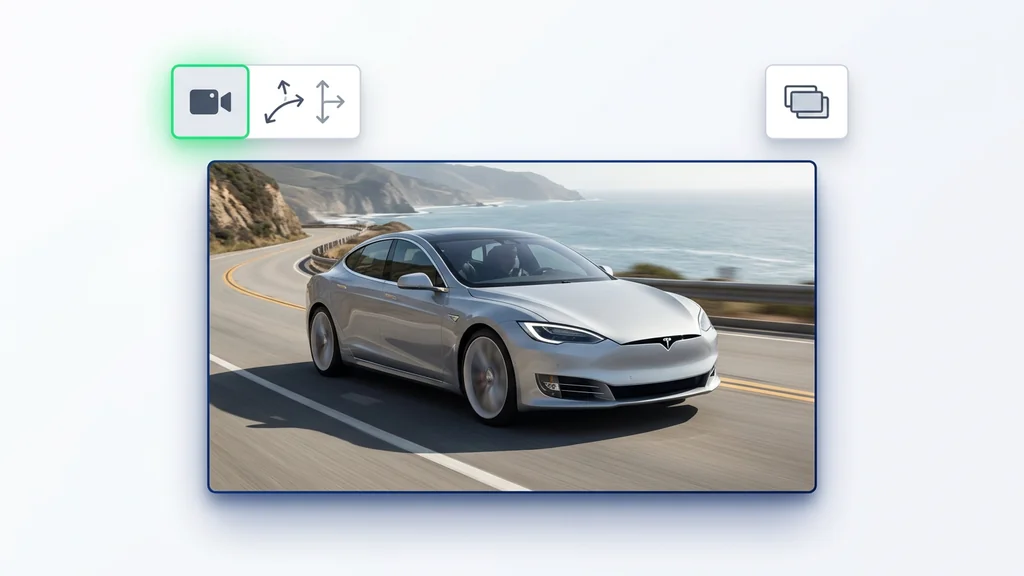
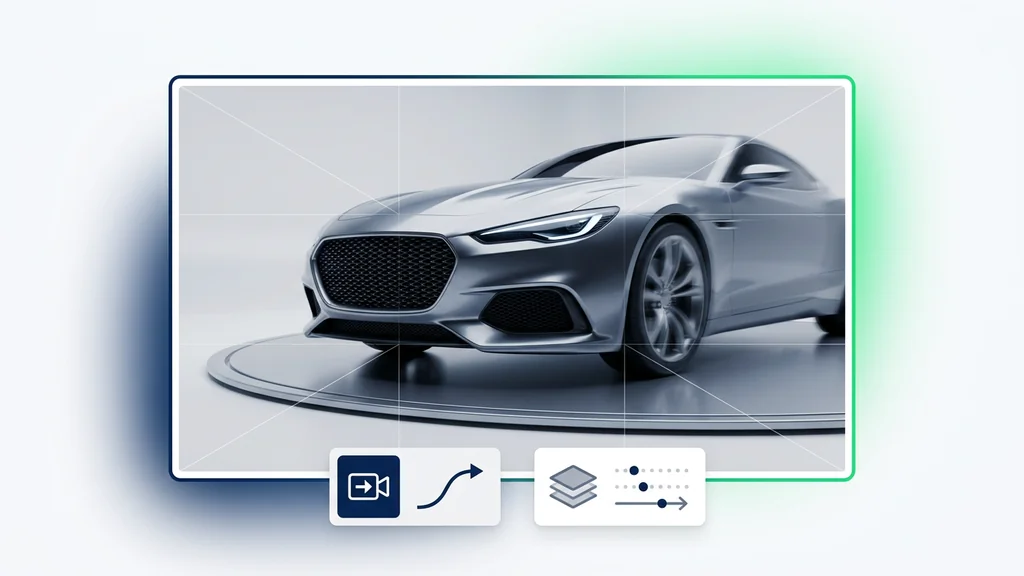
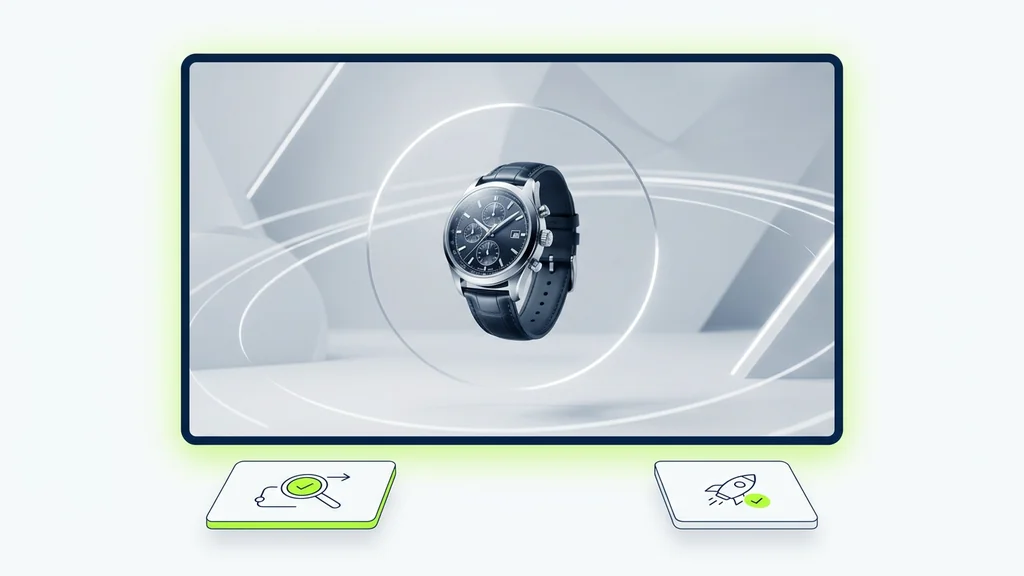
Creators use the tool for product reveals that need a clean push-in, brand spots that rely on a smooth orbit around a hero subject, and social ads where a quick crane-down sells scale. It also fits previsualization: directors can test complex camera movement options before committing to a real shoot. For narrative beats, controlled tracking moves help keep eyelines and blocking readable across multiple takes.
What to verify before you ship the shot
A fast review pass focuses on camera control signals: does the move start and end where the prompt specifies, and is the speed consistent without sudden jumps. The user checks for subject warping during motion, background wobble, and whether the camera movement preserves scale and perspective cues. For complex camera movement, they confirm the path reads clearly (arc vs. track vs. zoom) and that the subject stays framed through the full clip.
Why this model is used for motion-first cinematics
The model is chosen when the creative brief depends on repeatable camera movement rather than a single lucky generation. It supports practical shot language—tracking, dolly, orbit, and crane-like moves—so teams can communicate intent and get closer to a planned result. In Cleep AI, that translates into fewer throwaway renders and a clearer path from prompt to usable cut.
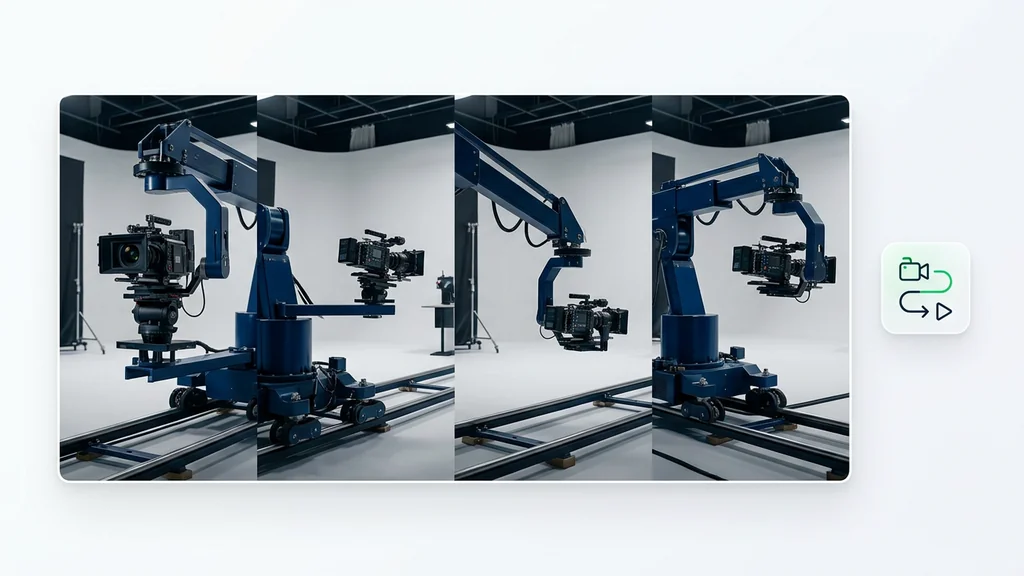
Generate a shot, then lock the move
Use Cleep AI to create a first pass, review the motion path, and iterate until the camera movement matches the brief. Once the move is right, swap prompts or references to explore new art direction without losing the shot structure. This is the fastest way to turn camera control into a repeatable workflow instead of a one-off experiment.
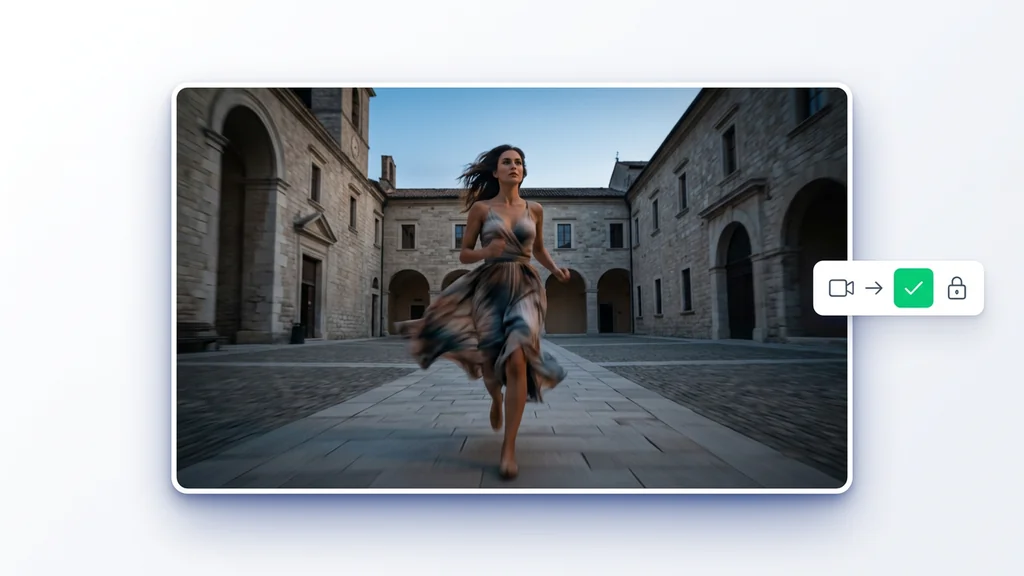
FAQ
What do people ask about Higgsfield DoP Turbo?
It is used to generate AI video shots with stronger camera control, including repeatable camera movement like push-ins, tracking moves, orbits, and crane-style motion. The goal is to make motion feel intentional and consistent across takes.