

AI video generator
Generate cinematic videos in just minutes
1
Select the motion effect
Decide how your image will move
2
Add image
Upload or generate an image to begin your animation
3
Get video
Click generate to produce your final animated video!
Cleep AI Tool
Kling Motion Control
Kling Motion Control helps you create and refine AI visuals from prompts and references. Describe the asset, review the preview, and adjust the result before export. Use it for landing pages, social posts, campaign concepts, and fast creative tests.
How it works
How do you edit a video with Kling Motion Control?
From an existing clip to a polished edit — right inside Cleep.ai.
1Step 01
Upload Your Video
Upload the clip you want to work with. Kling Motion Control reads the motion and framing of your footage and builds on top of it.
Upload videoMP4 · MOV
2Step 02
Add Your Reference Image
Add the reference image — the face or character you want applied. Kling Motion Control maps it onto your clip while keeping the original motion intact.
Upload imagePNG · JPG
3Step 03
Generate And Download
Click generate and wait a few minutes. Kling Motion Control returns your edited video. Download it and use it anywhere, or adjust your inputs and run it again.
Generating…
What it can do
What can Kling Motion Control do?
Kling Motion Control keeps the flow simple: describe what you need, add a reference, review the preview, and refine the result before export. It fits landing pages, social posts, campaign concepts, and fast creative tests.
How to Use Kling Motion Control
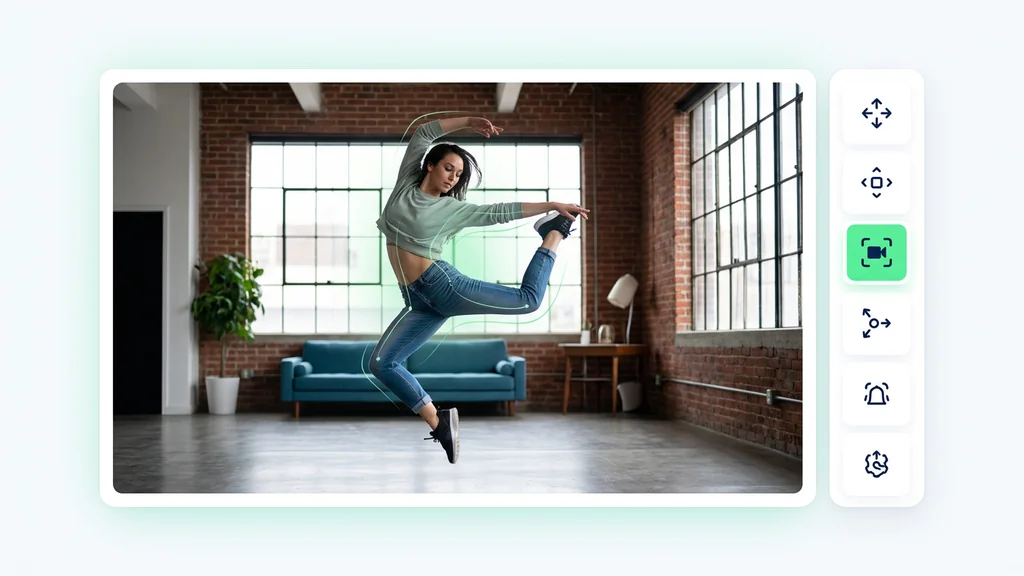
Open the tool and describe the visual you need for the project. Add a reference when style, composition, or subject consistency matters. Review the preview, refine the details, and export the usable version. The section also accounts for the related scenario Full-body motion accuracy, while keeping Kling Motion Control focused on creating, reviewing, and refining visuals.
Kling Motion Control
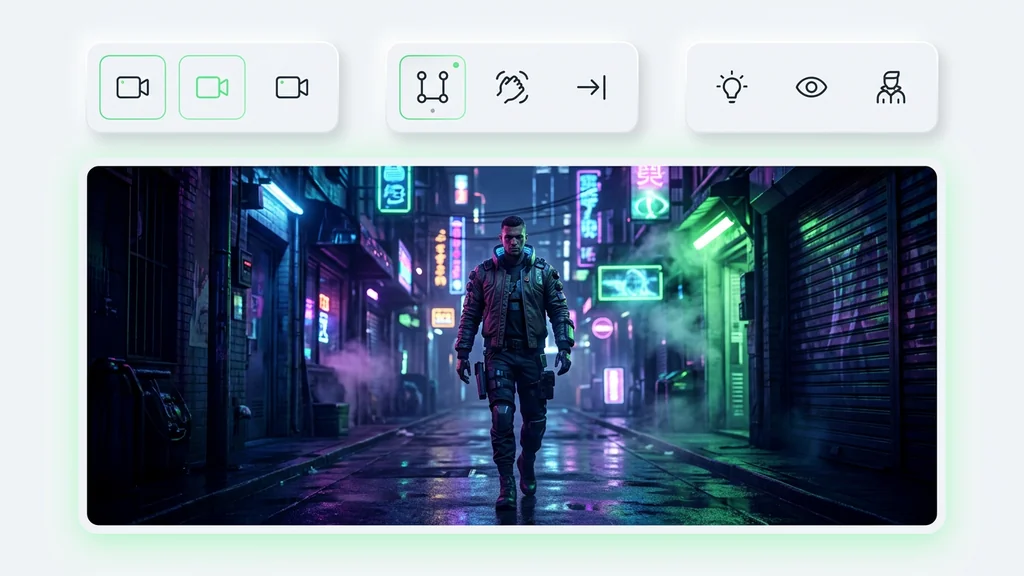
Kling Motion Control shows a practical way to use Kling Motion Control without turning the page into a technical guide. The visitor sees the outcome, understands the next action, and can move toward creating a usable asset, the section also accounts for the related scenario Character Orientation Matches Video, while keeping Kling Motion Control focused on creating, reviewing, and refining visuals.
The Problem Kling Motion Control Solves
The Problem Kling Motion Control Solves shows a practical way to use Kling Motion Control without turning the page into a technical guide. The visitor sees the outcome, understands the next action, and can move toward creating a usable asset, the section also accounts for the related scenario Motion Control Model, while keeping Kling Motion Control focused on creating, reviewing, and refining visuals.
What Is Kling Motion Control
What Is Kling Motion Control shows a practical way to use Kling Motion Control without turning the page into a technical guide. The visitor sees the outcome, understands the next action, and can move toward creating a usable asset, the section also accounts for the related scenario Character Orientation Matches Image, while keeping Kling Motion Control focused on creating, reviewing, and refining visuals.
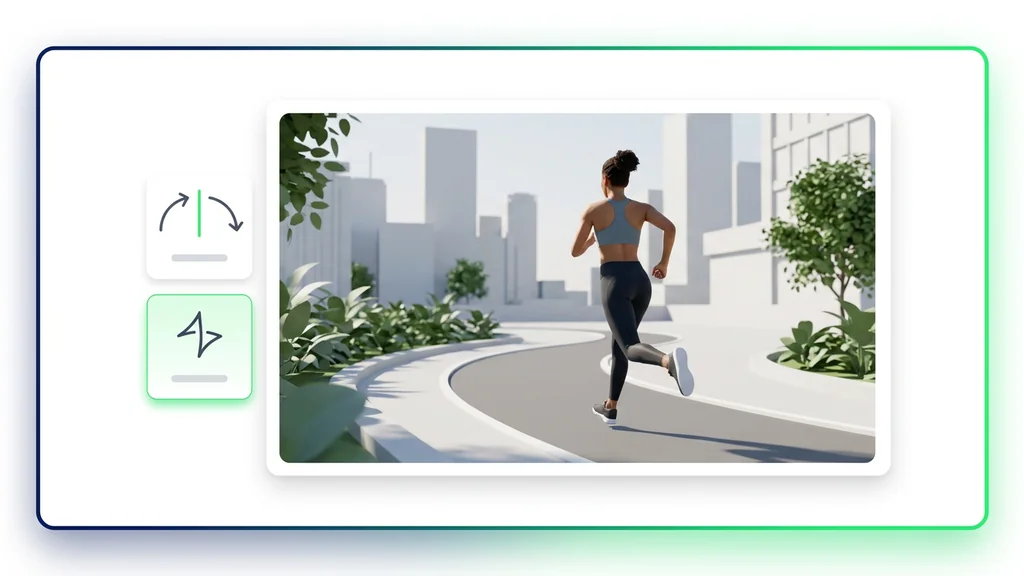
Create Your Kling Motion Control
Start with a short description and one useful reference. Review the first result, refine the details, and save the version that fits your project, cleep helps you move from idea to usable visual faster.
FAQ
What do people ask about Kling Motion Control?
Kling Motion Control is an AI creative workflow for generating or editing visual assets from prompts, references, and review-ready outputs.