

AI video generator
Generate cinematic videos in just minutes
1
Select the motion effect
Decide how your image will move
2
Add image
Upload or generate an image to begin your animation
3
Get video
Click generate to produce your final animated video!
Kling O3
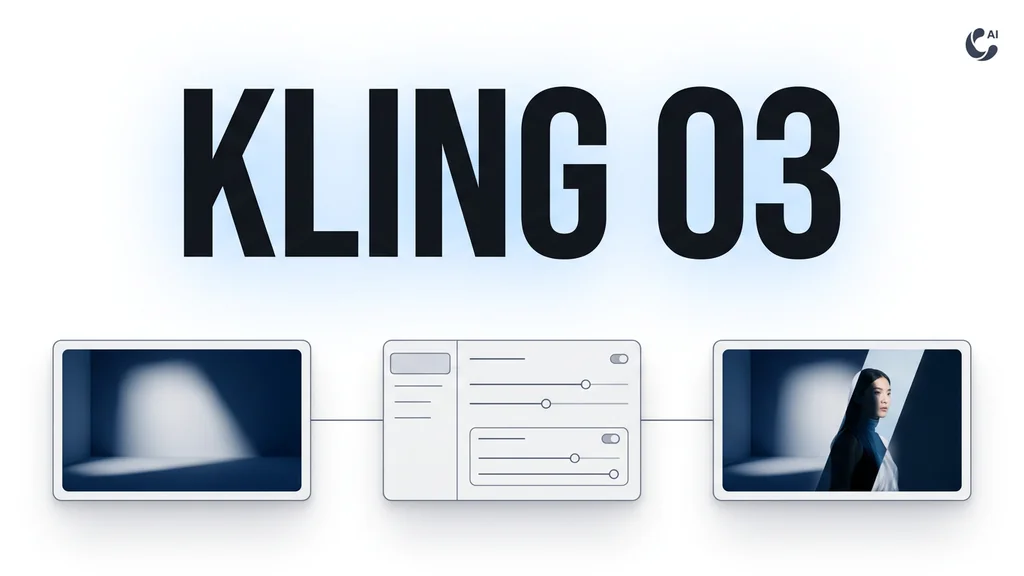
Cleep AI helps teams turn a single reference frame into short video clips with consistent atmosphere, then route results into practical video editing workflows for iteration and delivery.
How it works
How do you generate a video with Kling O3?
From a single reference frame to a cinematic clip — no setup, no plugins, no Discord.
1Step 01
Upload a reference and describe the motion
Add a reference frame, then write a short prompt for the camera move, action, and the lighting or mood you want to carry through.
Write your prompt here
2Step 02
Choose duration and aspect ratio
Pick your clip length and aspect ratio, and lean on the reference to keep atmosphere and look consistent across shots.
DurationAspect ratio
5s
9:16
3Step 03
Generate and download
Click generate and wait a few minutes. Kling O3 creates your clip. Download it, or adjust the prompt and run a fast variant.
Generating…
What it can do
What can Kling O3 do?
From reference frame to editable clip
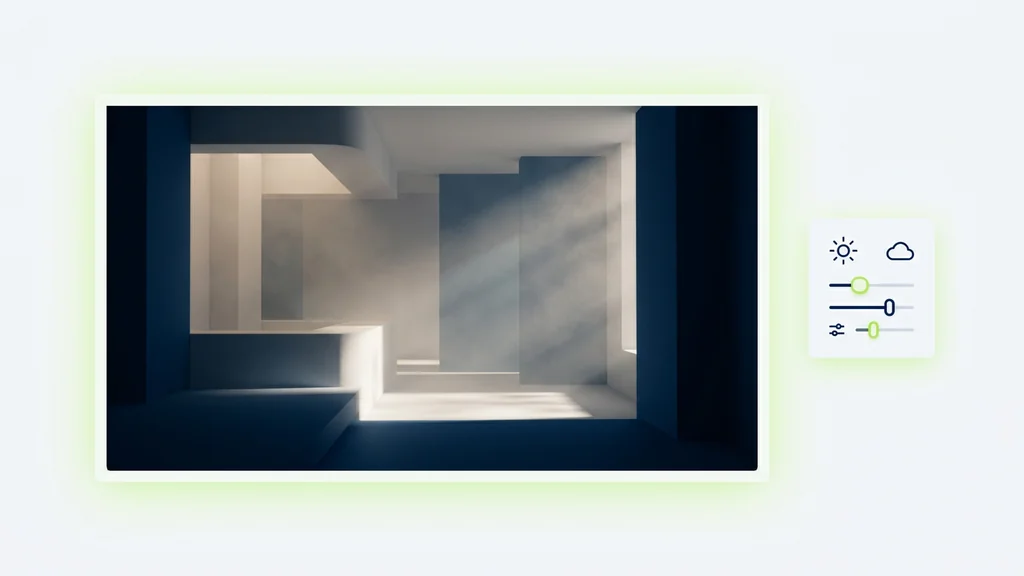
Kling o3 Pro Reference Image to Video is used by starting with a single frame that defines the look, then adding a short prompt that specifies atmosphere (fog, haze, neon spill) and lighting direction. In Cleep AI, teams can run the same reference through multiple variations to test motion, camera, and mood without rebuilding the setup. For API-driven pipelines, the model can be called via fal-ai/kling-video/o3/standard/image-to-video to automate batch generations and naming conventions.
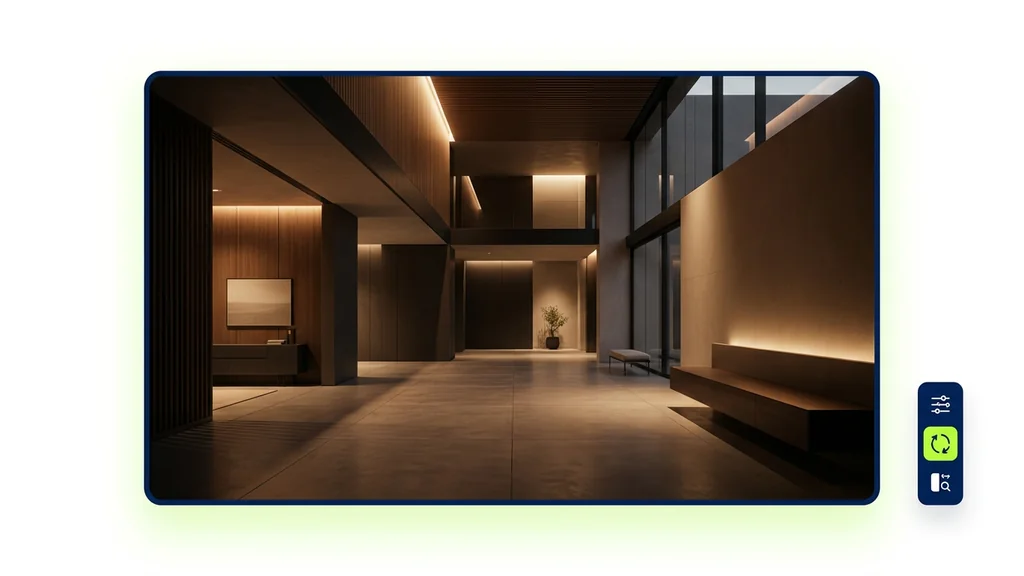
Where reference-led video pays off
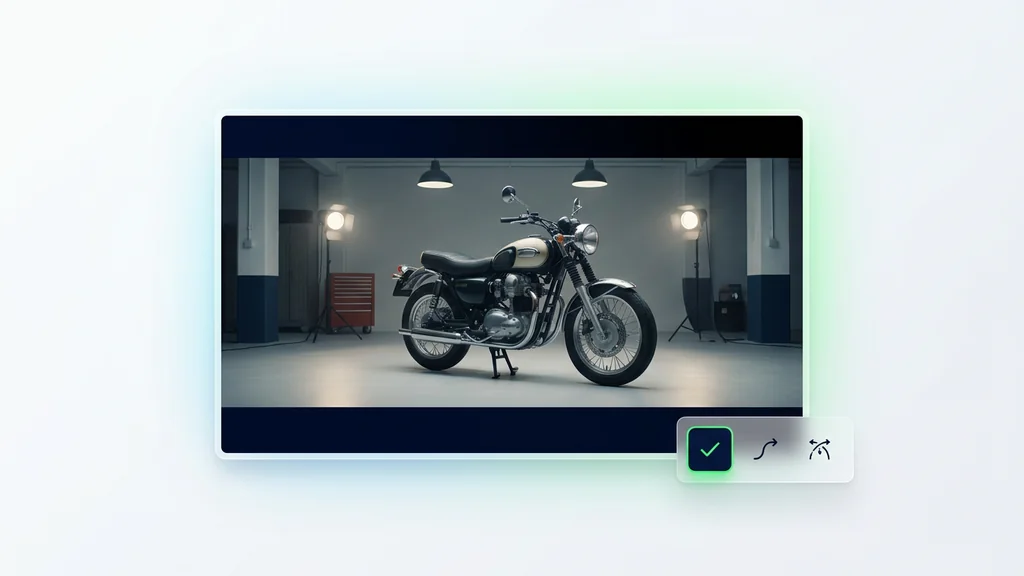
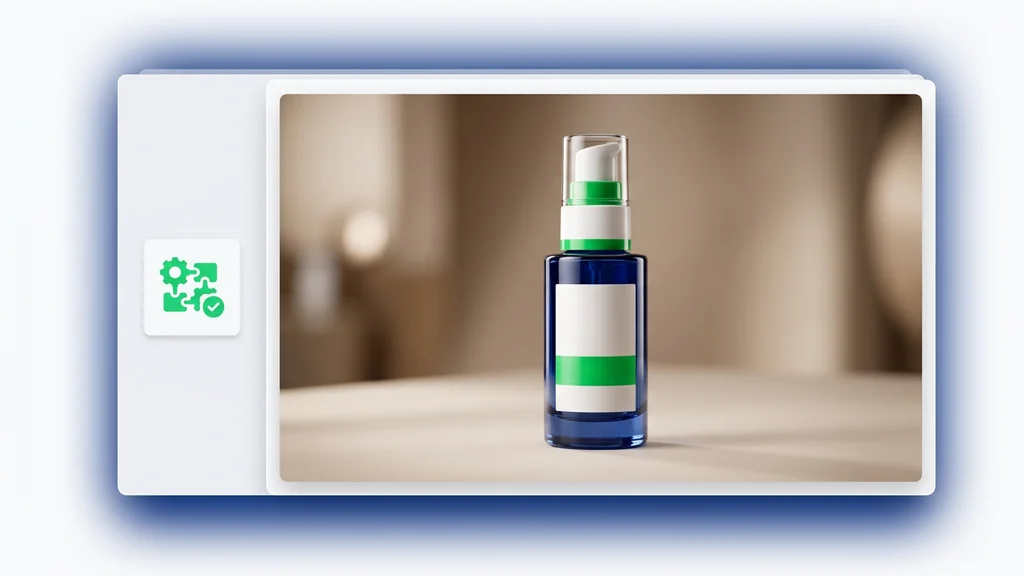
Creators use the tool to keep product shots consistent across seasonal lighting changes, like warm sunset versus cool studio looks, while maintaining the same framing. Marketing teams generate multiple mood options from one approved key visual, then choose the clip that best matches the campaign tone. Post teams also use it for pickup shots—creating short inserts that can be cut into existing timelines with minimal rework.
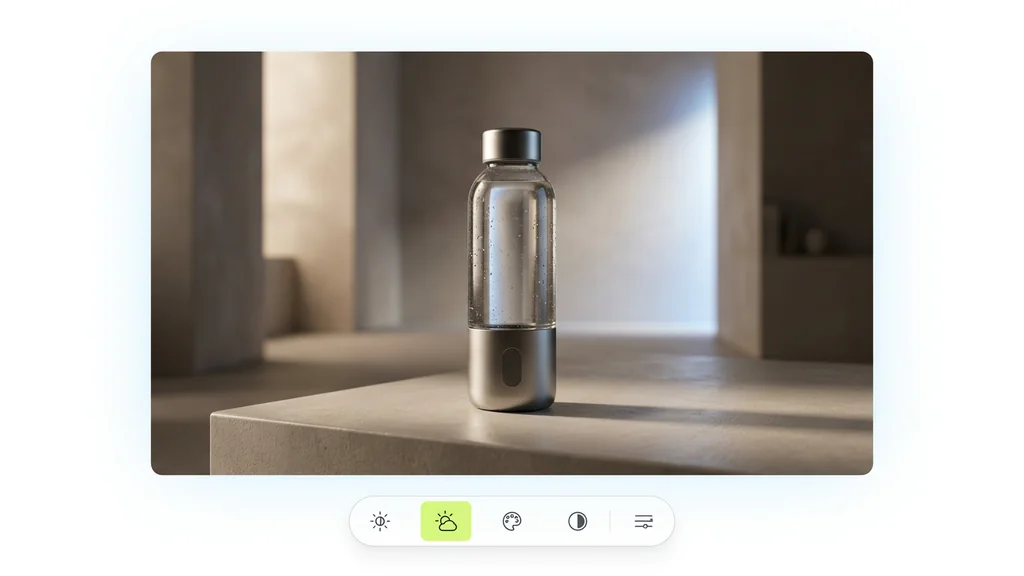
Quality checks before the clip hits the timeline
Cleep AI makes review practical by encouraging a quick verification pass: compare the generated clip against the reference for lighting continuity, subject consistency, and unwanted artifacts. If motion feels off, teams can rerun with tighter camera notes or shorter movement to reduce drift. For video editing workflows, exporting a few shortlisted takes helps editors pick the most cut-friendly version without waiting on another round.
Built for teams that iterate and standardize
Cleep AI supports reference-led workflows by organizing prompts, references, and outputs so teams can reproduce a look across projects. For organizations building repeatable creative systems, a unified model training framework can sit alongside generation workflows to keep brand style guidance consistent across assets. The result is a practical path from experimentation to standardized production, with fewer one-off settings that only one person understands.
Generate, review, and ship atmosphere-driven shots
Start with one approved reference image, generate a set of lighting-and-mood variations, and pick the take that edits cleanly. Cleep AI is designed to keep this loop fast—so teams can move from concept to usable clips without losing visual continuity. When you’re ready to scale, connect the same workflow to API calls for repeatable output across campaigns.
FAQ
What do people ask about Kling O3?
It generates a short video clip guided by the uploaded reference frame and your prompt, with emphasis on preserving the look—especially lighting and atmosphere—across the motion.