

AI video generator
Generate cinematic videos in just minutes
1
Select the motion effect
Decide how your image will move
2
Add image
Upload or generate an image to begin your animation
3
Get video
Click generate to produce your final animated video!
Higgsfield DoP Lite
Turn a still image into a directed, camera-like shot with AI motion synthesis—then refine the prompt, preview motion, and export a clip ready for social, ads, or product pages.
How it works
How do you generate a video with Higgsfield DoP Lite?
From a still image to a directed shot — no setup, no plugins, no Discord.
1Step 01
Upload an image and describe the motion
Add a still image, then write a short prompt for the camera-like motion you want — use the Prompt Enhancer to sharpen it.
Write your prompt hereStudio shot of the product on a clean neutral background
2Step 02
Choose resolution and duration
Pick your output resolution and clip length, then preview the motion before you commit.
ResolutionDuration
1080p
10s
3Step 03
Generate and download
Click generate and wait a few minutes. Higgsfield DoP Lite creates your directed shot. Download it for social, ads, or product pages.
Generating…
What it can do
What can Higgsfield DoP Lite do?
From still frame to directed motion in minutes
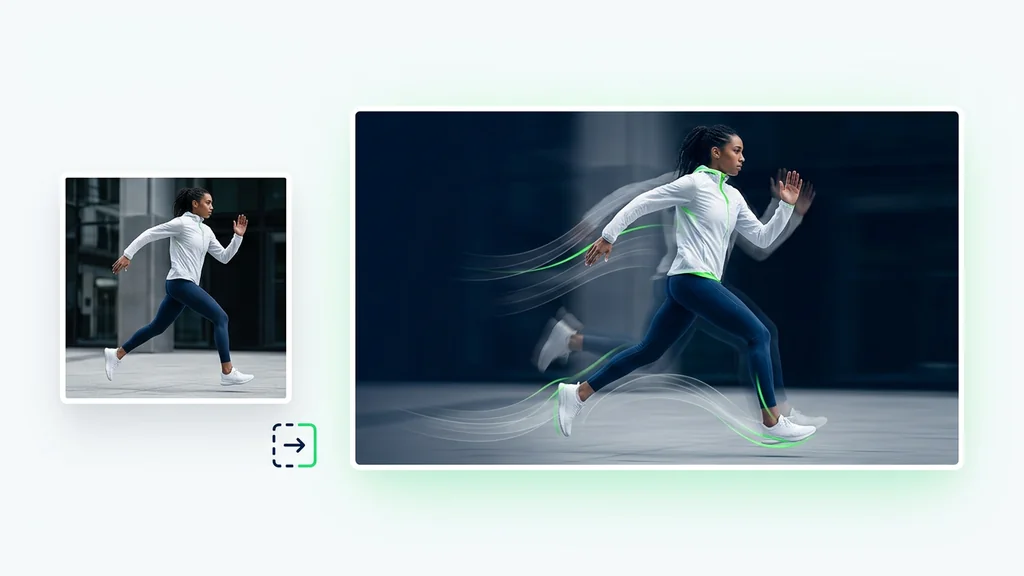
Higgsfield DoP Lite takes a single image and synthesizes motion to produce a short video clip with a clear shot intention. Users upload a source image, describe camera movement and subject action, then run Prompt Enhancer to tighten wording and reduce ambiguity. After generation, they can re-run with small prompt edits to lock in the motion style and pacing.
Practical image-to-video use cases for teams in the U.S.
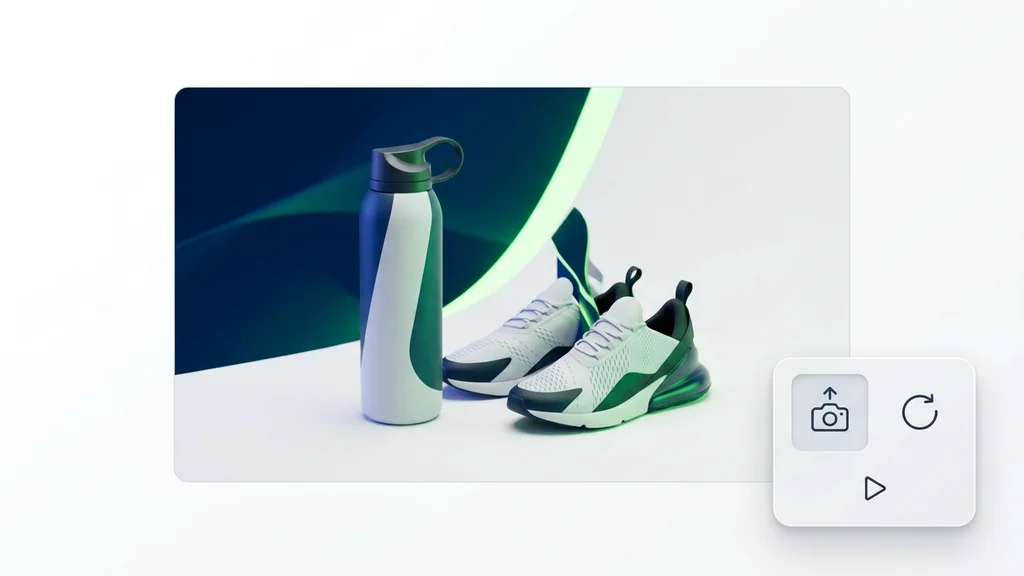
The model is commonly used to animate product stills into scroll-stopping clips for ecommerce listings, paid social, and landing page hero loops. Creators use it to add subtle parallax, push-ins, or orbit-like camera moves to portraits, packaging, and lifestyle photography. It also fits storyboard-to-animatic workflows where a single keyframe needs believable motion before a full production.
Quality checks that keep motion believable
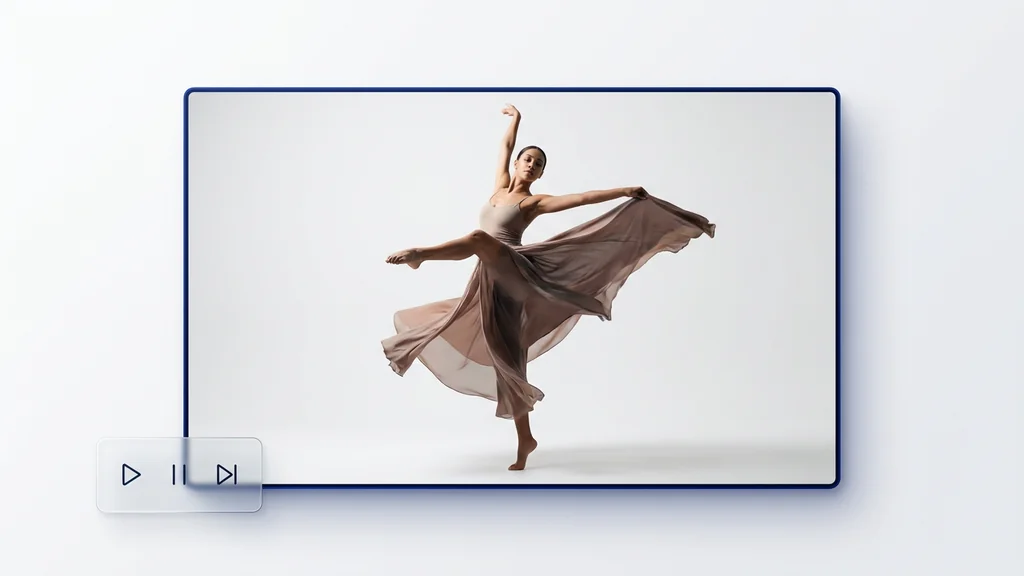
AI motion synthesis is fastest when it’s paired with a quick review pass: look for edge warping, hand/face drift, and background wobble between frames. A simple verification step is to scrub the preview and pause on high-motion moments to confirm identity and object shapes remain stable. If artifacts appear, tightening the prompt (or reducing motion intensity) typically improves consistency on the next run.
Built for workflow fit
For hands-on work, the tool pairs image-to-video generation with Prompt Enhancer so teams can standardize prompt structure across campaigns. For production pipelines, Cleep AI provides a REST inference API to automate renders, queue batches, and connect outputs to internal tools. This split—interactive iteration plus programmatic inference—helps teams move from one-off tests to repeatable delivery.
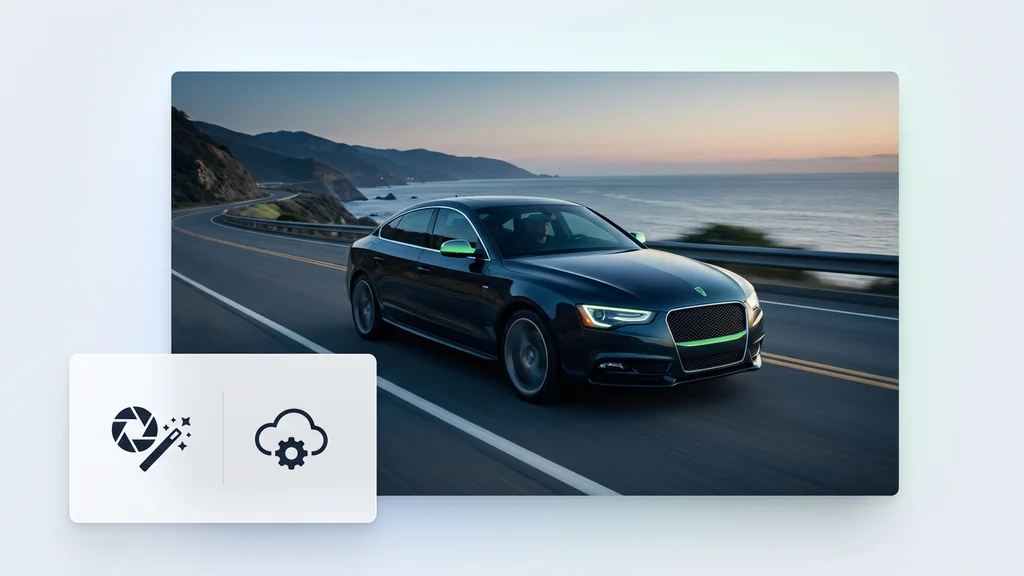
Generate your first directed shot today
Upload a still, describe the motion you want, and let the model produce a short clip you can review in seconds. Use Prompt Enhancer to turn rough notes into a clearer shot description, then iterate until the motion reads clean. When you’re ready to scale, switch to the REST inference API for repeatable batch runs.
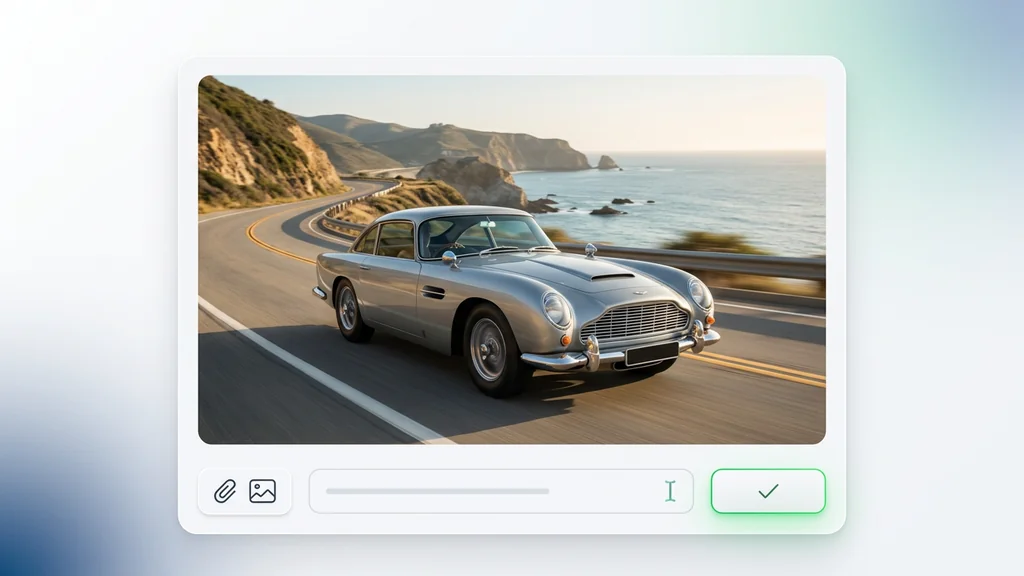
FAQ
What do people ask about Higgsfield DoP Lite?
It’s used for DoP-style image-to-video generation: starting from a single still image, it synthesizes motion to create a short clip with camera-like movement and directed shot intent.