

AI video generator
Generate cinematic videos in just minutes
1
Select the motion effect
Decide how your image will move
2
Add image
Upload or generate an image to begin your animation
3
Get video
Click generate to produce your final animated video!
Sora 2 Pro: AI video generator
Sora 2 Pro is OpenAI's premium video model: text-to-video and image-to-video with synchronized sound, realistic physics and stable multi-shot scenes. Generate 720p or 1080p clips of 4, 8 or 12 seconds on Cleep.ai — no waitlist, no plugins.
How it works
How do you generate a video with Sora 2 Pro?
From a written idea to a ready-to-post video — no setup, no plugins, no Discord.
1Step 01
Tell Sora 2 Pro What You Want
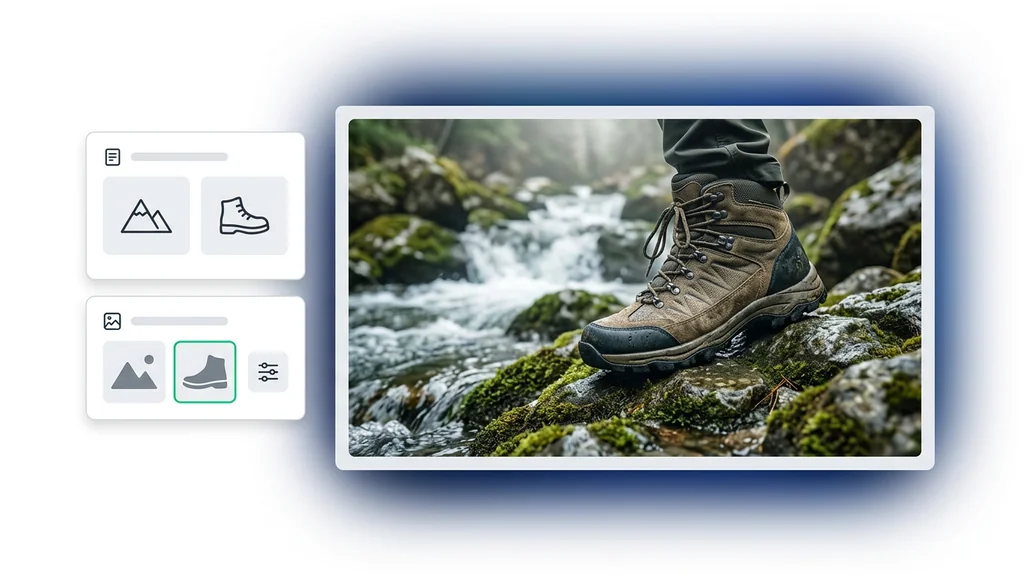
Write down your prompt. Describe the action, the setting, who's in it, and how they move. You can upload an image to animate something specific or use it as a reference.
Write your prompt hereStudio shot of the product on a clean neutral background
2Step 02
Pick Your Video Settings
Choose your resolution (720p, 1080p) and clip length (4, 8 or 12s). Higher resolution looks sharper; shorter clips render faster.
ResolutionDuration
1080p
10s
3Step 03
Generate And Download
Click generate and wait a few minutes. Sora 2 Pro creates your video with synced audio included. Download it and use it however you want, or tweak your prompt and make another version.
Generating…
What it can do
What can Sora 2 Pro do?
What sets Sora 2 Pro apart from other video models, and when to choose it.
Native audio and dialogue
Sora 2 Pro generates sound together with the picture: ambient noise, effects and short lines of dialogue stay in sync with the motion, so a clip is usable without a separate audio pass.
Realistic physics and motion
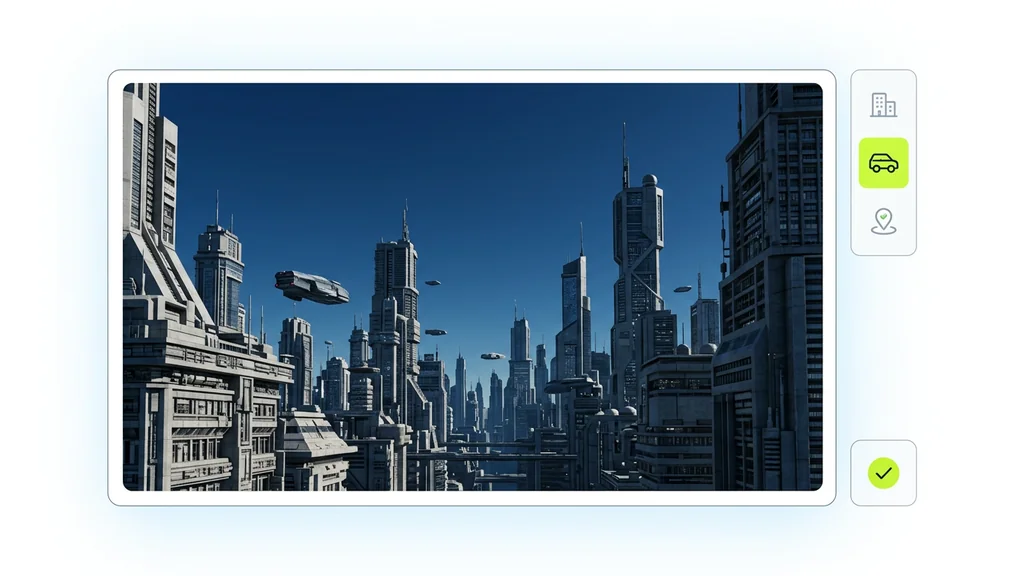
Objects keep their weight, liquids splash, fabric moves and cameras pan or dolly the way you describe. This is where Sora 2 Pro beats faster models such as Seedance Lite or Hailuo on believability.
Multi-shot consistency
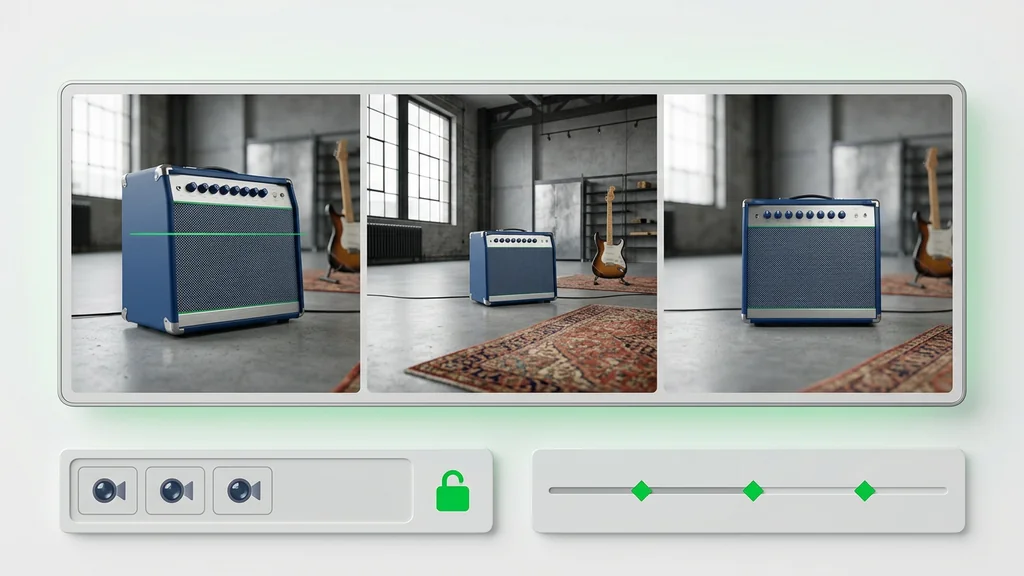
Describe several shots in one prompt and Sora 2 Pro keeps the same character, wardrobe and lighting across cuts — useful for product reveals, short ads and story-driven social clips.
Image-to-video from your own photo
Upload a photo, describe only the movement, and the model animates it while preserving faces, products and backgrounds. Good for turning campaign stills or portraits into motion.
Resolution, length and cost
Choose 720p or 1080p and 4, 8 or 12 seconds; higher settings cost more credits and take longer (typically 2–5 minutes). Credits are shown before you generate, and paid plans include Sora 2 Pro with priority processing.
FAQ
What do people ask about Sora 2 Pro?
Sora 2 Pro renders at higher fidelity with steadier physics, better multi-shot consistency and cleaner audio sync. Sora 2 is faster and cheaper per clip; Pro is the choice for final assets and hero shots.