

AI video generator
Generate cinematic videos in just minutes
1
Select the motion effect
Decide how your image will move
2
Add image
Upload or generate an image to begin your animation
3
Get video
Click generate to produce your final animated video!
Higgsfield DoP
Cleep AI provides a practical way to generate short videos from a single image using Higgsfield DoP I2V-01-preview, with controllable camera motions, wavespeed, and AI motion synthesis for repeatable iterations.
How it works
How do you generate a video with Higgsfield DoP?
From a single image to a directed clip — no setup, no plugins, no Discord.
1Step 01
Upload an image and describe the motion
Add a still image, then write a short prompt for the camera motion and action you want to direct.
Write your prompt hereStudio shot of the product on a clean neutral background
2Step 02
Choose resolution and duration
Pick your output resolution and clip length, and tune wavespeed for the motion intensity you need.
ResolutionDuration
1080p
10s
3Step 03
Generate and download
Click generate and wait a few minutes. Higgsfield DoP creates your directed clip. Download it, or adjust the prompt and run a fast variant.
Generating…
What it can do
What can Higgsfield DoP do?
How the workflow runs in Cleep AI
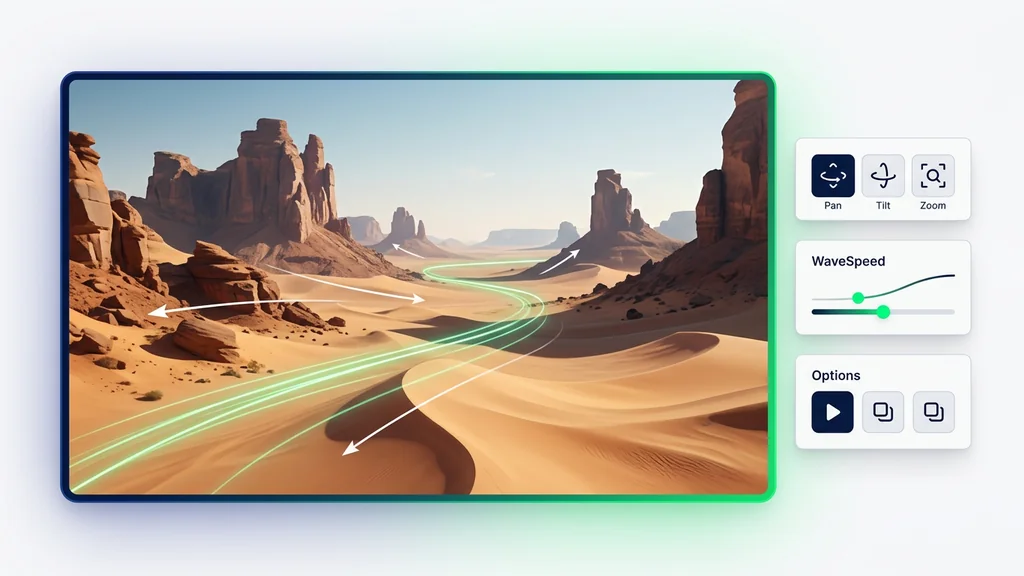
A user starts with a single source image, adds a short motion prompt, and selects camera motions such as push-in, pan, or orbit. Wavespeed is then adjusted to control how fast motion evolves across the clip, which helps match the pacing of ads, product shots, or social posts. The system generates a video output via Higgsfield DoP I2V-01-preview and returns a preview for quick iteration. If the motion feels off, the fastest fix is usually tightening the prompt to one subject action and one camera move.
Where image-to-video direction helps most
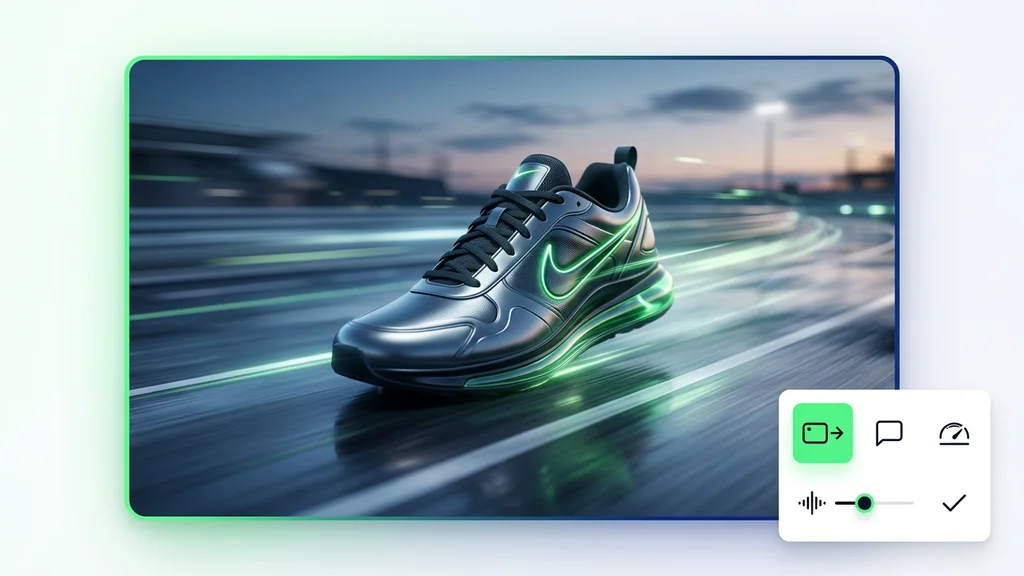
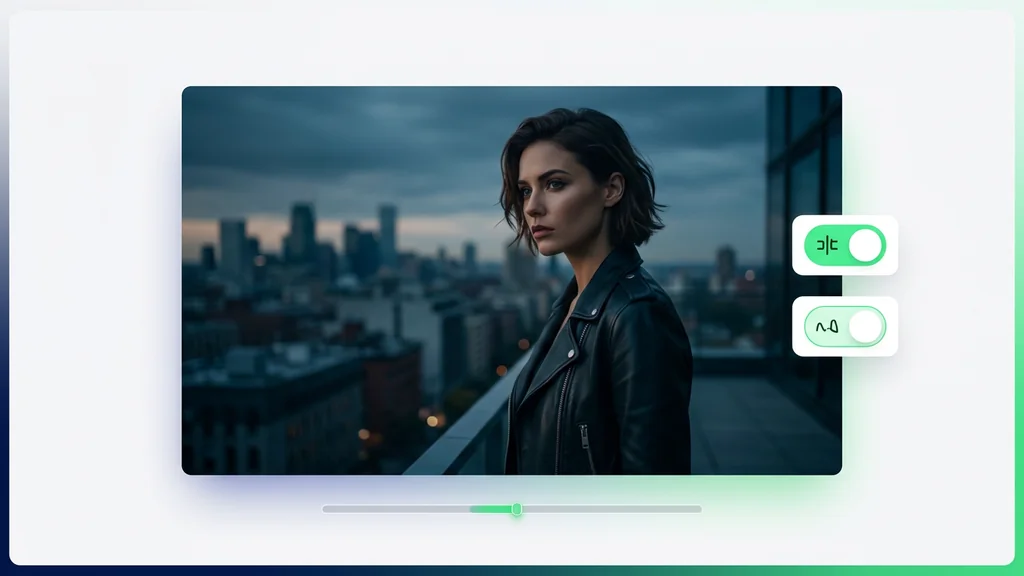
For ecommerce, teams can animate a hero product still with a controlled push-in and subtle AI motion synthesis to create a premium feel without reshooting. For creators, a portrait or key art frame can become a short loop with a gentle orbit camera motion for thumbnails, intros, or reels. For agencies, the tool supports rapid A/B exploration by keeping the same source image while varying wavespeed and motion direction. For internal comms, a single slide-like visual can be turned into a short clip that holds attention in presentations.
How to review outputs before publishing
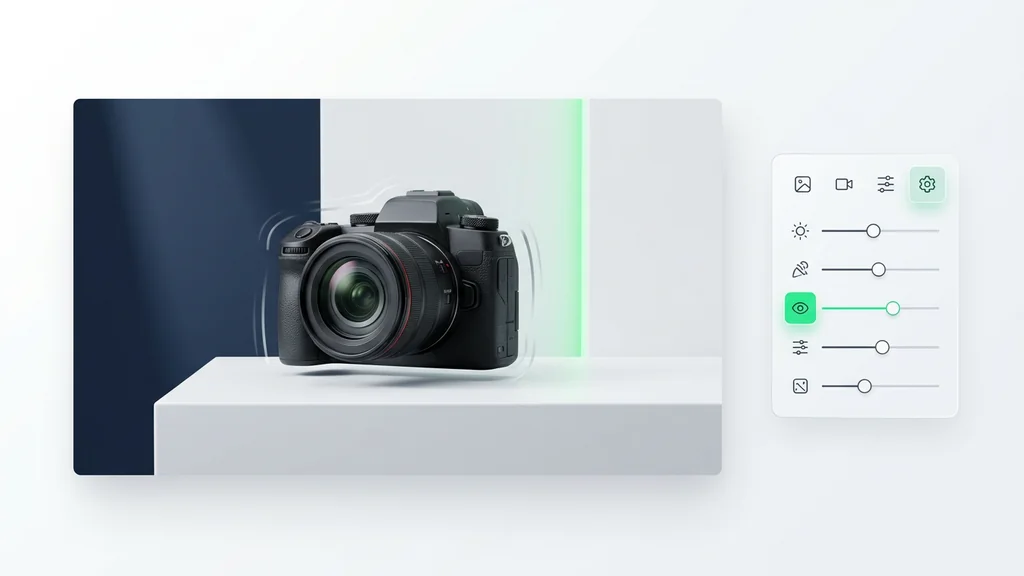
A practical review pass checks for subject drift, edge warping, and background wobble—common failure modes in AI motion synthesis. Next, verify camera motions read clearly (for example, a pan should not look like a zoom) and that wavespeed matches the intended tempo. If faces are involved, compare key frames for identity consistency and unnatural mouth/eye motion. When issues appear, re-run with a simpler motion instruction, reduced speed, or a more stable source image with clean edges.
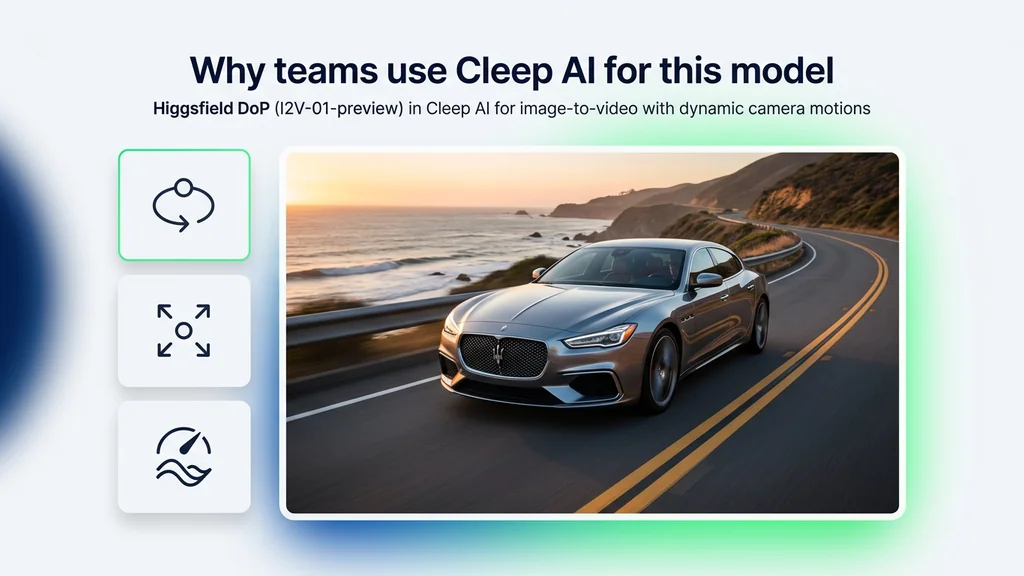
Why teams use Cleep AI for this model
Cleep AI centralizes the run-and-iterate loop so teams can test camera motions and wavespeed changes without rebuilding a project each time. It keeps inputs and outputs organized so reviewers can compare versions side-by-side and decide which motion direction best supports the message. The tool is especially useful when a single still must produce multiple deliverables, because variations can be generated from the same source image with controlled differences. For governance, teams can standardize review criteria around motion stability and artifact thresholds before assets go live.
Generate a directed clip from your best still
Upload a source image, choose a camera move, and set wavespeed to match the pacing you want. Then generate, review for stability, and iterate until the motion reads clean and intentional. Cleep AI makes it straightforward to produce multiple options for stakeholders without changing the original asset.
FAQ
What do people ask about Higgsfield DoP?
API availability depends on the Cleep AI plan and the specific integration needs. For most teams, the web workflow is the fastest way to validate prompts, camera motions, and wavespeed settings before discussing automation.