

AI video generator
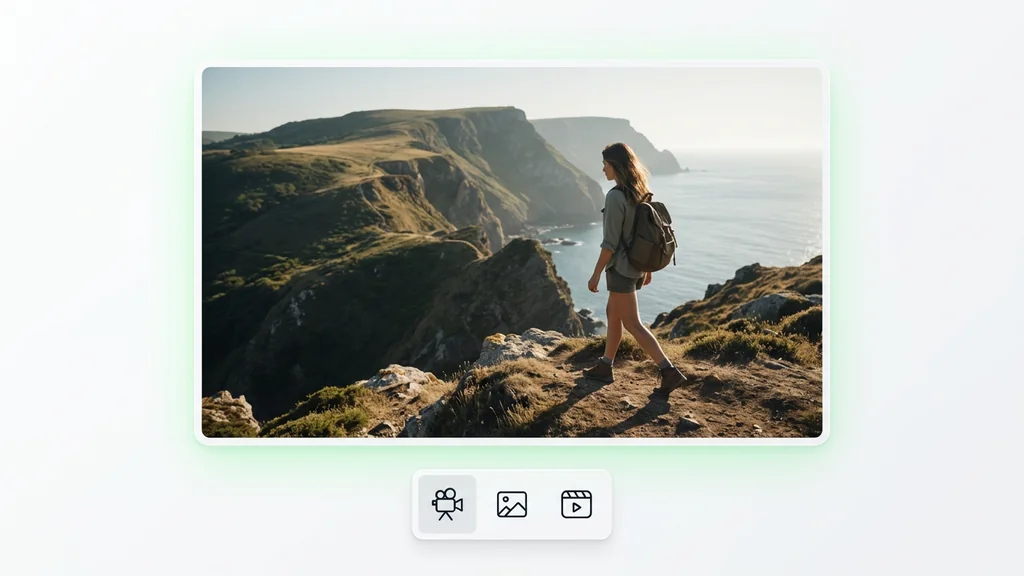
Generate cinematic videos in just minutes
1
Select the motion effect
Decide how your image will move
2
Add image
Upload or generate an image to begin your animation
3
Get video
Click generate to produce your final animated video!
Kling V3: AI video generator
Cleep AI helps teams turn a script, reference frames, or a base image into multi-shot video drafts with Native Audio Sync and AI lip syncing—ready for review, revisions, and delivery.
How it works
How do you generate a video with Kling 3.0?
From a shot list to a multi-shot draft — no setup, no plugins, no Discord.
1Step 01
Describe your shots
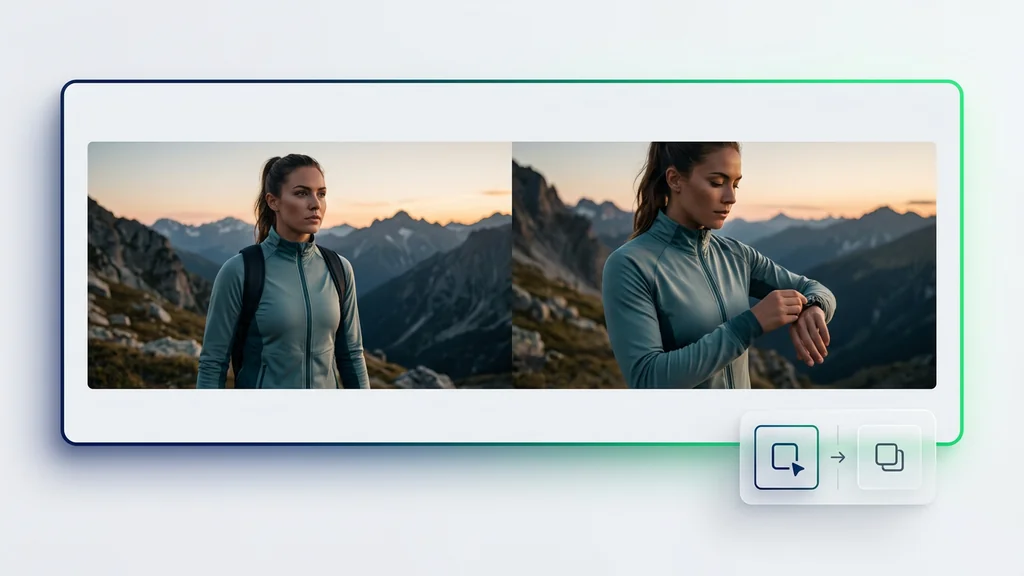
Write a script or shot list, then add reference frames or a base image to lock in character and art direction.
Write your prompt here
2Step 02
Choose duration and aspect ratio
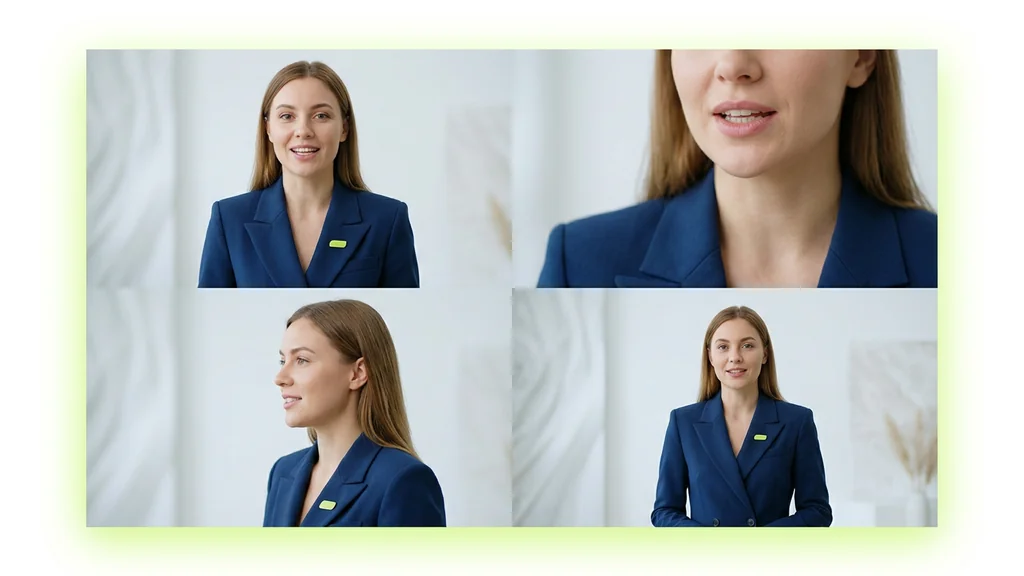
Pick your clip length and aspect ratio, attach an audio track for Native Audio Sync, and enable AI lip syncing for speaking shots.
DurationAspect ratio
5s
9:16
3Step 03
Generate and refine
Generate the sequence and review it shot by shot. When a scene misses, regenerate only that shot and keep the rest of the cut stable.
Generating…
What it can do
What can Kling 3.0 do?
From storyboard beats to multi-shot cinematography
Kling 3.0 is used to turn a shot list into a sequence of clips that feel like a planned production, not a single one-off generation. In Cleep AI, the workflow starts with a script or beat sheet, then adds reference frames or base image generation to lock in character and art direction. Next, creators attach an audio track to enable Native Audio Sync and optionally apply AI lip syncing for speaking shots. Finally, the output is reviewed shot-by-shot for continuity, pacing, and dialogue timing before export.
Use Cases
Marketing teams use the tool to storyboard product narratives across multiple angles, then iterate on individual shots without restarting the entire sequence. Creators producing talking-head explainers can pair a voiceover with Native Audio Sync and AI lip syncing to keep mouth movement aligned with the track. Agencies can generate base images for each scene first, then expand them into clips to preserve wardrobe, props, and brand style. Social teams can test multiple hooks by swapping the first shot while keeping the rest of the sequence intact.
Quality checks before you ship the cut
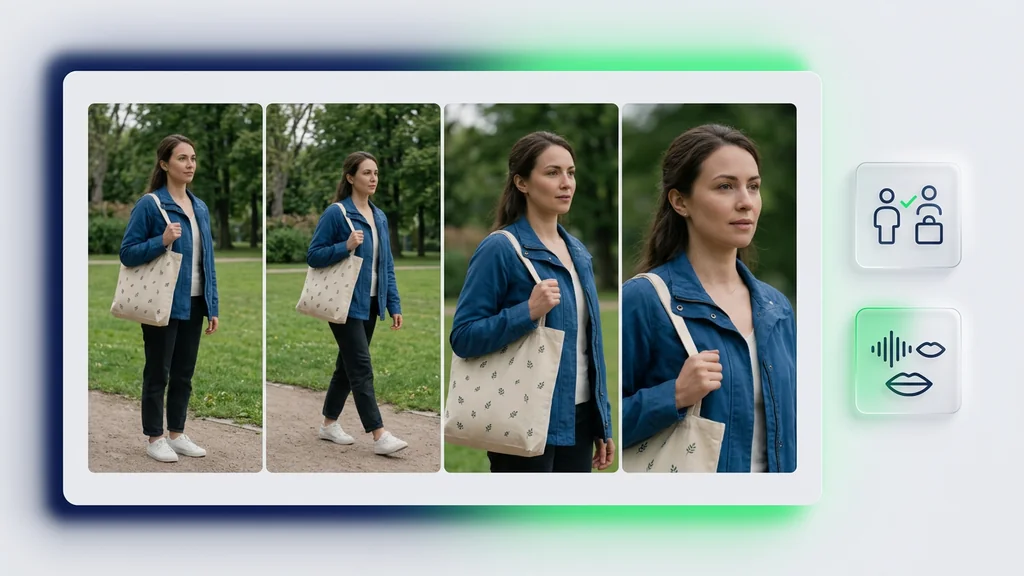
Multi-shot work fails when continuity breaks—faces drift, props change, or the rhythm of the edit feels off—so Cleep AI emphasizes review checkpoints. Teams can verify that base image generation matches the intended look, then compare each shot against references for consistency. For dialogue scenes, they can confirm Native Audio Sync timing and spot-check AI lip syncing on key phonemes (plosives and wide vowels). If a shot misses, they regenerate only that segment and keep the rest of the sequence.
Why teams run this workflow in Cleep AI
Cleep AI is built for production-style iteration: generate, evaluate, and replace shots without losing the structure of the sequence. It supports base image generation to establish a visual anchor, then uses that anchor to guide subsequent shots for a cohesive look. Audio-first projects benefit from Native Audio Sync, while speaking scenes can add AI lip syncing when realism matters. The result is a workflow that fits storyboarding, approvals, and fast revisions for U.S. teams shipping content on deadlines.
Generate a multi-shot draft, then refine only what’s off
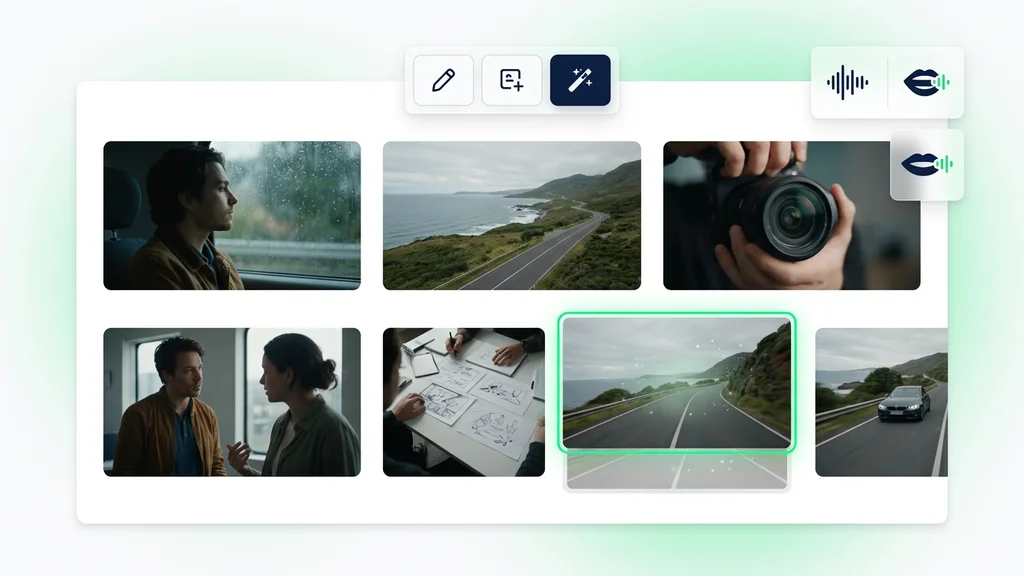
Start with a short shot list, add a few reference frames, and let the model produce a sequence you can review like a real storyboard. Attach audio to use Native Audio Sync, and enable AI lip syncing for the shots where speech accuracy matters most. When a scene needs changes, regenerate that shot and keep the rest of the cut stable.
FAQ
What do people ask about Kling 3.0?
It’s used for generating multi-shot video sequences from prompts or shot lists, with options to guide style using reference frames or base images. In Cleep AI, it can also pair clips with Native Audio Sync and apply AI lip syncing for dialogue shots.