

AI video generator
Generate cinematic videos in just minutes
1
Select the motion effect
Decide how your image will move
2
Add image
Upload or generate an image to begin your animation
3
Get video
Click generate to produce your final animated video!
Kling Pro Motion Control: AI video editor
Turn a reference performance into reusable motion data, then transfer it to a new subject for consistent, controllable animation outputs—built for fast iteration in real production workflows.
How it works
How do you transfer motion with Kling Motion Control Pro?
From a reference performance to a new subject — reusable motion, right inside Cleep.ai.
1Step 01
Upload your reference video
Add a clip of the performance whose motion you want to capture, directly in Cleep.ai.
Upload videoMP4 · MOV
2Step 02
Add your target subject
Upload an image of the subject you want to animate, so the extracted motion transfers onto it.
Upload imagePNG · JPG
3Step 03
Generate and download
Click generate and wait a few minutes. Kling Motion Control Pro transfers the motion to your subject. Download it, or swap inputs and run again.
Generating…
What it can do
What can Kling Motion Control Pro do?
How motion extraction and transfer works in practice
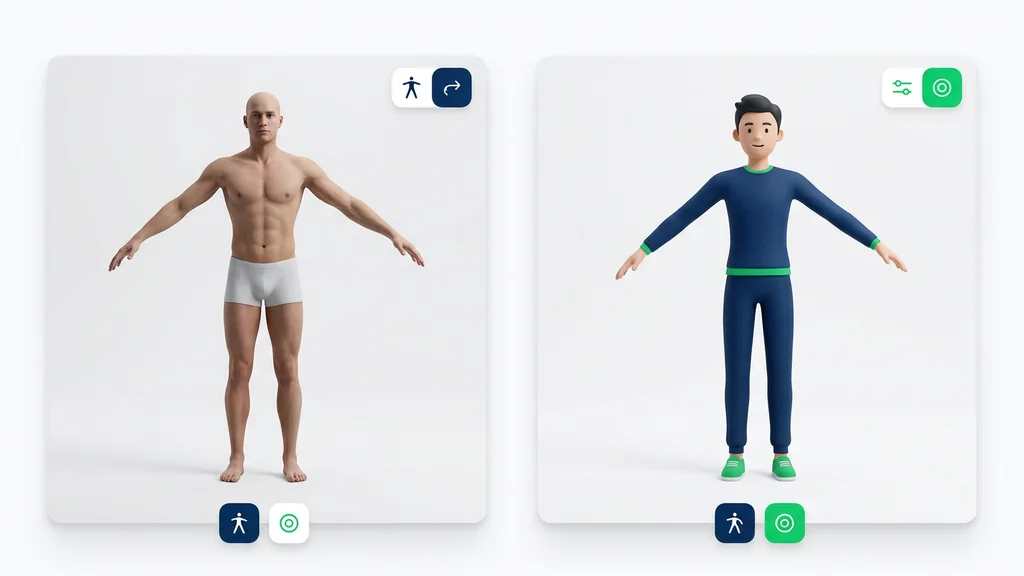
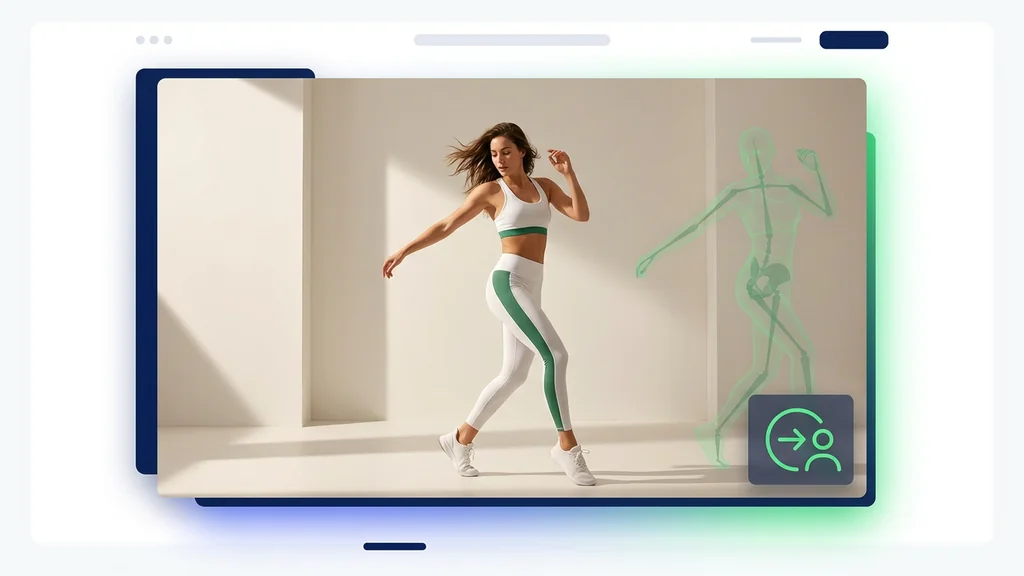
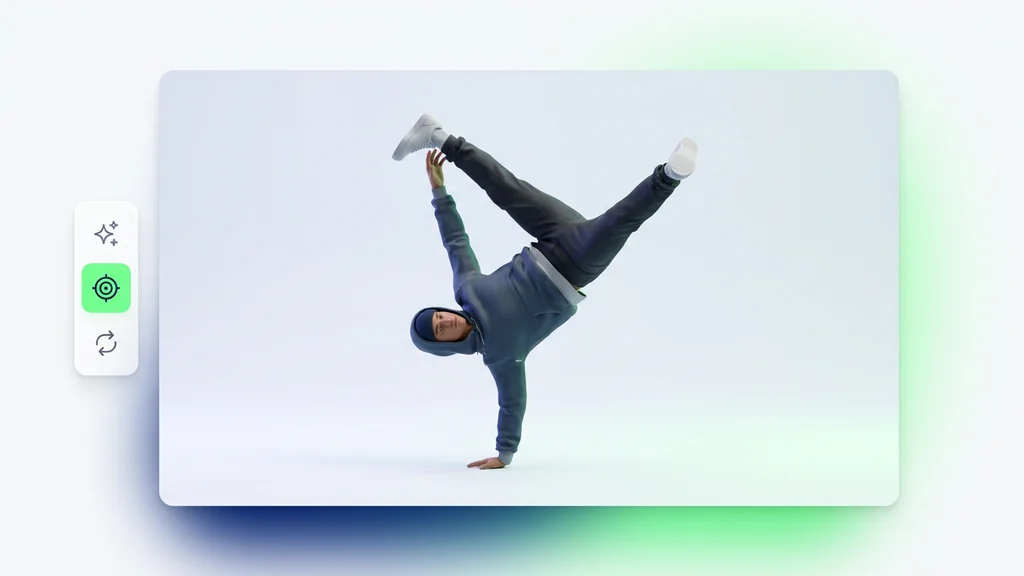
Kling Motion Control Pro starts by analyzing a reference performance to extract full-body motion signals (pose and timing) frame by frame. Next, the tool applies AI motion transfer technology to map that movement onto your chosen target image or video while preserving the target’s overall look. For best results, use a reference clip with clear limbs and minimal occlusion, then re-run with a tighter crop if hands or feet drift.
Use Cases
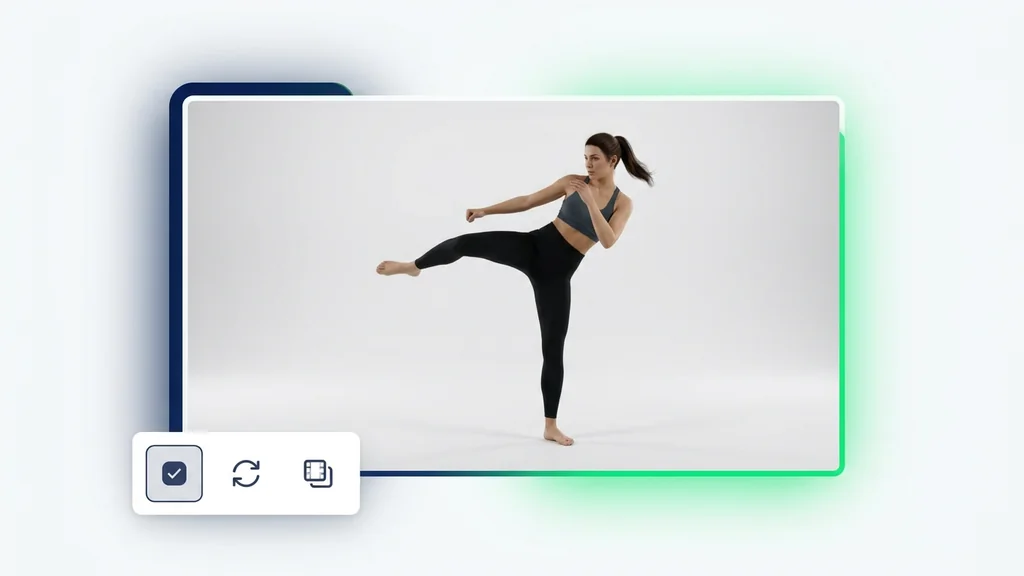
Creators use the model to transfer a dance, walk cycle, or product-hand motion to a new character for social ads and short-form video. Studios use it to keep movement consistent across multiple shots by reusing the same reference performance with different targets. It also fits an AI Animation Generator workflow for rapid concepting: swap targets, keep the motion, and compare outputs side by side before committing to a final render.
Quality checks that prevent rework
After generation, reviewers typically verify foot contact, hand placement, and torso rotation continuity to catch sliding or jitter early. If artifacts appear, the fastest fix is often choosing a reference with cleaner silhouettes or reducing fast spins that confuse pose tracking. For shots with props or heavy occlusion, teams validate the output by scrubbing frame-by-frame and re-running with a different reference segment.
Why this motion-control approach fits production
The tool is designed for controllability: motion comes from a real reference, so timing and intent are easier to repeat across variations. Full-body motion extraction helps maintain pose structure when you change the target, which is critical for multi-shot consistency. Cleep AI positions this as a practical bridge between raw generative video and directed animation—use reference motion when you need predictable movement, not just a new clip.
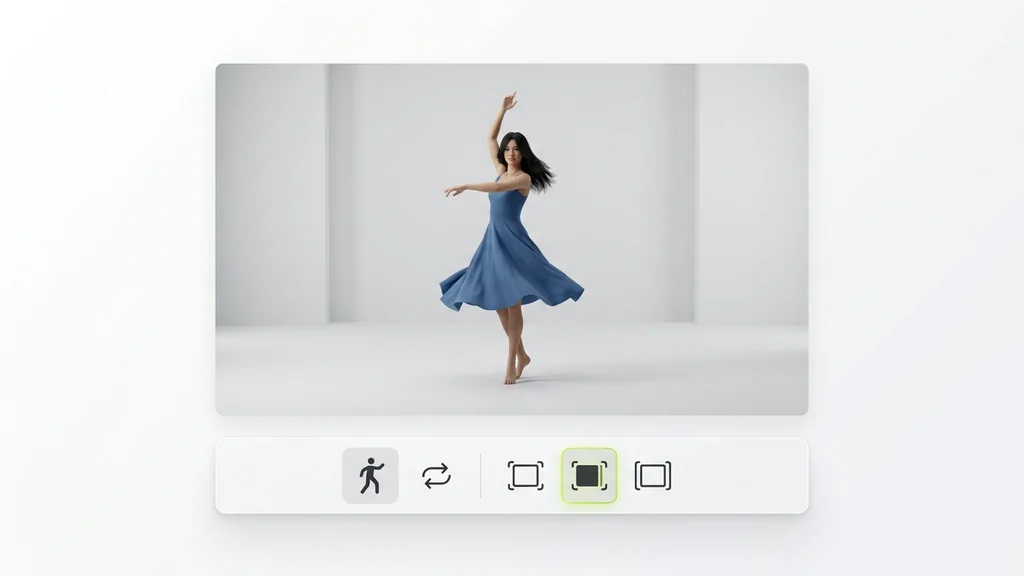
Generate controlled motion in minutes
Upload a clean reference performance and a target, then let the model map the movement with AI motion transfer technology. Use the first output as a baseline, adjust your reference segment if needed, and regenerate until the motion reads correctly. Start now on Cleep AI and keep your animation iterations consistent shot to shot.
FAQ
What do people ask about Kling Motion Control Pro?
It supports Motion Extraction and Transfer: extracting movement from a reference video and transferring that motion to a new target image or video. It emphasizes full-body motion extraction to keep pose structure and timing consistent across frames.