Step 01 — Tell Hailuo 2.3 Pro What You Want
Write down your prompt. Describe the action, the setting, who's in it, and how they move. You can upload an image to animate something specific or use it as a reference.
Create short clips from a prompt or a reference image, then steer mood with emotion modeling for on-brand motion results your team can review and iterate quickly.


From a written idea to a ready-to-post video — no setup, no plugins, no Discord.
Write down your prompt. Describe the action, the setting, who's in it, and how they move. You can upload an image to animate something specific or use it as a reference.
Choose your resolution (768p) and clip length (6s). Higher resolution looks sharper; shorter clips render faster.
Click generate and wait a few minutes. Hailuo 2.3 Pro creates your video. Download it and use it however you want, or tweak your prompt and make another version.
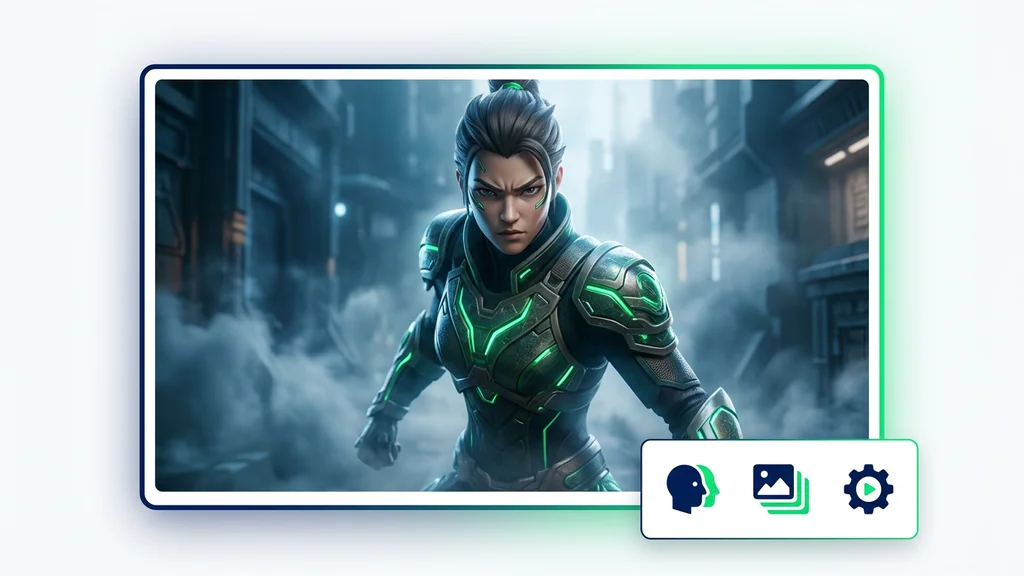
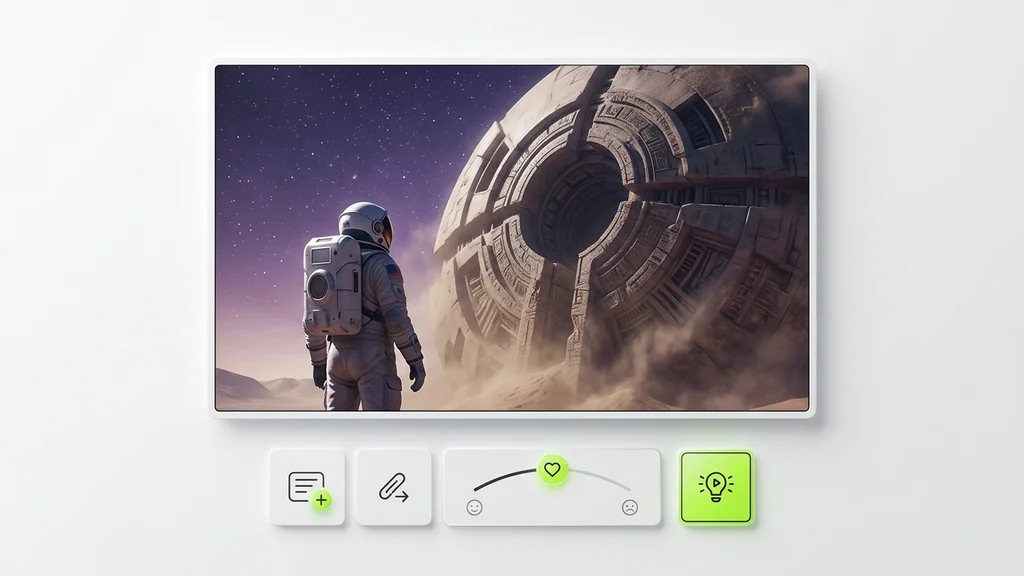
In Cleep AI, users start with a text prompt for Text-to-Video or upload a reference image for Image-to-Video to lock composition. Next, they set mood cues (emotion, intensity, pacing) so the output matches the intended tone rather than a generic animation. After the first render, they iterate by tightening actions, camera language, and emotion words to reduce drift and improve continuity.
Marketing teams use it to turn a campaign concept into multiple short variations, testing different emotional tones (confident, playful, calm) before committing to a full edit. Product teams animate a single hero image into a motion snippet for landing pages and app stores using I2V as the anchor. Creators storyboard scenes with T2V to validate timing and mood, then re-run with refined prompts for cleaner motion beats.
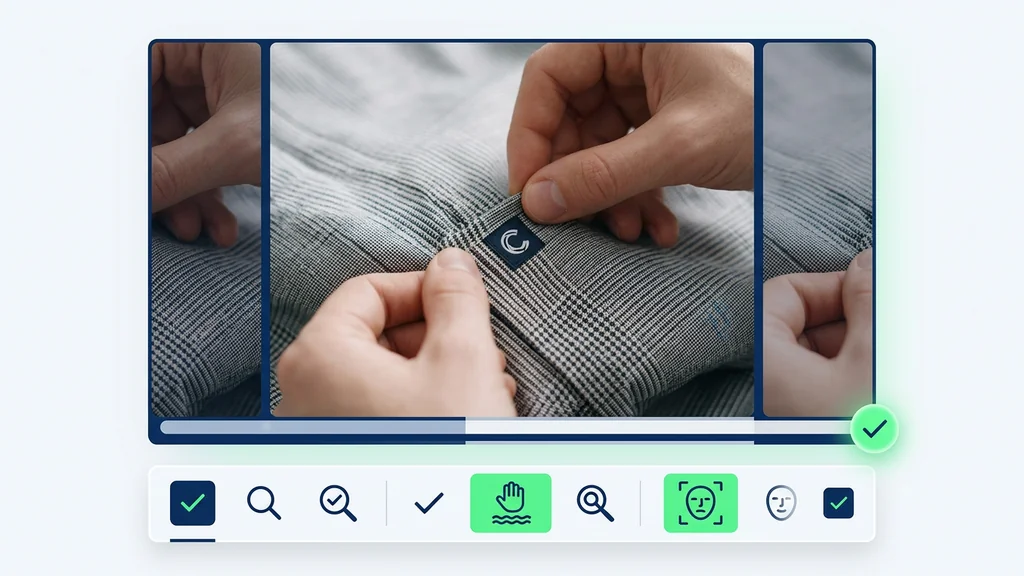
A practical review pass focuses on motion stability (hands, edges, and fast camera moves), identity consistency when a face reference is used, and whether the emotion reads clearly in expressions and body language. Teams also verify that on-screen text, logos, and fine patterns remain legible across frames, since small details can shimmer. If issues appear, they re-run with simpler actions, tighter framing, or a stronger I2V reference to stabilize the result.
Cleep AI keeps generation organized with clear inputs (prompt, reference image, optional face) and outputs that can be compared across iterations. The workflow supports both T2V exploration and I2V anchoring, so teams can choose speed or control depending on the task. Emotion modeling is treated as a first-class control, helping align tone across a set of clips rather than relying on luck.
Start with a short prompt for T2V or upload a single image for I2V, then specify the emotion you want the viewer to feel. Generate, review for stability and tone, and iterate until the motion matches your brand. Run it in Cleep AI and keep every version organized for fast approvals.