

AI video generator
Generate cinematic videos in just minutes
1
Select the motion effect
Decide how your image will move
2
Add image
Upload or generate an image to begin your animation
3
Get video
Click generate to produce your final animated video!
PixVerse Face Swap: AI video editor
Cleep AI provides a practical way to swap a face in a target video by anchoring edits to a selected keyframe ID, then propagating identity across frames using face recognition and feature matching. Upload inputs, run the model, and review a consistent output before publishing.
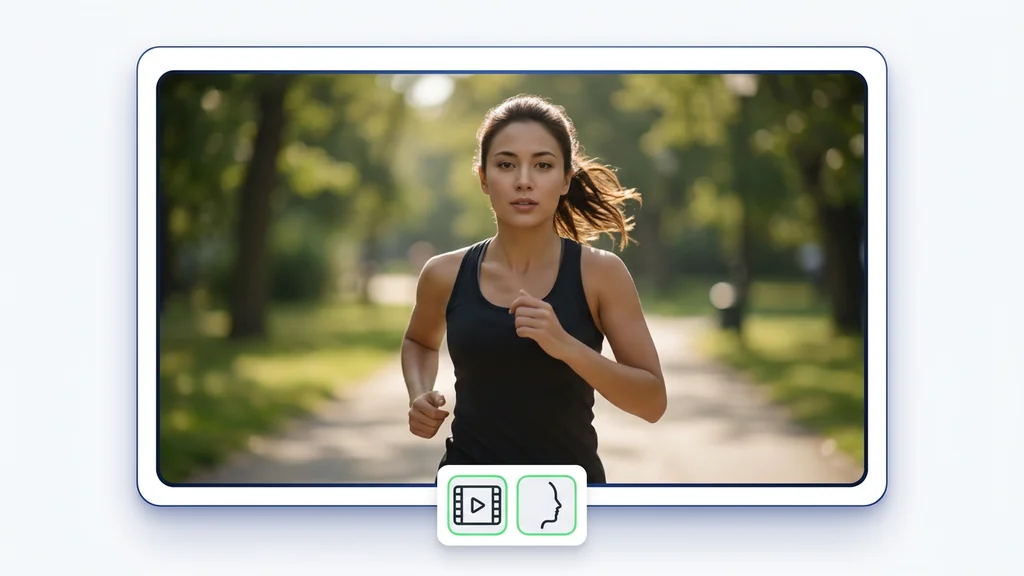
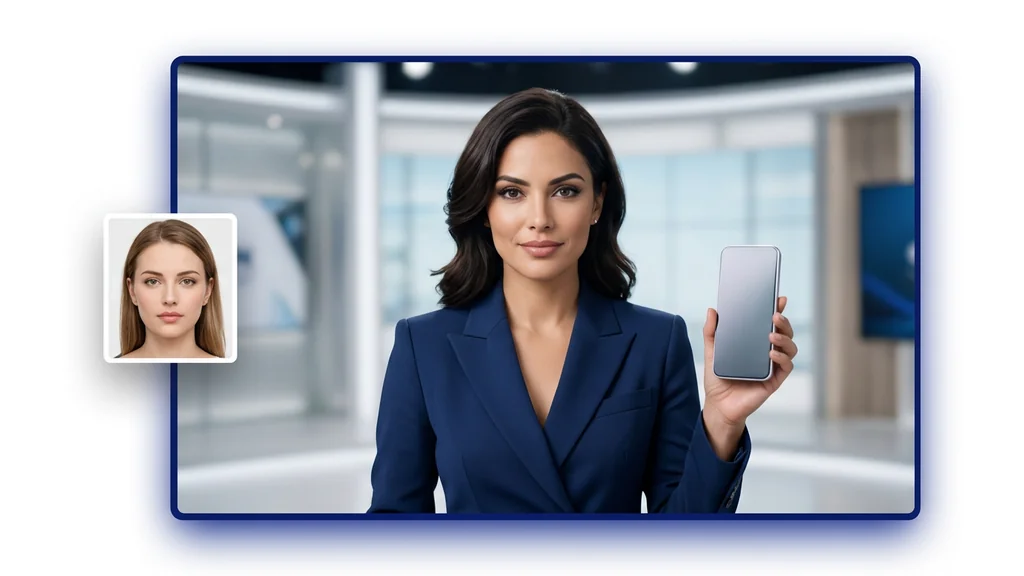
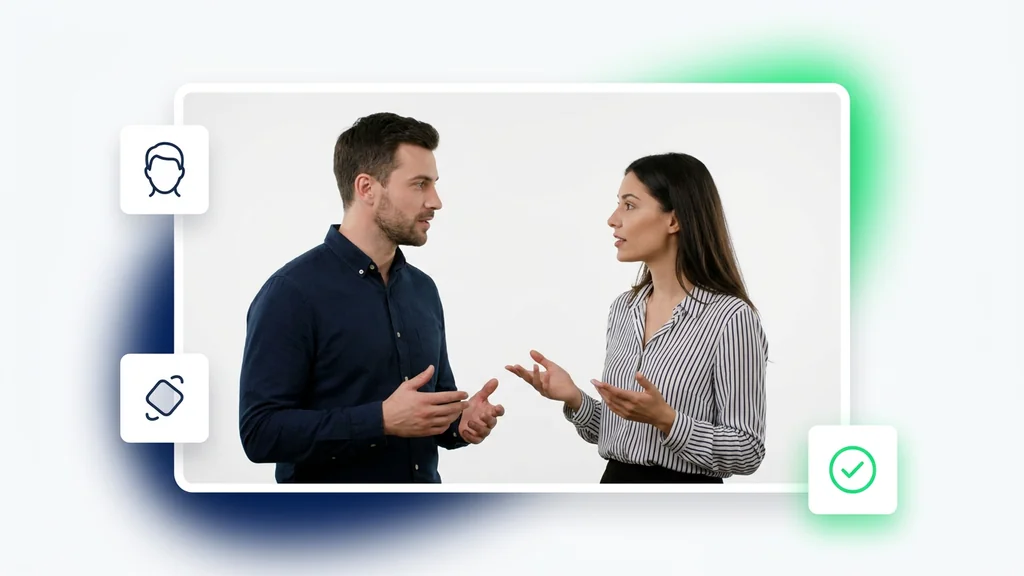
How it works
How do you swap faces in a video with Pixverse Swap?
From a target video and a face to a consistent swap — right inside Cleep.ai.
1Step 01
Upload your target video
Add the clip where you want to replace a face, directly in Cleep.ai.
Upload videoMP4 · MOV
2Step 02
Add the face and pick a keyframe
Upload a clear image of the face you want to swap in, then choose the keyframe ID to anchor the edit so identity stays consistent across frames.
Upload imagePNG · JPG
3Step 03
Generate and download
Click generate and wait a few minutes. Pixverse Swap produces a consistent output. Review the anchor frame, then download it.
Generating…
What it can do
What can Pixverse Swap do?
How the keyframe workflow runs
Upload a target video and a clear source face image, then pick a keyframe ID (or a timestamp you want treated as the anchor frame). The model uses machine learning to detect the face on the anchor frame, then applies face recognition and feature matching to keep identity consistent as it tracks across the clip. After generation, Cleep AI outputs a swapped video you can preview and download for review.
Where teams use face swaps in video
Creators use the tool to test alternate talent looks on the same footage without re-shooting, especially when the camera angle changes mid-scene. Marketing teams use it for rapid concept validation by swapping a face on a short product spot and checking continuity from the chosen anchor frame. Production teams use it to standardize edits across multiple clips by reusing the same source face and keyframe ID approach for consistent tracking.
Quality checks before you ship the clip
Review the anchor frame first: confirm the detected face box aligns correctly and that the selected keyframe ID matches the moment with the best lighting and least motion blur. Then scan transitions where the head turns or the face is partially occluded—these are the spots where feature matching can drift if the source photo is low quality. If artifacts appear, re-run with a cleaner source image or choose a different anchor frame for improved stability.
Why Cleep AI for a keyframe-first swap
Cleep AI is built around a controllable anchor-frame approach, so teams can specify a keyframe ID and keep results easier to reproduce across revisions. Under the hood, the workflow relies on machine learning signals for face recognition and feature matching to maintain identity through motion and lighting changes. For developers, the same pattern maps cleanly to an API-style pipeline (including PixVerse Swap Video Generation API) where inputs, anchor selection, and outputs can be logged for governance.

Run a swap, verify the anchor frame, export the result
Start with a short clip, choose a strong anchor frame, and generate an output you can validate in minutes. Cleep AI makes it straightforward to iterate by changing the keyframe ID or source face image and comparing results side by side. When the preview passes your checks, export the swapped video and move it into your normal review or publishing flow.

FAQ
What do people ask about Pixverse Swap?
Cleep AI is primarily web-based, so it runs in a mobile browser for quick tests, but most teams do detailed review on desktop for easier frame-by-frame checking.